Diagnostics and repair
Our technicians look the appliance over before they propose any work. When a part is needed, an OEM part for your model is ordered in.
The care journal
Upkeep routines, fixes and message explanations, drawn from Thermador's own manuals and matched to the models they cover.
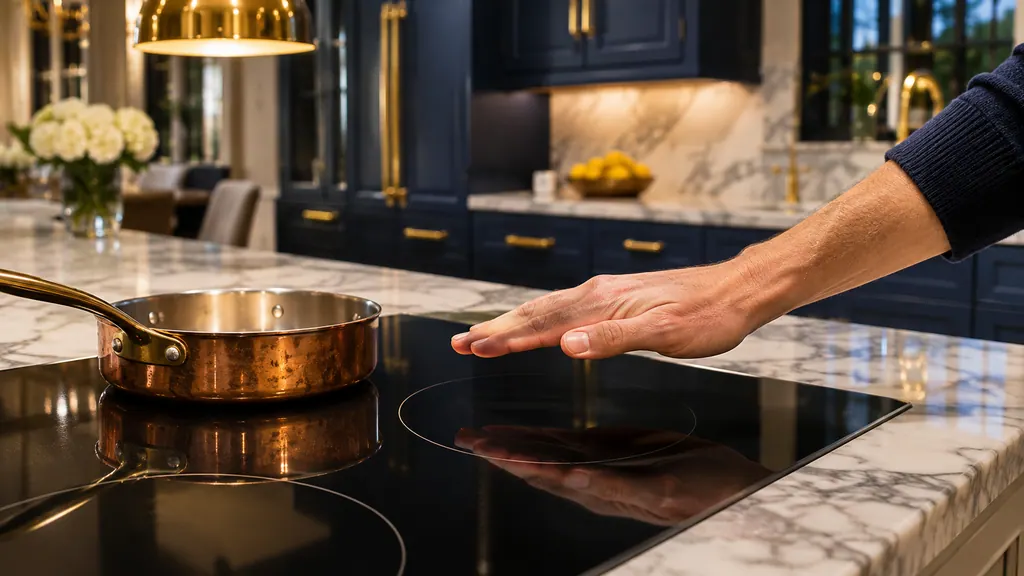
On a Thermador induction cooktop, F1, F6, F2, F4 and F5 mean the electronics or the glass got too hot, so you let them cool and touch a control. F8 with an H or h is a time limit that one touch resets. Other codes need a technician. [1][3][4]
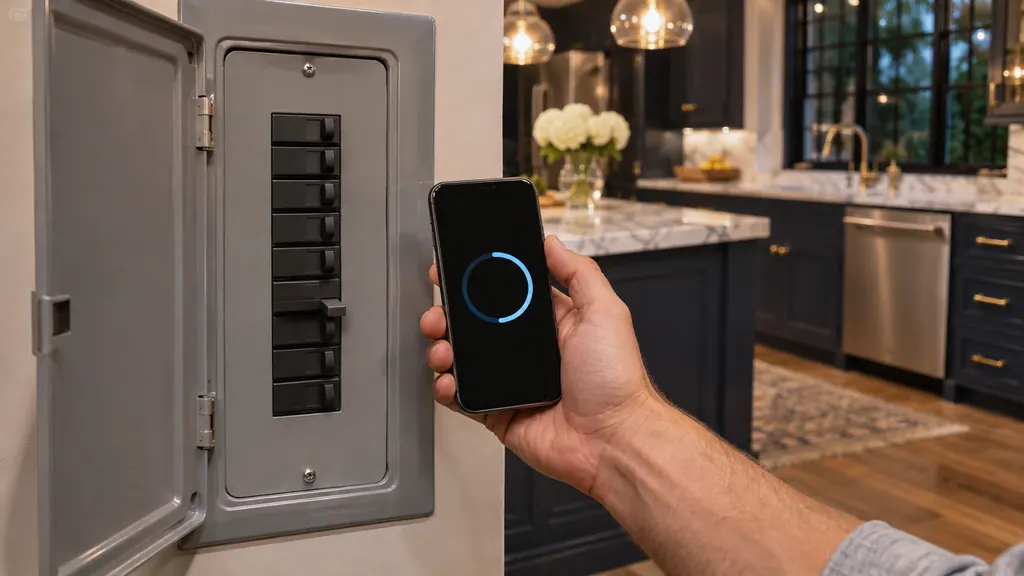
For a group of control-board E-codes, Thermador's support page tells you to take the dishwasher's breaker to off for 30 seconds and then back to on. The DWHD660EFM manual asks for at least 2 minutes. Should the code return after one reset, stop repeating it and arrange a visit. [1][2]
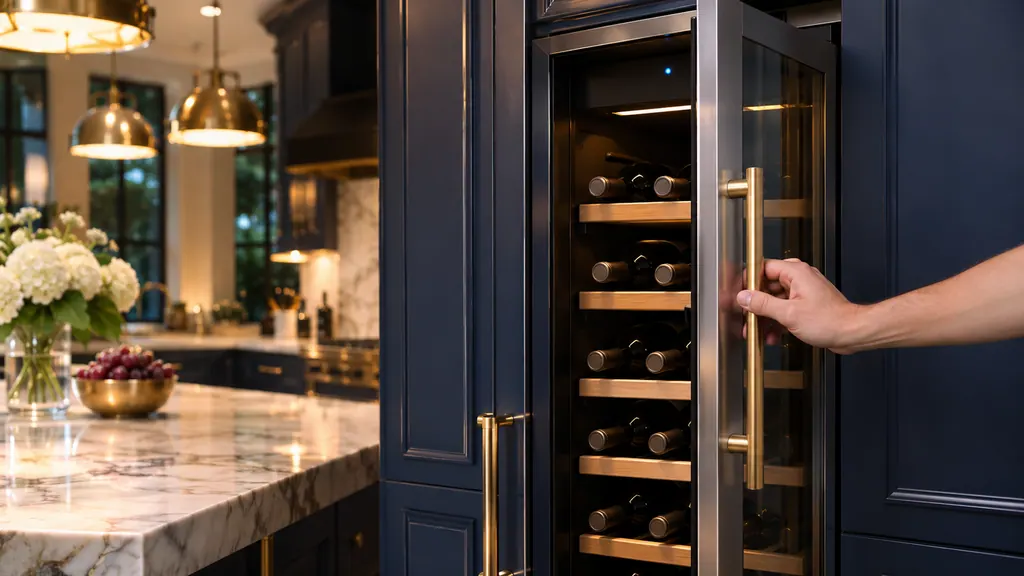
Thermador's built-in cooling alarms come in three kinds. A door alarm means a door stayed open and closing it stops the sound. A freezer temperature alarm reports the warmest reading it saw. HI on an under-counter unit means the inside got too warm. [1][2][4]
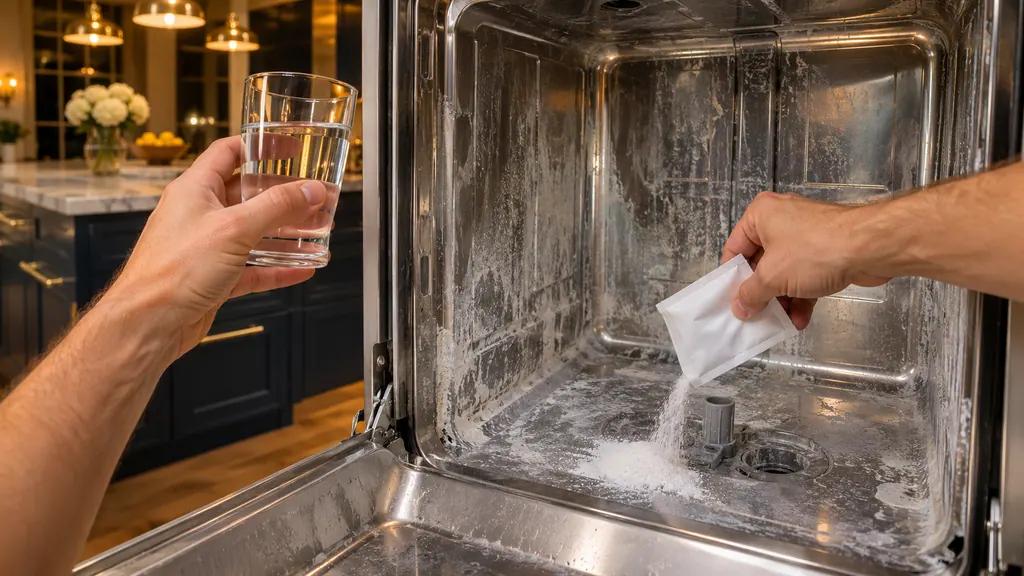
E2060 and E12 on a Thermador dishwasher both point to scale inside the heat pump, and the cure is a descaling run with a dishwasher descaler. Thermador suggests descaling every three to six months, and softener salt helps prevent a repeat on models that use it. [1][2]
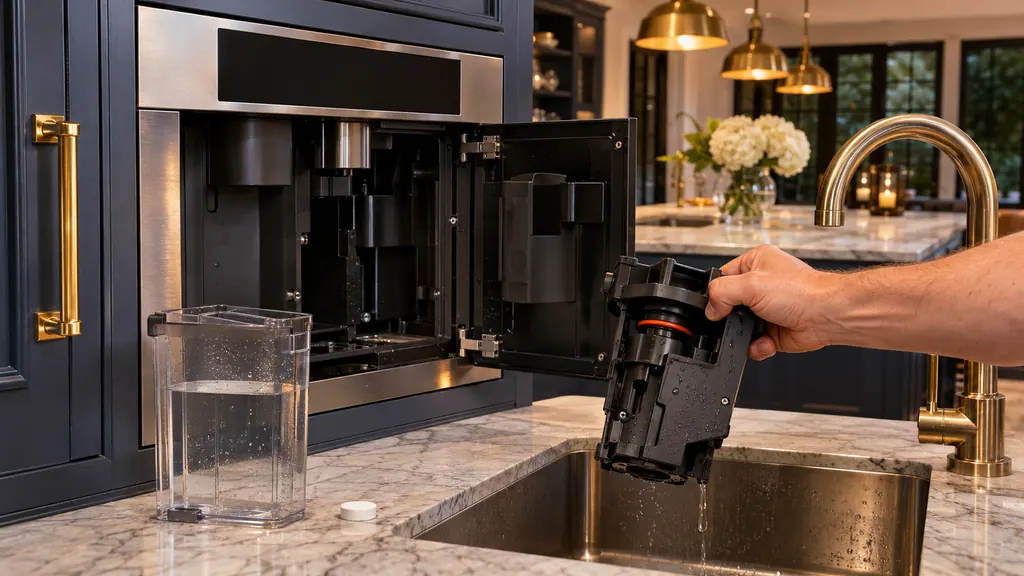
When a Thermador built-in coffee machine asks for a descaling, cleaning or combined program, run it with the tablets and steps your manual names, rinse the brewing unit with water only, and avoid vinegar and citric acid. If descaling is ignored, the machine eventually locks. [1][2][3]
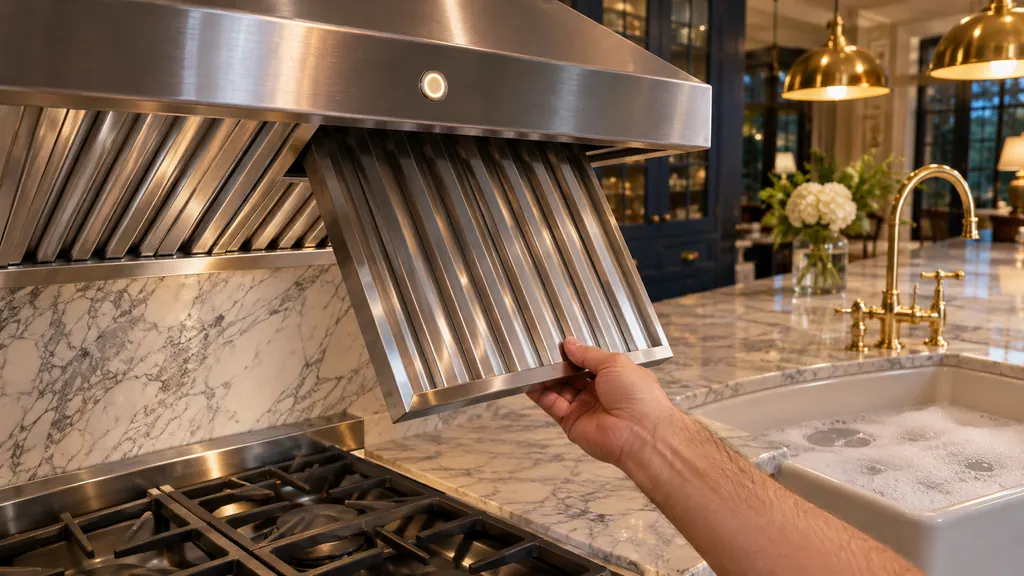
The FILTER light on a Thermador hood is a reminder, not an error. It blinks after 30 hours on UCVM downdraft hoods and lights after 40 hours on the other hoods we read. Clean the filters as your manual shows, then press and hold FILTER to reset it. [1][2][3]
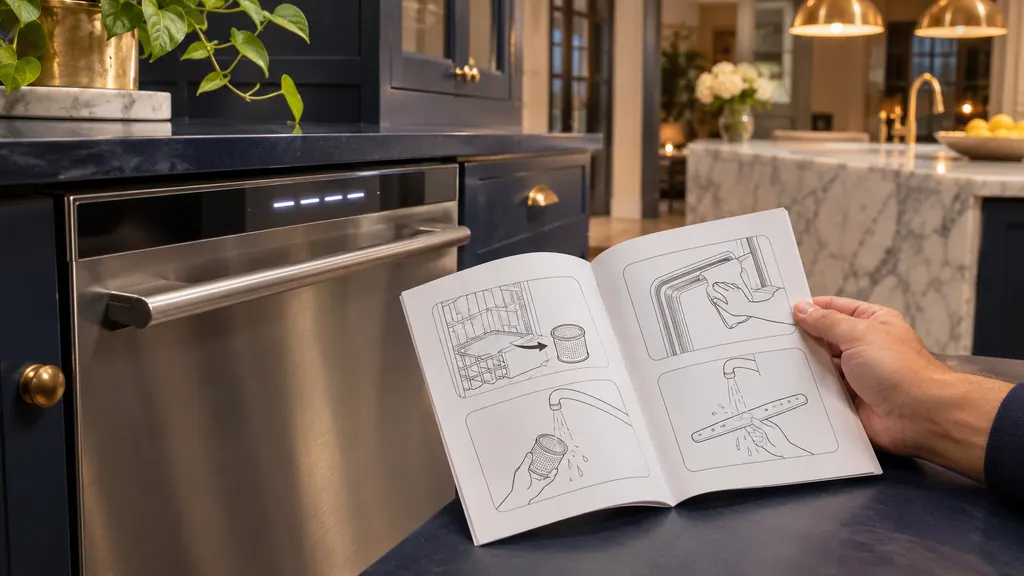
Thermador's dishwasher page lists some meanings twice, once as a two-digit code like E14 and once as a four-digit code like E3000, with the same wording. The DWHD660EFM manual shows four-digit codes split into pairs, such as E:61-02. Read the digits as printed on your display. [1][2]
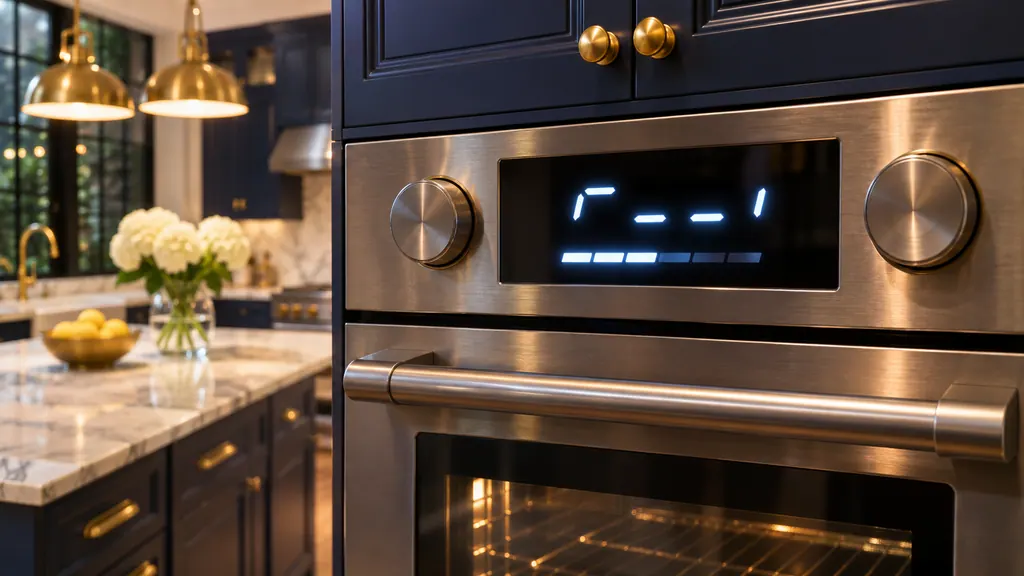
dE, UP, Sabbath, Lock and Demo are settings or notices in Thermador's pages and manuals, not errors. dE and Demo stop heating or cooling on purpose, UP reports a software update, and Sabbath and Lock switch off buttons and alarms. Each one clears with a short step. [1][3][5][6][7]
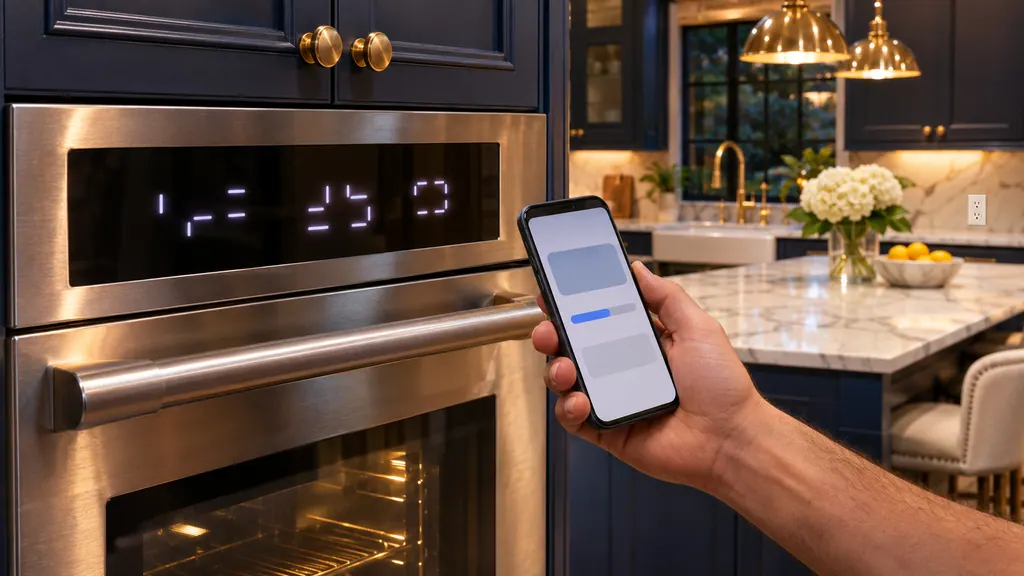
E0211, E1601 and E0510 on a Thermador oven, range or steam oven are Home Connect update codes. Press TIMERS to dismiss the message; if it stays, cycle the oven's breaker for 30 seconds, and the update finishes. A print variation, E1610, appears on the update page. [1][2][3]
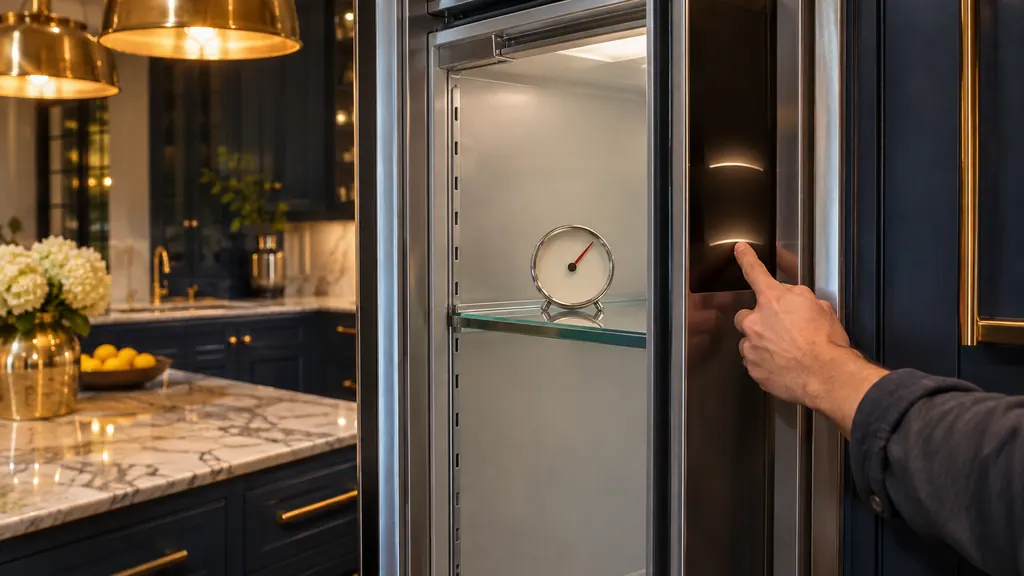
If a Thermador Freedom freezer, wine or refrigerator column is lit but not cooling, Demo mode may be on. Open the Settings menu, choose Appliance settings, then Demo mode, pick Off and confirm. Then wait for the set temperature before loading food. [1][2][3]
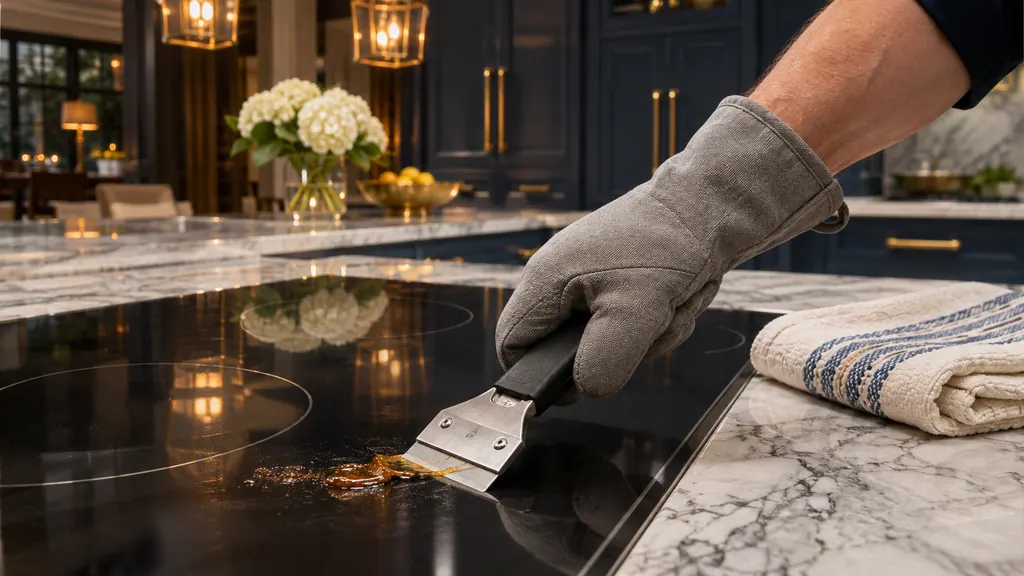
Let the glass cool, wash it with mild soapy water, then buff on a little glass cooktop cleaner. Sugar, milk, tomato, plastic film and foil may be scraped off while hot at 20 to 30 degrees; burnt-on residue waits for a damp towel for 30 minutes. [1][2][4]
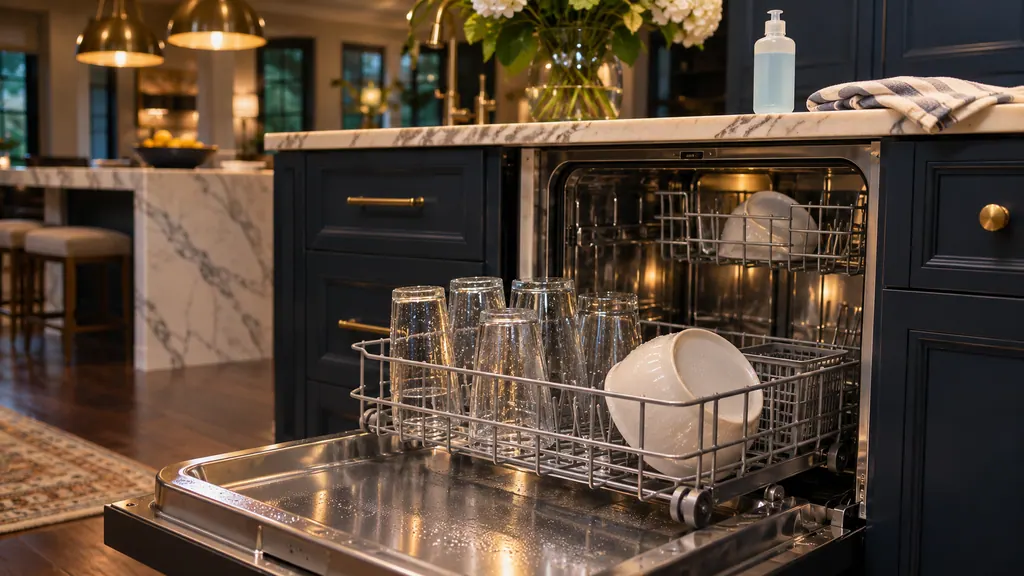
Check the rinse aid first: too little leaves wet dishes and spots, too much leaves streaks. Then confirm the cycle includes drying, tilt cups and bowls so water runs off, and give plastics extra time. Cloudy glass that survives a vinegar bath is etching, which cannot be undone. [1][3]
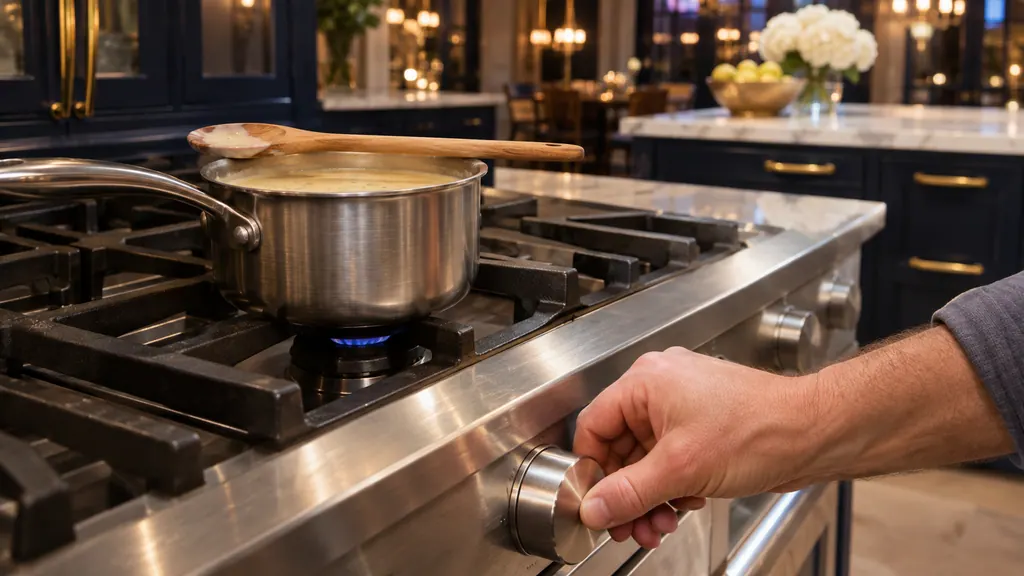
On an ExtraLow burner the flame is meant to switch on and off by itself inside the XLO range of the knob; the higher the setting, the longer it stays on. Use a lower XLO setting with a lid, change by a single notch and stir now and then. [1][2][3][4]
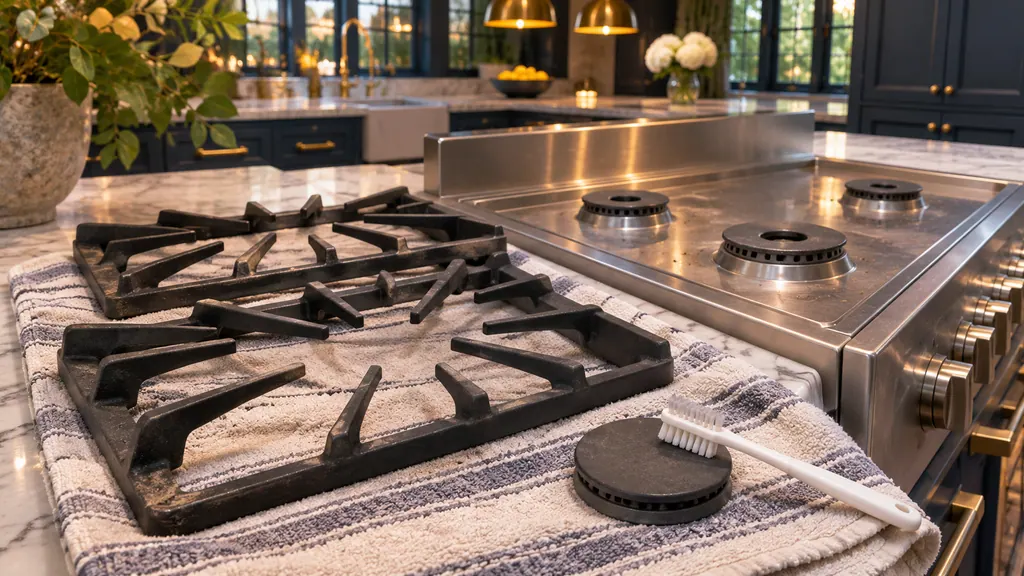
Wait until the rangetop is cold, wash grates and caps with soap and hot water, clear the cap's port openings with a stiff nylon toothbrush, and dry everything completely before reseating the caps. Never use a steam cleaner, chlorine cleaners or a self-cleaning oven on these parts. [1][3]
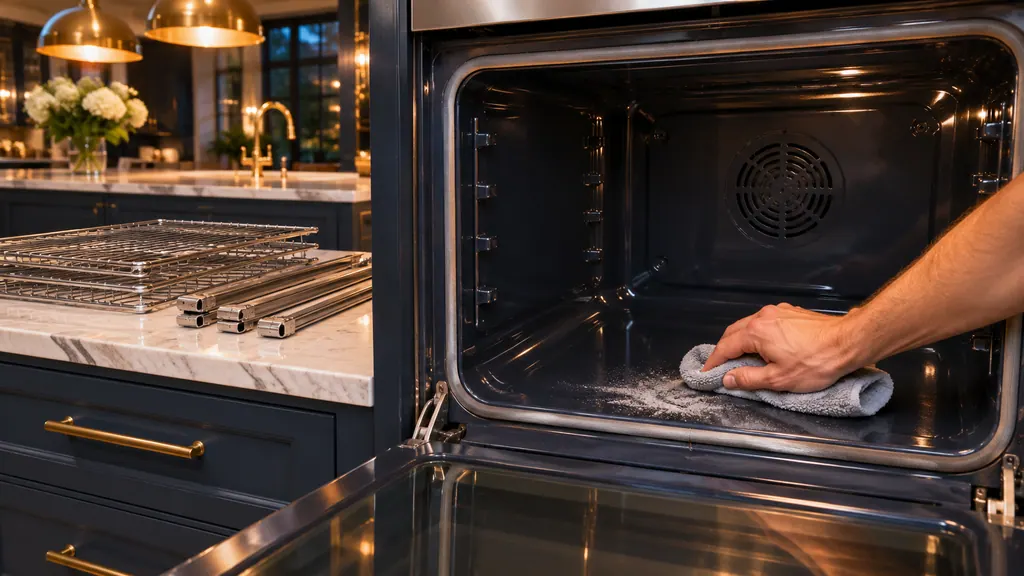
Remove the racks and spillage, choose Self Clean with an intensity of 2 to 3 hours and let the door lock; clear the ash after the oven cools. For light soil use Easy Clean with a pan of water and vinegar. A second Self Clean must wait 24 hours. [1][3]
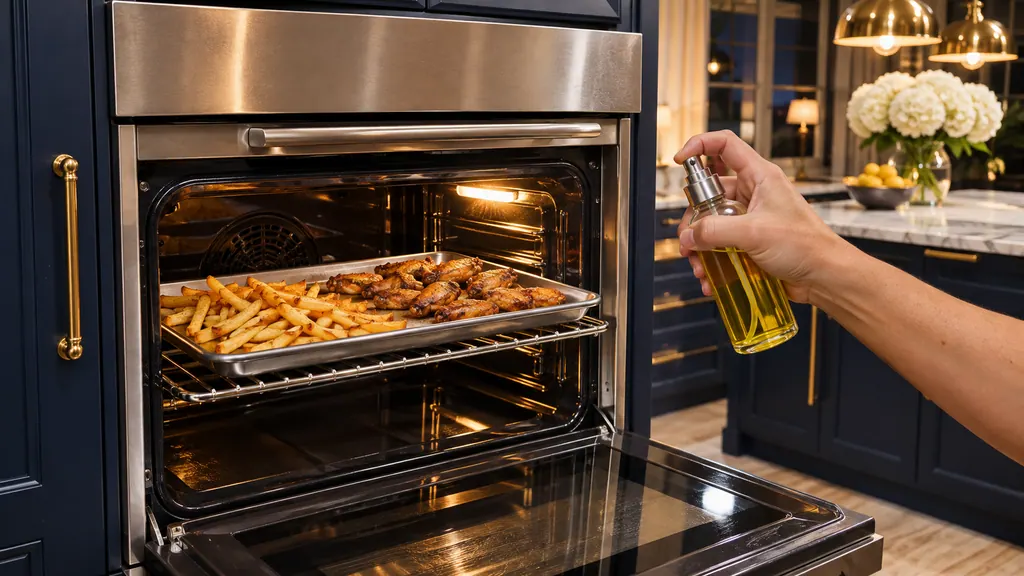
Select Air Fry from More Modes on a Professional oven, or from menu, heating modes on a Masterpiece. Set the temperature, preheat 5 to 7 minutes, use a low-sided pan with food in one layer and keep to one rack. Frozen foods follow the poster: 400 to 425 degrees F. [1][2]
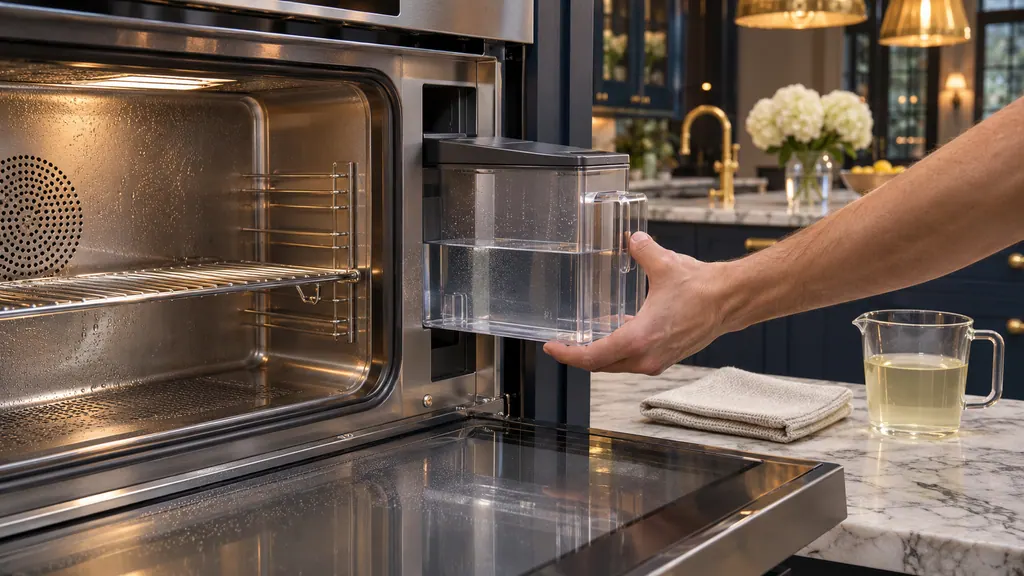
After every steam session empty and dry the water tank and leave the door open until the cavity cools. Run Descaling when the oven asks, mixing 3.5 cups of water with half a bottle of descaler. It lasts about 70 to 90 minutes. Run Ecolytic Clean when dark patches appear. [1][2]
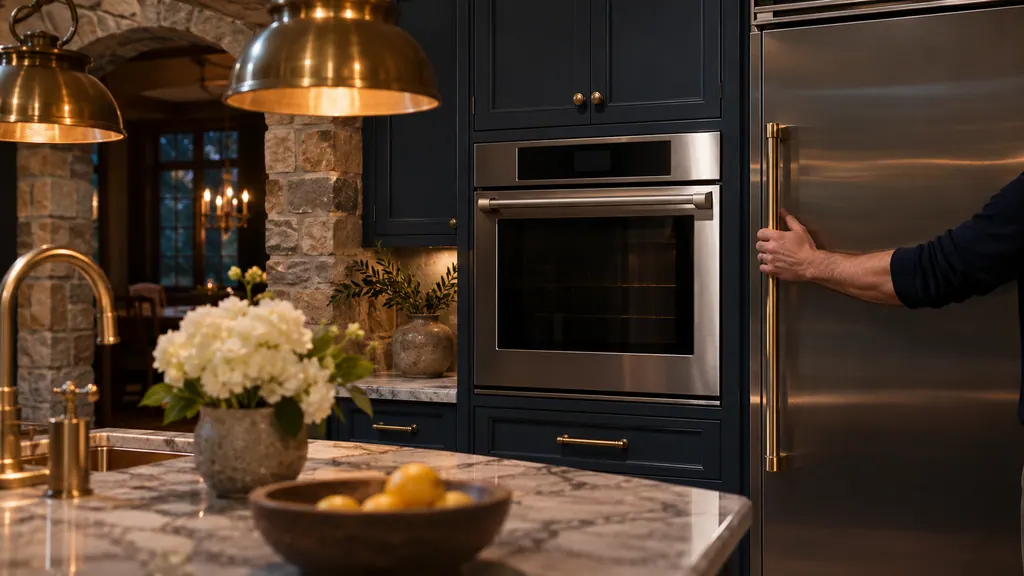
Sabbath mode keeps an appliance running while switching off what it can: lights, sounds, messages and, on columns, door assist and the ice maker. On an oven, enable it in the basic settings, then choose Sabbath, a temperature and a duration up to 74 hours. [1][2][3][4]
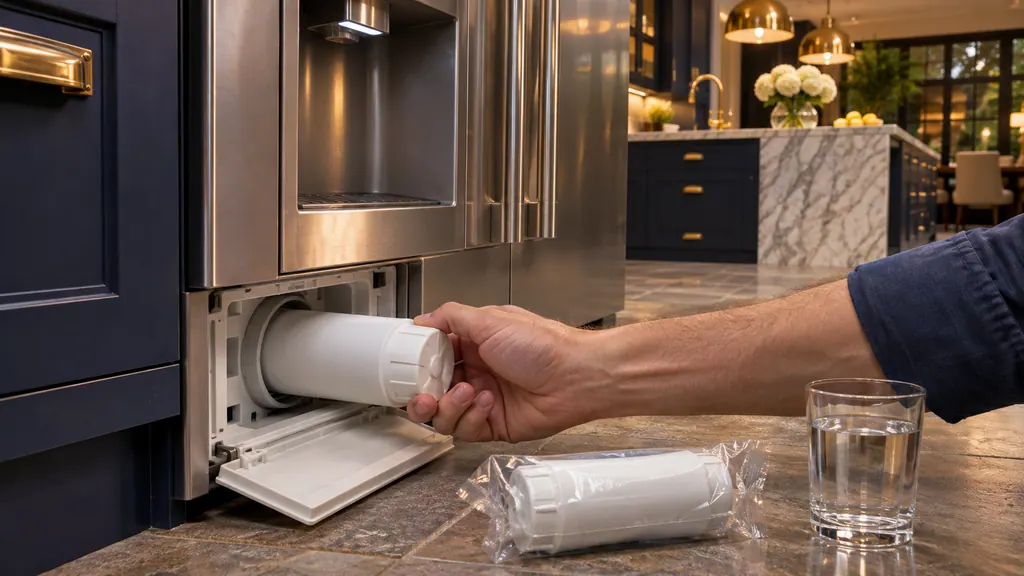
Turn the old filter counterclockwise, move its bottom cap to the new filter, push it in and turn clockwise, then discard the first 24 hours of ice and flush the dispenser for 5 minutes. Finally reset the alert: the method depends on whether you have a 100, 700 or 800, or 900 series. [1][2][3]
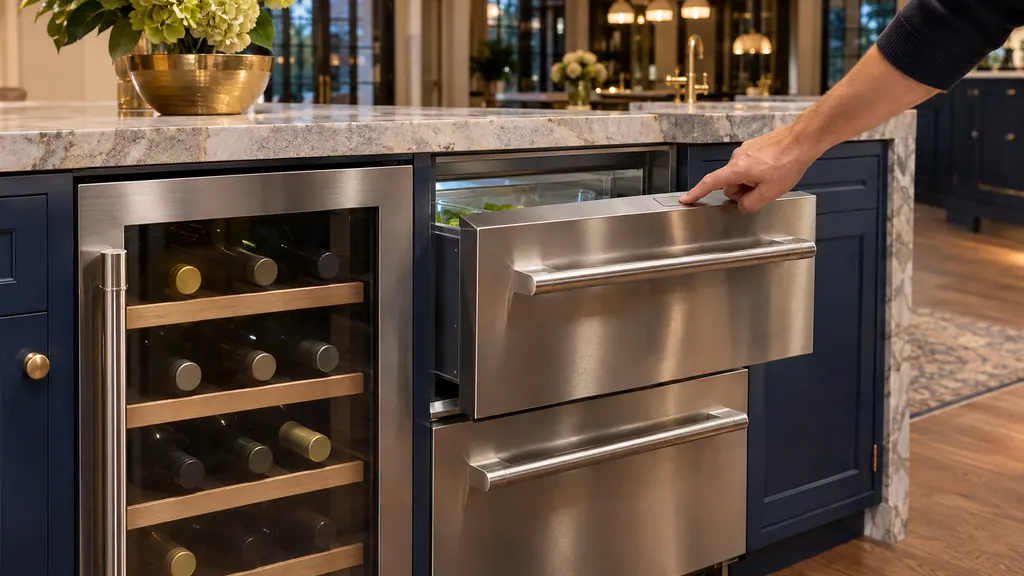
On a Thermador double drawer, TEMP MODE cycles Bar (34 F), Refrigerator (37 F) and Pantry (44 F) defaults, and QUICK CHILL holds 33 F for a day at most. A glass door wine reserve ships at 46 F upper and 58 F lower, adjustable by compartment. Set the mode that matches the food. [1][2][3]
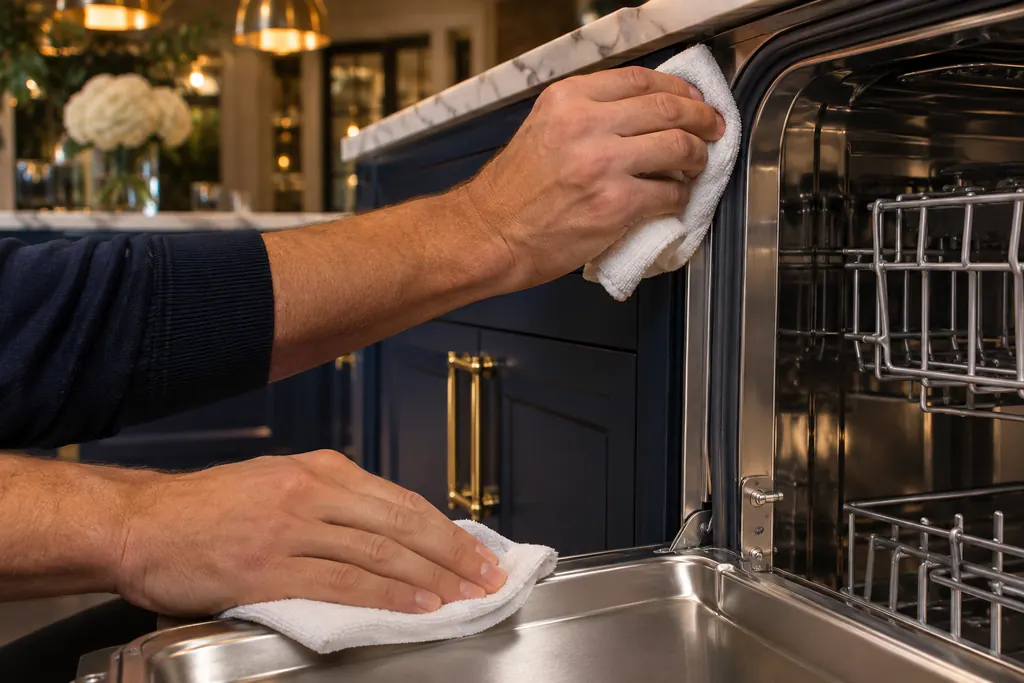
Note the letter and number, and whether a power level is blinking beside it. F5 means two different things depending on that blink.
Read the full sequence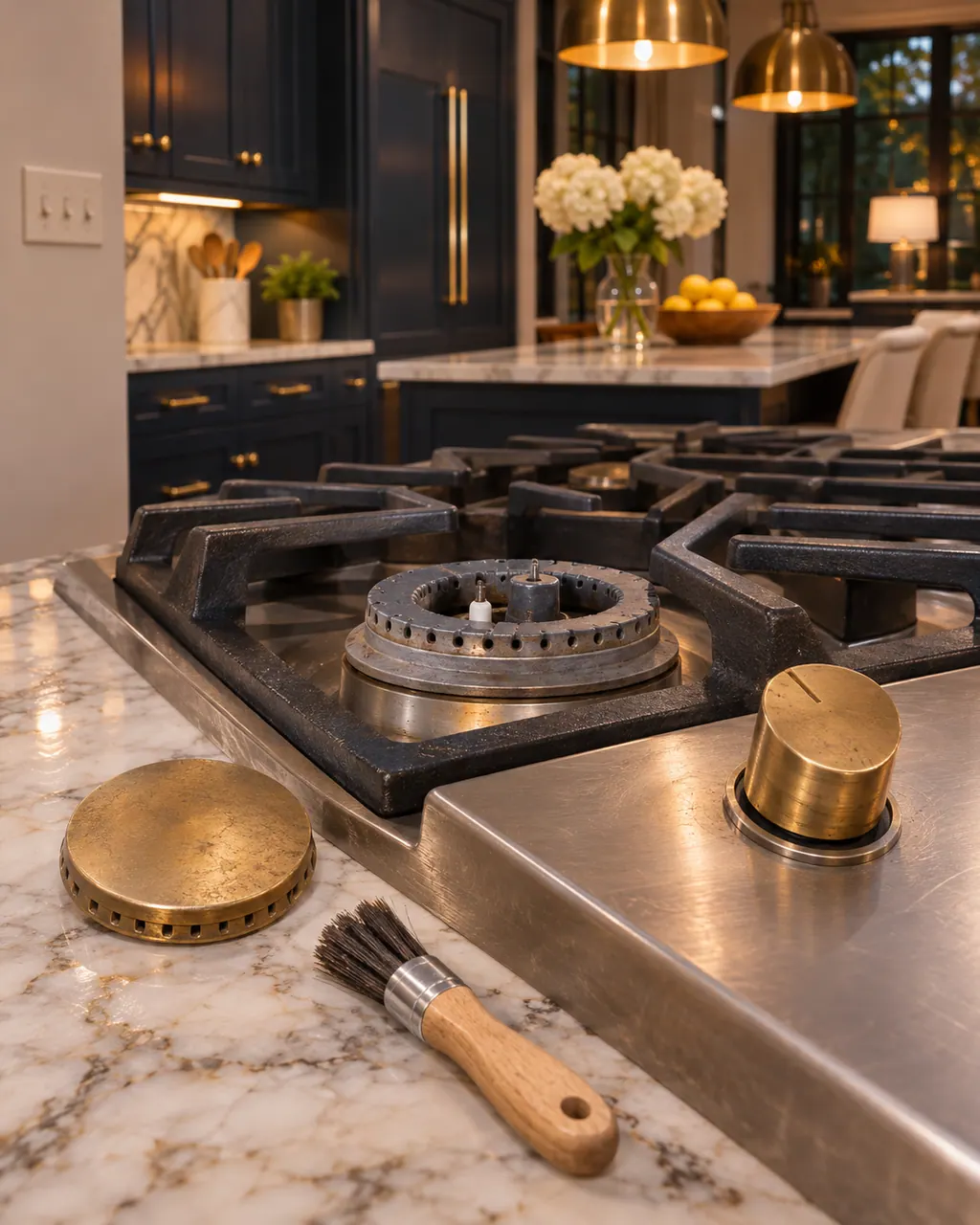
When one Thermador burner will not light while the rest do, the support page points to the burner cap: it is out of alignment, and its tabs must sit in the notches on the burner base. The cooktop guide adds a 4-second rule and clean, dry igniter ports. Gas odor means shut the unit off and book a visit.
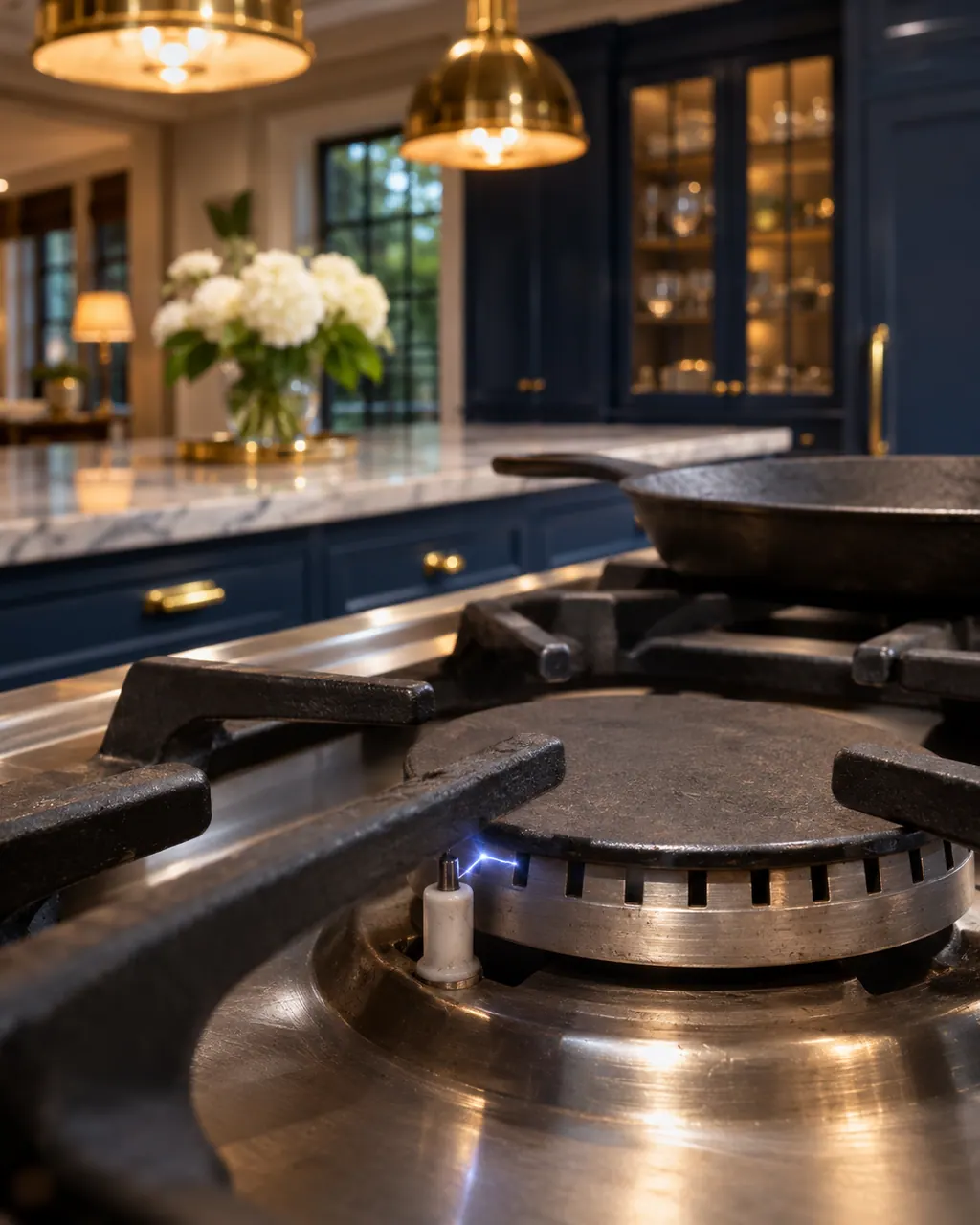
Thermador's page lists four causes for sparking that will not stop or starts with the cooktop off: knobs left in the lighting or spark position, a draft working on the re-ignition feature, water on the surface, or a knob held down past the child lock position. Dismantling a gas appliance is a job for a trained technician.
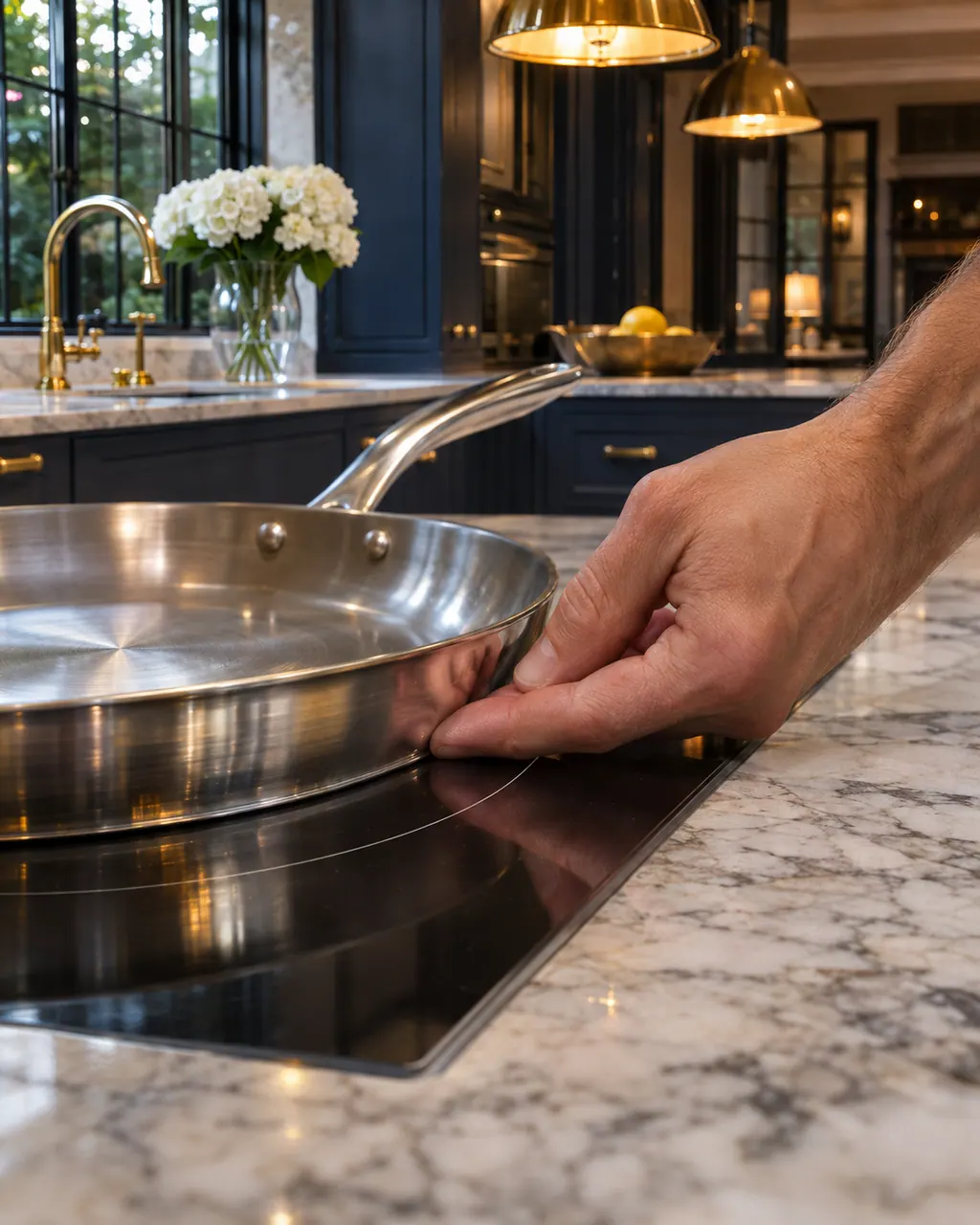
Thermador says humming, buzzing and crackling on an induction cooktop come from the cookware and are normal, not a sign of malfunction. A whistle means an empty pan on a live zone and stops once you add food or water. The Freedom guide ties a deep hum to high power or a pan too small for the zone.
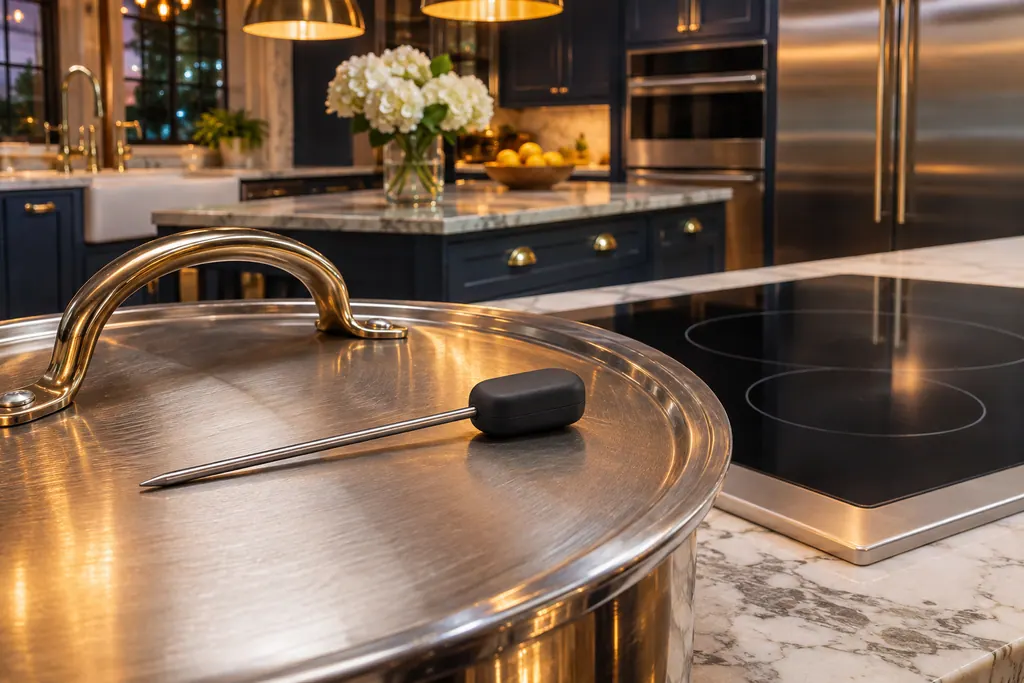
The wireless cooking sensor on a Thermador induction cooktop reads pan temperature. E8204 means its battery is nearly drained: replace the 3V CR2032. E8205 means the connection dropped: switch the sensor function off and on. E8206 calls the sensor defective.
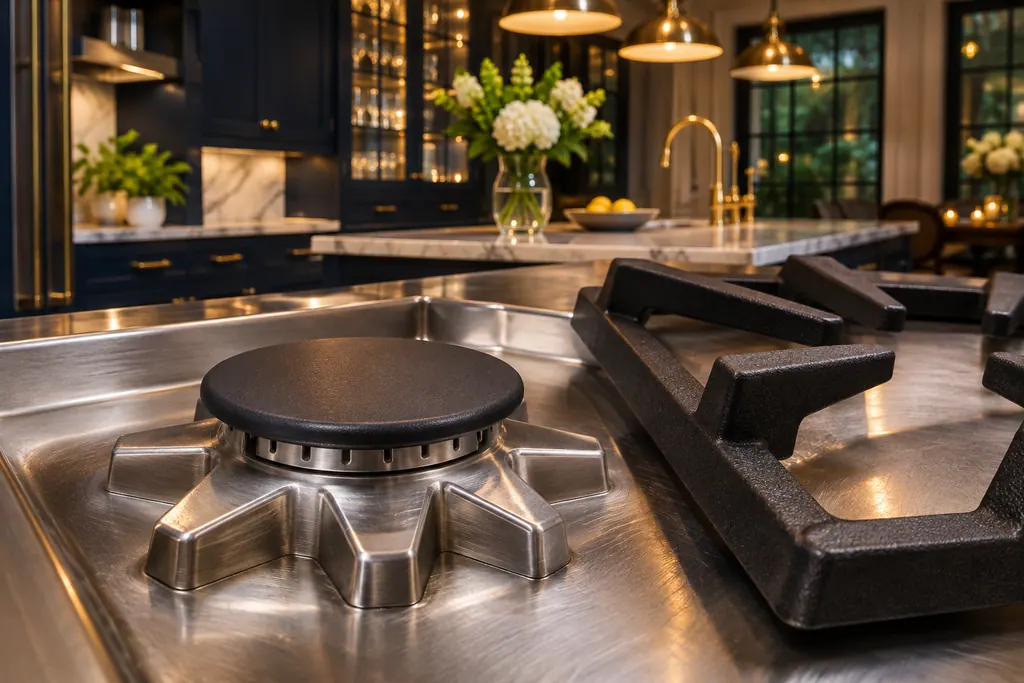
STAR burner is Thermador's name for the sealed gas burner on its rangetops, ranges and gas cooktops. The rangetop guide says no burner parts under the surface need cleaning or adjusting. When one burner stays dark, Thermador's support page checks the burner cap first.
F1 on a Thermador induction cooktop means a cooking zone overheated and switched itself off to protect the work surface. Give the electronics time to cool down before you turn the zone back on.
F6 means a cooking zone overheated and shut itself off to protect the work surface, in the same wording Thermador uses for F1. Wait for the electronics to cool, then switch the zone back on.
E7015 means the electronics of a Thermador induction cooktop overheated and the related cooking zone was switched off. Wait for the electronics to cool, touch a control, and cook again once the message is gone.
E8207 is one of five codes Thermador lists for overheated electronics on induction cooktops: the related cooking zone has shut off. Let the electronics cool, touch any control, and cook once the message has gone.
E8208 is listed with F2, F4, E7015 and E8207 as an electronics overheating message on Thermador induction cooktops. The related zone is off; wait for it to cool, touch any control, then carry on.
Our technicians look the appliance over before they propose any work. When a part is needed, an OEM part for your model is ordered in.
Repairs under Thermador's manufacturer warranty belong with Thermador. For the work we carry out, we provide our own workmanship warranty.
From the questions Thermador owners ask, such as burner care, steam oven cleaning and dishwasher leaks.
They come from Thermador's manuals and support pages, with edition and page named.
It can walk you through safe owner checks. It will point to a technician where the manual does.
Each shows its publication and last review dates.
No. Question headings answer first, and the steps follow for those who want them.
Thermador messages, symptoms, parts, repair visits
On a Thermador Pro range, each rangetop burner has its own igniter and should catch within four seconds. If one will not, Thermador’s first suspect is a burner cap sitting out of alignment. Reseat it, dry everything, and check the knob. Several burners dead, or sparking that never stops, needs a technician.
Book a diagnostic made for your exact model and performed at the appliance itself.
Where the offices are, and what to tell us about getting in.