On this page
- Demo mode switches only the cooling off; all other functions can still be used. 123
- The troubleshooting table names Demo mode when the appliance is not cooling although display and light are on. 123
- The menu path is Settings, Appliance settings, Demo mode, On or Off, confirm. 123
- Keep food out during Demo mode, and wait for the set temperature afterward. 1
Why is my Thermador Freedom column lit but warm?#
Demo mode is a likely culprit. The manuals list it as a cause when the appliance is not cooling although the display and the lighting are on, and the remedy they give is to switch Demo mode off. 123
It covers the three Freedom columns we read: the freezer column, the wine storage column and the refrigerator column. The manuals are silent on how a column ends up in it. From across the kitchen it looks healthy, and that is what makes it confusing: the interior is simply at room temperature.
Our row for the setting is Demo mode. A dark display, rather than a lit one, is a different case. Check power first, as the troubleshooting tables in all three manuals do: plug, fuse and the main On/Off switch. 123
What does Demo mode change?#
It switches the cooling function off and leaves all other functions available. The manuals add a plain warning: do not store food in Demo mode, as the interior stays at room temperature. 123
So the buttons answer, the light works and the settings menu opens, but nothing gets cold. What separates it from a true cooling problem: Demo mode is only a setting, and settings can be changed back.
What is the way to turn Demo mode off?#
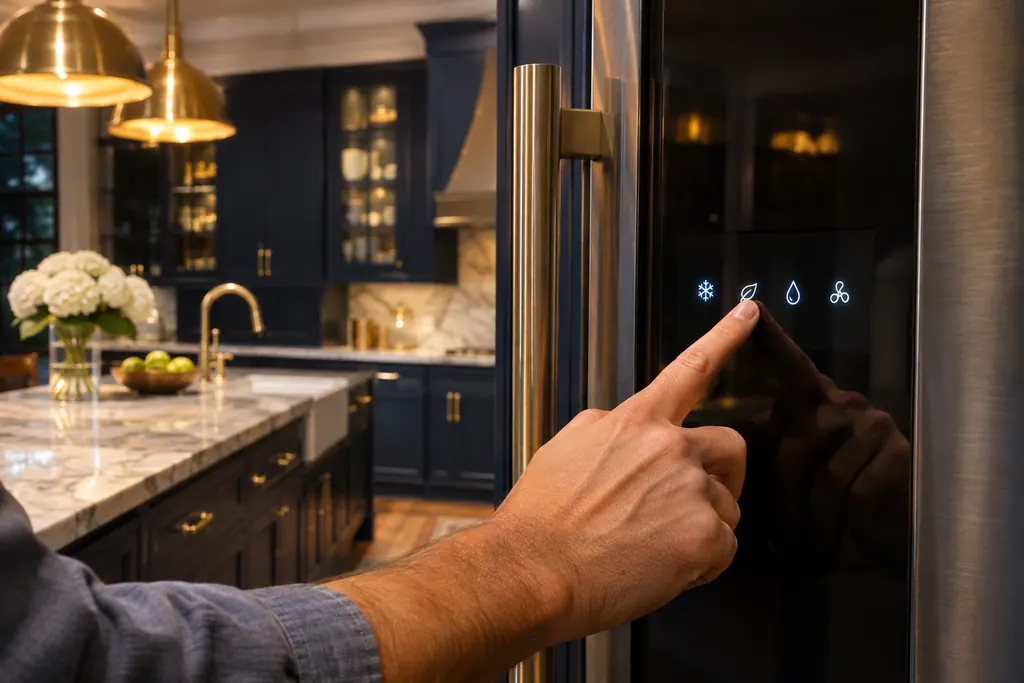
Open the Settings menu, go to Appliance settings, scroll to Demo mode, open it, select Off and confirm. Exit the menu afterward. The manuals for all three columns use the same sequence. 123
The control panel uses small symbols for the keys, so we describe them by job rather than by picture: a Settings button, arrow buttons for moving and a confirm button.
- 1
- 2
- 3
- 4
- 5
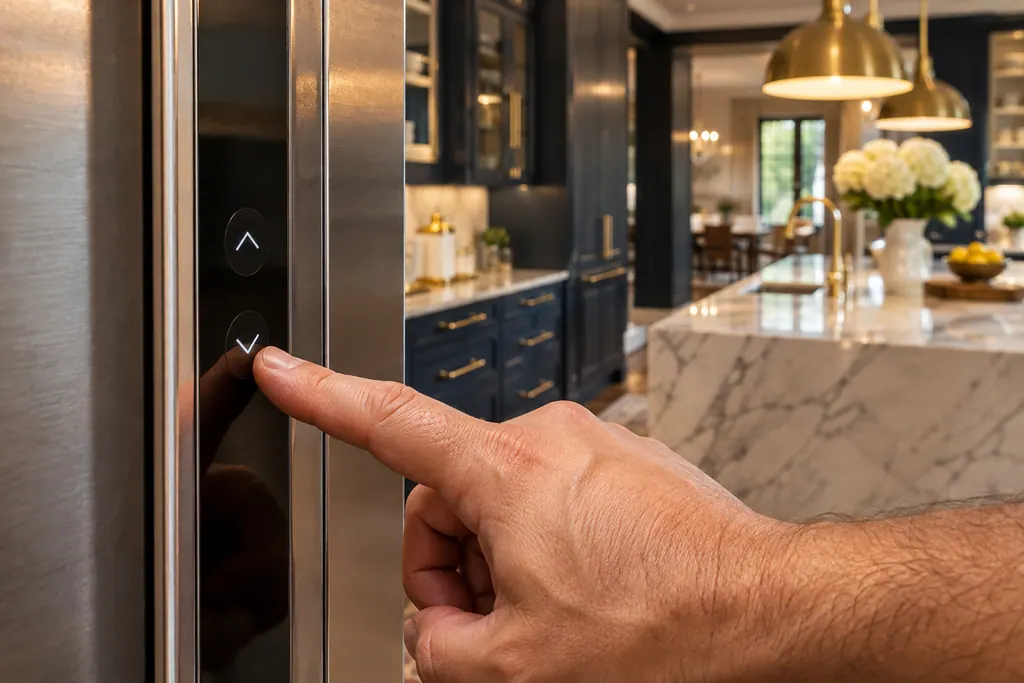
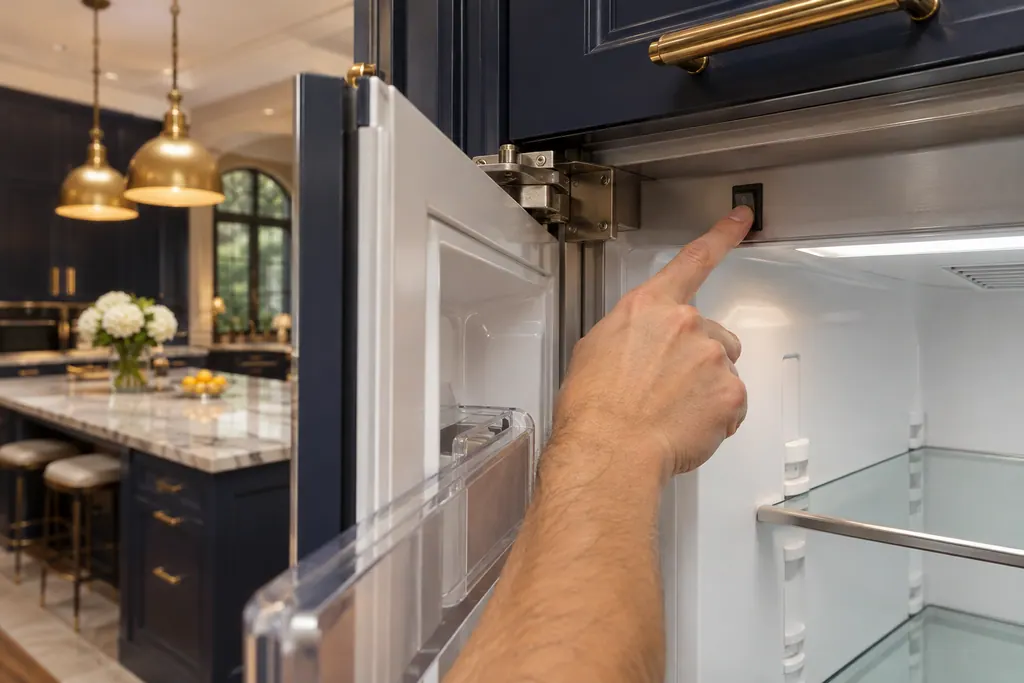
The Settings menu is the same one that holds brightness, key sounds, language, temperature unit, Home network and Sabbath mode. 1 If your Appliance settings list lacks a Demo mode item, note the model and book a visit, since the manuals we read all include it. 123
Can I mistake Demo mode for Sabbath mode?#
Yes, because both leave the display on and change what the column does. Demo mode stops the cooling. Sabbath mode switches off the ice maker, audible signals, interior light and display messages, and dims the display; cooling does not appear on that list. 13
The freezer manual also notes that Sabbath mode disables the automatic door opening. That is a separate item in its troubleshooting table, with its own cure. 1 If the column is warm, Demo mode is the item to check first; if it is cold but quiet and dark, look at Sabbath mode. Our guide to messages that are not errors puts the modes in one table, and the guide to door and HI alarms explains why alarms go silent in Sabbath mode.
What do I do after Demo mode is off?#
Give the column time. After switching on, the freezer manual says, several hours can pass before the set temperatures are reached, and not to put any food in before the selected temperature is reached. 1
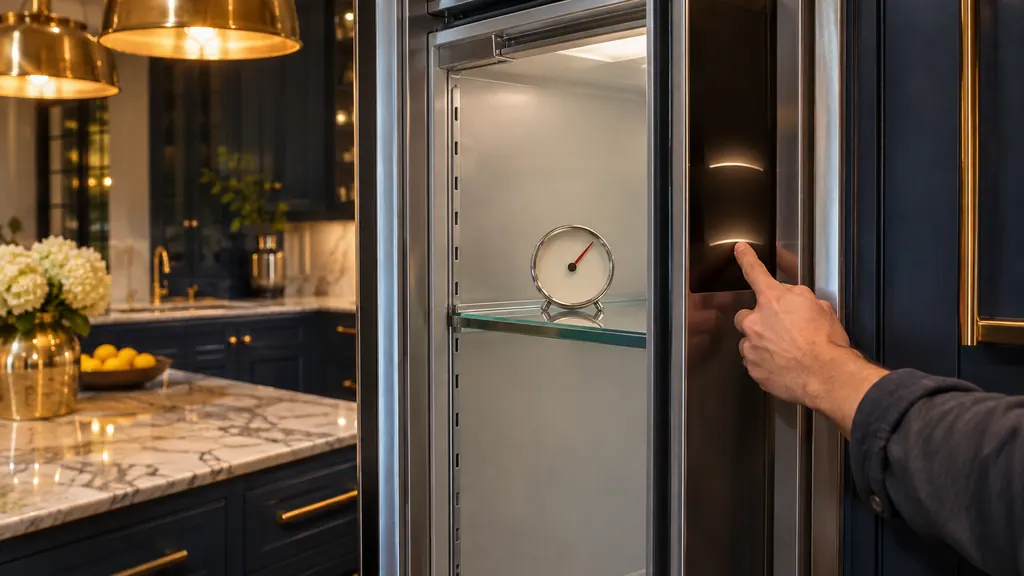
Use the display to judge. The freezer's recommended setting is 0 °F (-18 °C), and the display shows the set temperature. 1 A small shelf thermometer gives you a cheap second opinion. When the reading has settled, load food. Because Demo mode stores nothing, you have no spoiled food to worry about, unless you had already loaded the column while it was on.
Which columns does this cover?#
The three Freedom manuals we read cover a freezer column (T18IF905SP), a wine storage column (T18IW905SP) and a refrigerator column (T23IR905SP). Each one prints the same Demo mode item in its Appliance settings menu. 123
That menu also holds brightness, key press sound, key volume, signal tone volume, automatic door opening on the freezer, temperature unit, language, Home network, factory settings and Sabbath mode. 123 If you cannot tell which family your column belongs to, the rating plate carries the model number. The under-counter units, such as the glass door wine reserve, use buttons instead of this menu, and the manuals we read for them do not describe a Demo mode, so this guide does not apply to them.
Is "Factory settings" the same as leaving Demo mode?#
No. Resetting to the factory settings is a separate menu item. It sounds a signal and asks you to confirm, and then all settings return to their original values. Leaving Demo mode is just On or Off. 1
The distinction matters if you changed temperature, language or brightness. Using Off in the Demo mode item leaves those alone as far as the manuals say. 123 Only the Factory settings item resets everything. If you use it, set your temperature unit, language and Home Connect network again afterward.
What if the column is still warm after Demo mode is off?#
Give it several hours, then check the plug, the fuse and the door seal. If the reading is far off the setting, the freezer manual says to switch off for 5 minutes and look again a few hours on. 1
That table also lists frequent opening and covered ventilation openings as reasons the cooling unit runs more often. 1
If none of that applies and the column stays warm after a day, Demo mode was not the only issue. That calls for a technician. Our refrigerator service page sets out what a visit includes, including built-in columns.
Who do I call if Off does not help?#
Call someone when Demo mode already reads Off and the column is still warm, when the display is dark although power is confirmed, when the Demo mode item is missing from the menu, or when the reading does not drift toward your setting after a day. 123
The manuals name Thermador's customer service. As an independent alternative, ask for a technician through our site. Thermador itself repairs anything its own warranty covers, and our labor is backed by a separate workmanship warranty. We discuss pricing with you ahead of the job and finalize it once the technician has checked the column on site.
Sources#
- USE & CARE GUIDE: Freedom freezer column T18IF905SPThermador (BSH Home Appliances), en-us edition · File tag 8001153821_C · PDF pages 11 (settings menu), 15 (switching on, temperature), 18 (demo mode), 25 (troubleshooting table)
- USE & CARE GUIDE: Freedom wine storage column T18IW905SPThermador (BSH Home Appliances), en-us edition · File tag 8001161977_D · PDF pages 9 (settings menu), 13 (demo mode), 20 (troubleshooting table)
- USE & CARE GUIDE: Freedom refrigerator column T23IR905SPThermador (BSH Home Appliances), en-us edition · File tag 8001161976_C · PDF pages 9 (settings menu), 14 (demo mode), 21 (troubleshooting table)