On this page
- F1 or F6 means a zone overheated to protect the work surface; cool down, then switch it on again. 1
- F2 and F4 mean the electronics overheated; after a rest, touch any control and the message clears. 13
- F5 points to hot cookware beside the control panel, in two versions, a warning and a shut-off. 14
- F8 with H or h is the automatic time limit; the Pro Harmony table runs from 10 hours at level 1 to 1 hour at level 9. 14
Which Thermador induction messages only need a cool-down?#
F1, F6, F2, F4 and F5 are all about heat. Thermador's own error-code page says the zone or the electronics overheated and switched themselves off, so you wait, touch a control and cook on. Nothing is broken when they clear. 13
That is welcome news, because an induction zone that goes dark in the middle of a sauce looks serious. The cooktop is protecting itself: induction heats the pan, but the electronics under the glass sit close to that heat, and they have limits. This guide follows the order the manuals use and keeps the codes that really need a technician apart. Our code rows cover the same messages: F1 or F6, F2 and F4, F5 and F8.
What does each message mean, and what do I do?#
Match the message on the display to one row below, and follow the action in that row. The wording comes from Thermador's error-code page, checked against the Freedom and Pro Harmony manuals. 134
| Message | What the cooktop is telling you | What you do |
|---|---|---|
| F1 or F6 | One cooking zone overheated and stopped to protect the work surface | Let it cool, switch the zone on again and keep cooking 1 |
| F2 | The electronics overheated and the matching zone stopped | Wait, touch a control element, cook when the message is gone 13 |
| F4 | The electronics overheated and all zones stopped | Same steps as F2 13 |
| F5 with a blinking power level and a tone | Hot cookware sits by the control panel; the electronics could overheat | Lift the cookware away from the panel; cooking continues 14 |
| F5 with a tone only | The zone switched off to protect the electronics | Take the cookware off, pause a few seconds, touch a control 14 |
| F8 with H or h | The automatic time limit stopped a zone left on without any touch | Touch a control and set the zone afresh 14 |
One more detail: the page lists E7015, E8207 and E8208 together with F2 and F4 as the same overheat story. On a range cooktop the E7015 entry is paired with F2 on one row and with F4 on another, so the number alone does not tell you whether one zone or all zones stopped. 1
How do I wait out an overheat message?#
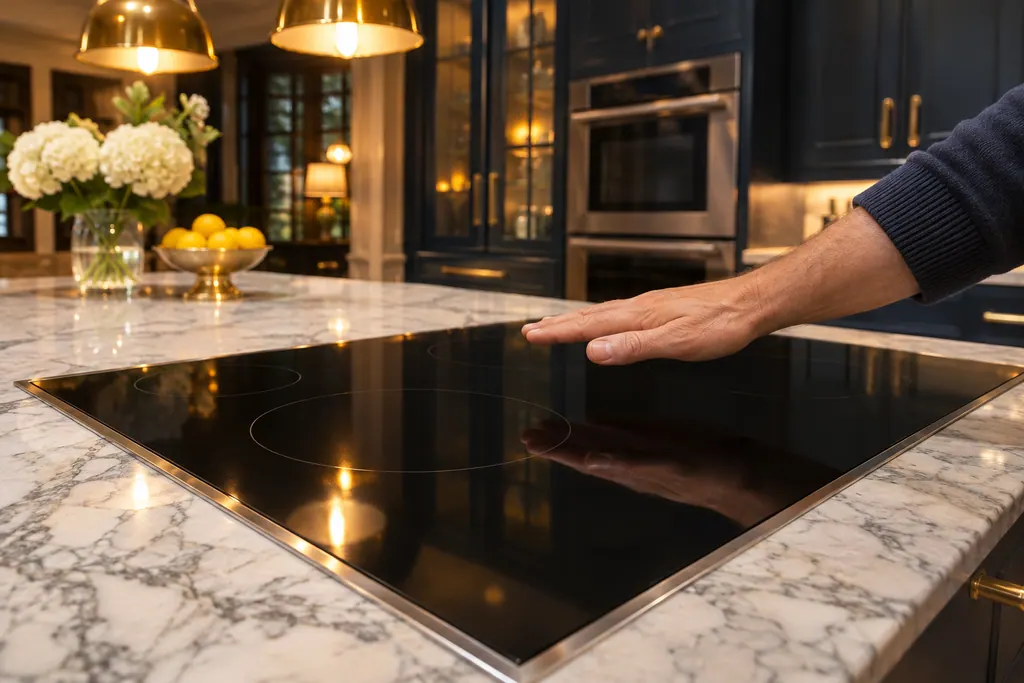
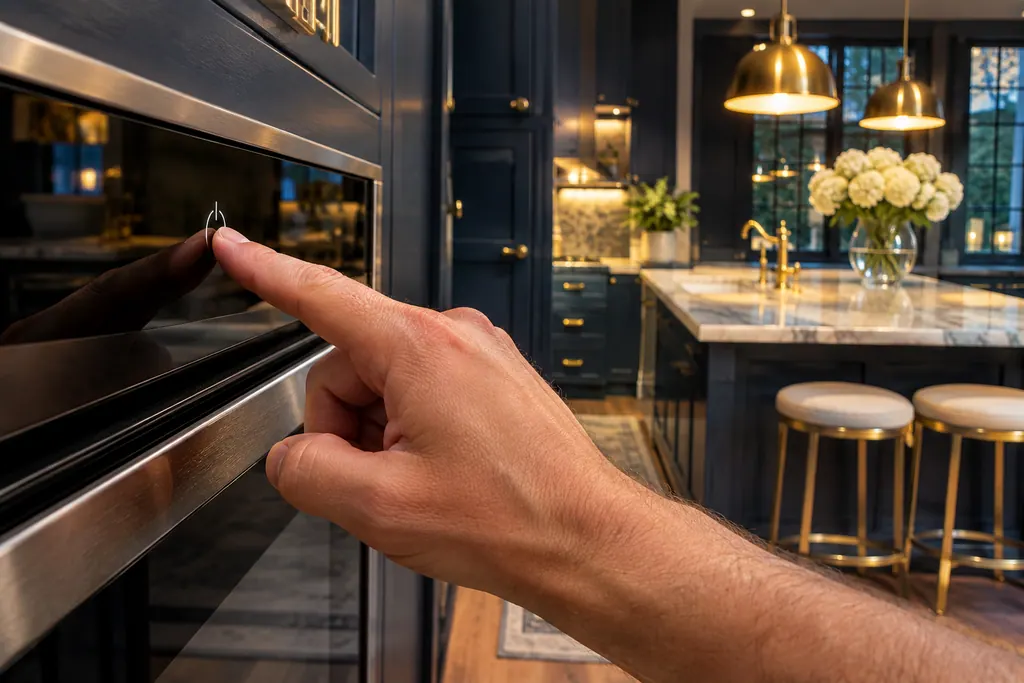
Stop cooking, take hot cookware off the glass, and give the cooktop a rest before you touch a control. Then touch a control element; once the message disappears, the electronics are cool enough to carry on. 13
The manuals do not print a number of minutes, and we will not make one up. The message itself is the signal: if it is still showing, the electronics are still warm. Here is the order the Freedom manual and the support page share.
- 1
- 2
- 3
- 4
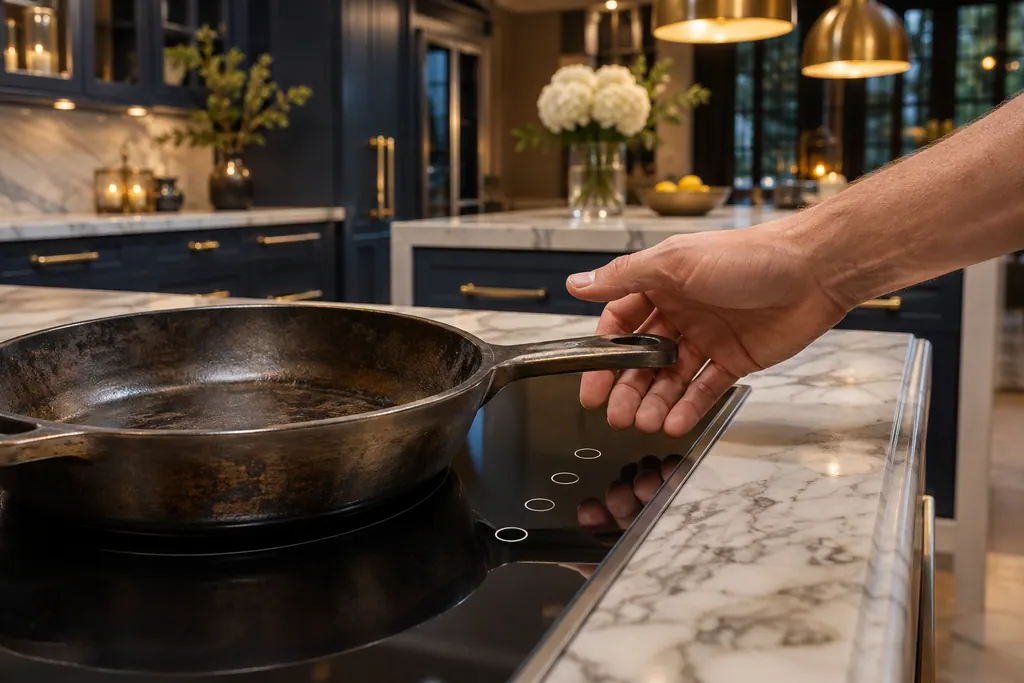
Be careful with the glass. A cooktop that shut down because of heat is usually still hot to the touch, and the residual heat lamp stays on until the surface has cooled.
Why does F5 show up when nothing is wrong with the cooktop?#
Because the pan, not the cooktop, caused it. The support page says the control panel gets too hot when hot pots and pans sit close to it, and it advises cookware no larger than the heating element. 2
Thermador prints two F5 entries, and the difference is worth knowing. In the first, the power level blinks beside the code and a tone sounds: the electronics are at risk, but the zone is still running, and moving the pan is the whole fix. 14 In the second, the tone sounds and the zone has already switched off, so you move the pan, wait a few seconds and touch a control. 14
A few habits prevent it. Cook on the rear zones when the pan is large and you will be at the stove for a while. Keep a stockpot centered on its zone. Do not rest a hot lid or a spoon holder on the control strip either; the Freedom manual lists a signal tone when an object sits on the touchscreen. 3
Is F8 with an H or h a cool-down message?#
No. F8 is a time limit, not an overheat. The page explains that a zone ran a long stretch with no interaction and the automatic limit stopped it; touching any control lets you set the zone and carry on. 14
The Pro Harmony manual prints how long a zone may run untouched, by power level. These are whole levels from that table. 4
| Power level | Hours before F8 |
|---|---|
| 1 | 10 |
| 2 and 3 | 5 |
| 4 and 5 | 4 |
| 6 | 3 |
| 7 | 2 |
| 8 and 9 | 1 |
The table's half steps (such as 4.5 or 5.5) follow the same pattern, one step down in places, so read your own manual page if you work at half levels. 4 If your pot of stock simmers for a whole afternoon, expect F8 at the limit and touch the control once to restart it. For a boil at level 9, remember the limit comes after an hour without any touch.
Which messages are not cool-down messages?#
Several look similar on the display and have nothing to do with heat. The error-code page lists them separately, and waiting will not clear them. 1
- F0 means MoveMode is not activated. Touch any button to dismiss it; you can cook normally without MoveMode. 1
- F9 means the extended Flex Zone does not switch on. Touch a button to confirm it and use the other zones. 1
- E7010 means the cooktop cannot reach your home network or the hood. Switch the cooktop off and on again; if it returns, the page asks for the exact code. 1
- E8204, E8205, E8206 belong to the wireless cooking sensor: a low CR2032 battery, a lost connection and a defective sensor. 13
- E9000, E9010, U400 report a supply voltage outside the normal range, and E9011 reports a wrong connection. These belong to the house wiring and an electrician or a technician, not to the stove top. 1
The Freedom manual adds a general rule: when a code is missing from its table, turn the breaker off for half a minute, then back on, and if the code reappears, report it exactly. 3 Our guide to messages that are not errors covers dE (Demo mode), which also stops zones from heating.
What if the message keeps coming back?#
A repeat is information. If F1, F2, F4 or F6 appears every time you cook, even after a long rest and with the cookware centered, the cooktop is telling you something your habits will not fix. 13
First rule out the easy causes: cookware that does not suit the zone, a hot pan resting on the panel, or vents blocked under the cooktop. The Freedom manual warns that the cooling fan sits on the underside and that objects can be drawn into it. 3 Then arrange a visit and report the exact code, the zone involved and how long you had been cooking.
Which messages are worth a visit?#
A visit is worth it when a heat message keeps returning after a rest, or when the code sits outside the cool-down list: F0, F9, the E8 sensor codes, the E7010 link code or any voltage code. 13
Thermador's page lists its own phone line for those. Prefer an independent company? Request a technician through our site. A cooktop within Thermador's warranty goes to Thermador, and our labor comes with a workmanship warranty of its own. You hear the price before work starts, and it is finalized after the diagnostic on site. The cooktop service page lays out what happens on site.
Sources#
- Error Codes | Induction Cooktops Support | ThermadorThermador (thermador.com, US support site) · Page undated; retrieved 12.11.2026 · Entries F1 or F6; F2, F4, E7015, E8207, E8208; F5 (both entries); F8 + H/h; F0; F9; E7010; E8206; E9000 or E9010; E9011; U400
- Troubleshooting | Induction Cooktops Support | ThermadorThermador (thermador.com, US support site) · Page undated; retrieved 12.11.2026 · Entries on the control panel getting too hot, the cooktop fan, and humming or whistling
- Use and care GUIDE: Freedom Induction cooktop CIT36YWB, CIT36YWBBThermador (BSH Home Appliances), en-us edition · File tag 9001444966_H · PDF pages 32-33 (troubleshooting), 34 (FAQs)
- Use and care GUIDE: Professional Series Pro Harmony Induction Ranges PRI30LBHU, PRI30LBHC, PRI36LBHU, PRI36LBHCThermador (BSH Home Appliances), en-us edition · File tag 8001186128_D · PDF pages 53-54