Start from the symptom
Thermador refrigerator not cooling.
A Thermador fridge-freezer with lights on but no cooling may be in showroom (demo) mode. Otherwise the guide calls frequent running normal, blames covered vents, and suggests a 5-minute power-down when readings stray from the setting. Try those, then book a technician.
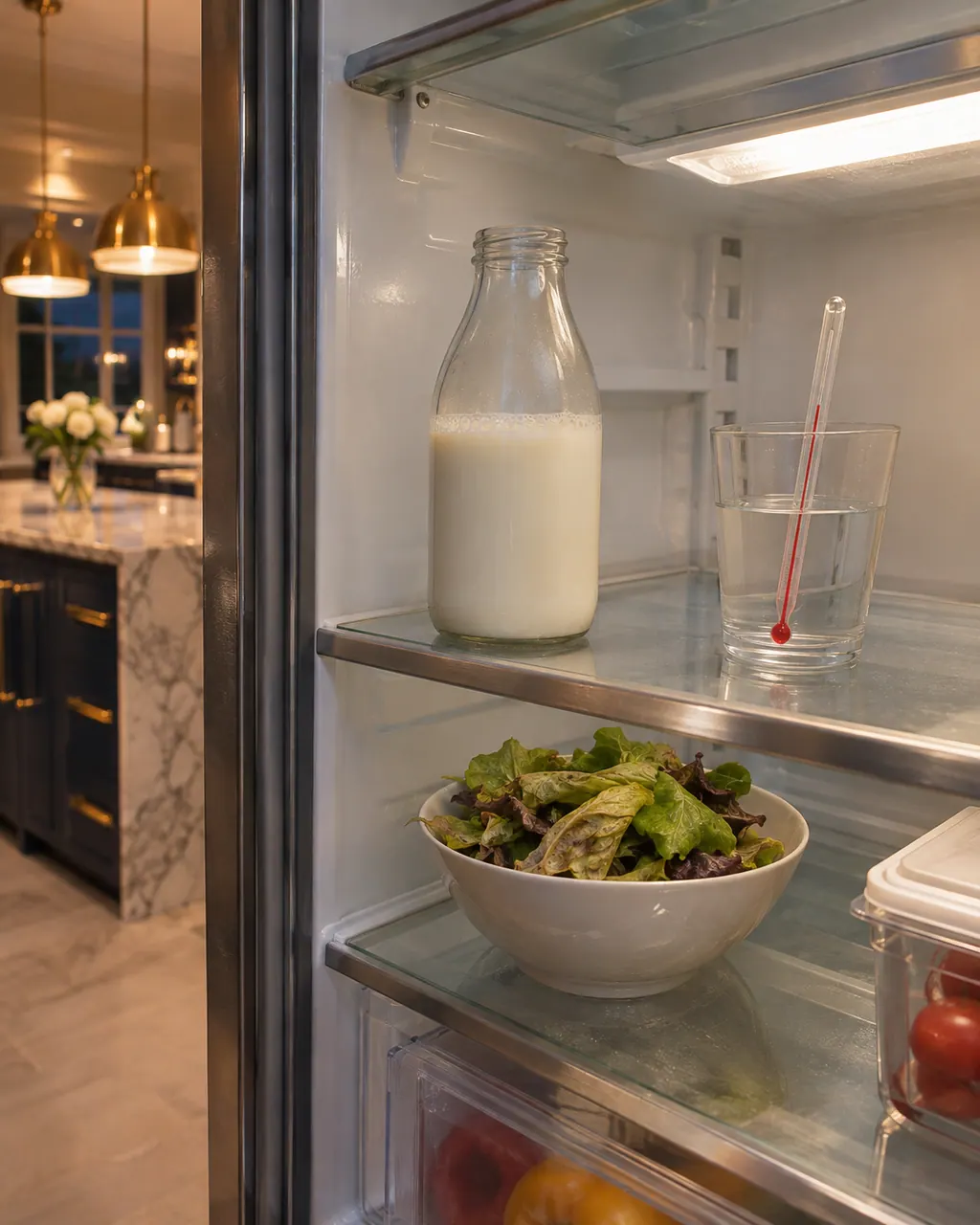
Start with safe observations.
Turn the appliance off and pull the plug before doing any check yourself. Look out for standing water and sharp edges. Never handle a wet plug, remove a service panel or step beyond what your model's guide permits an owner.
- 1
Showroom mode
If the display and lights work but the unit is not cooling, swipe to Service, touch Advanced Service and touch Demo Mode to switch it off.
- 2
Ventilation openings
External ventilation openings that are covered raise run time. Clear anything in front of them and keep the unit away from heaters and direct sun.
- 3
Door and load
Opening the door often, or putting in hot food, makes the compressor run more. Let hot food cool first.
- 4
Reset the temperature
If readings sit far from the setting, power the unit down for roughly 5 minutes and start it again. Look at warm readings after a couple of hours and cold ones the day after.
- 5
A D or E on the display
The electronics have flagged a problem. Turn the unit off, cut power at the plug or breaker for 5 minutes, then bring power back.
- 6
Frost on the back wall
A frost layer on the back wall of the refrigerator compartment is not a problem; it defrosts automatically.
Systems a technician may investigate.
These parts relate to the symptom, though what you noticed cannot show that any single one has failed.
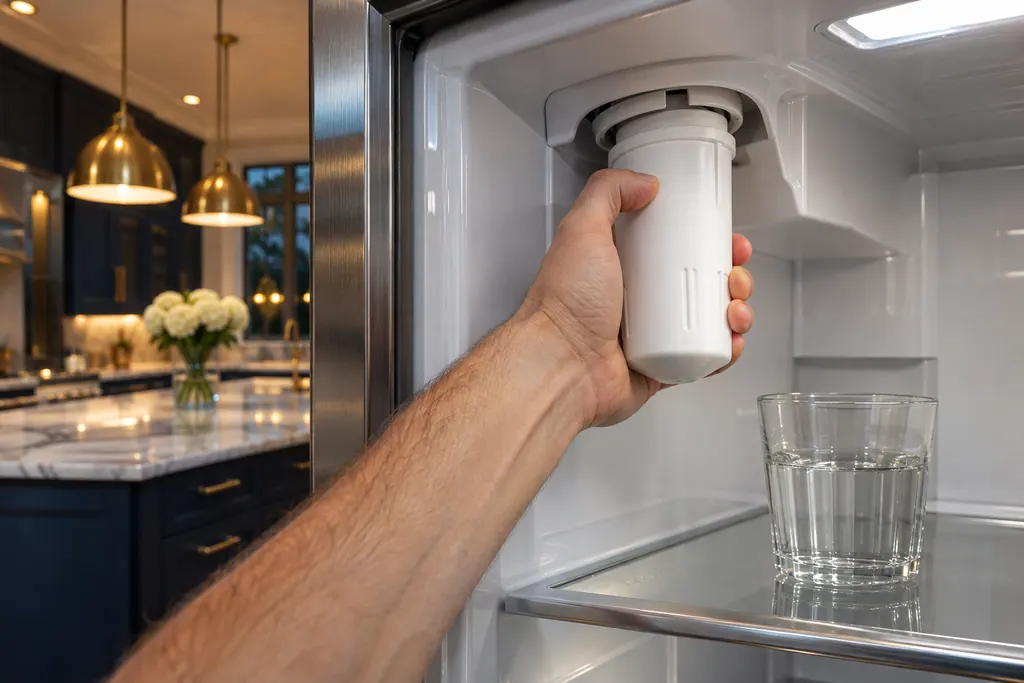
If the display adds a code.
Read the related care guide.
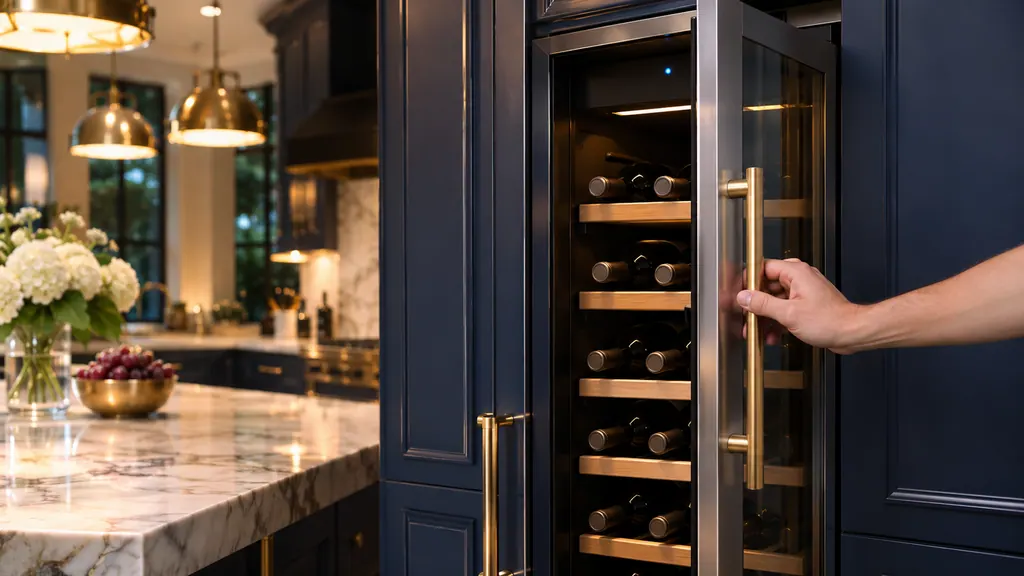
Cooling alarm sounding? Door, temperature or HI
Thermador's built-in cooling alarms come in three kinds. A door alarm means a door stayed open and closing it stops the sound. A freezer temperature alarm reports the warmest reading it saw. HI on an under-counter unit means the inside got too warm. [1][2][4]
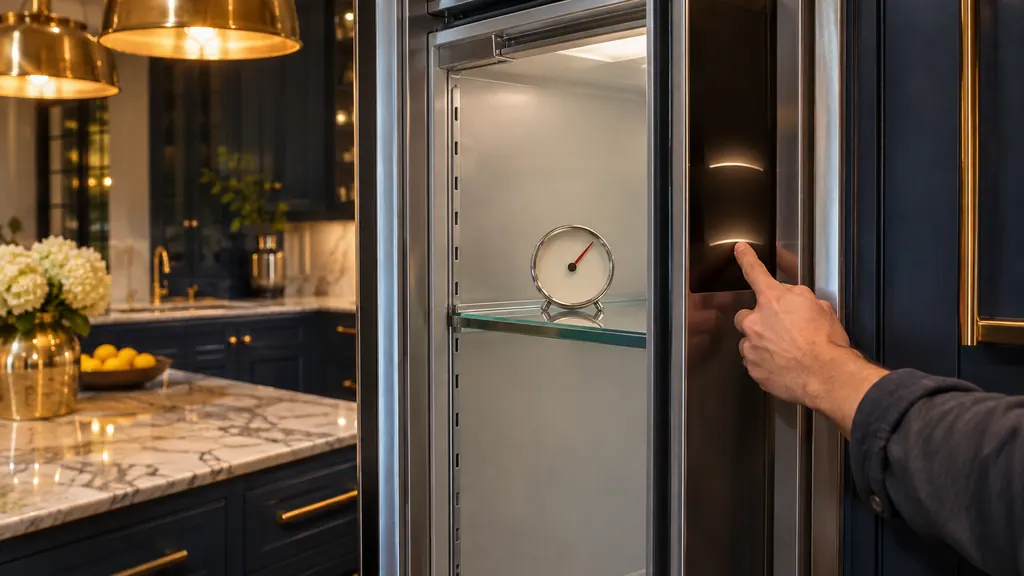
Freedom column lit but warm? Check Demo mode
If a Thermador Freedom freezer, wine or refrigerator column is lit but not cooling, Demo mode may be on. Open the Settings menu, choose Appliance settings, then Demo mode, pick Off and confirm. Then wait for the set temperature before loading food. [1][2][3]
When observation becomes a service request.
Leave internal testing to a technician.
D or E reappears once the 5-minute power-down is over.
The temperature stays far from the setting after a full day.
The unit runs constantly with ventilation openings clear.
The LED lighting stops working. The guide sends that to service.
Arrange a diagnosticSources and model boundaries.
These documents back up the Thermador refrigerator not cooling guidance. Choose the manual written for your model.
- Use and care guide, Fridge-freezer combination T36BT110NS T36BT120NS T36IT100NP (en-us)
Match your model to the guide it shipped with. See how we research these pages.
The lights work but nothing is cold. Why?
The guide’s first answer is showroom mode. Turn it off under Service, Advanced Service, Demo Mode.
Is it normal that the compressor runs a lot?
Thermador says modern refrigeration machines switch on more often and at different power levels to cool more efficiently. Covered vents and frequent door opening add to it.
How long do I wait after a power reset?
Power it down, wait about 5 minutes, then start it again. Judge warm readings after a couple of hours and cold ones on the following day.
What does D or E on the display mean?
The electronics detected a problem. Turn it off, cut power for 5 minutes, then restore it. If the message stays, book a technician.
Thermador messages, symptoms, parts, repair visits
Move from the message to your next step.
D or E on the display
A "D" or "E" message on a Thermador fridge-freezer display means the electronics detected a problem, with no number given. Switch the appliance off, disconnect power, and reconnect after 5 minutes.
Thermador refrigerator not cooling
A Thermador fridge-freezer with lights on but no cooling may be in showroom (demo) mode. Otherwise the guide calls frequent running normal, blames covered vents, and suggests a 5-minute power-down when readings stray from the setting. Try those, then book a technician.
Refrigerator water filter
A Thermador refrigerator's water filter cleans water for the dispenser and for ice. The fridge-freezer guide says to change it every 6 months, when Filter is expired lights, or when water or ice output drops. Discard the first 24 hours of ice after a change.
Refrigerator repair
Book a diagnostic made for your exact model and performed at the appliance itself.
Find your metro
Where the offices are, and what to tell us about getting in.