On this page
- The display shows Descaling, Cleaning or Clean & Descale program required, at intervals. 3
- Overdue descaling brings a warning that the machine will shortly lock, and a locked machine needs the program run. 3
- The brewing unit is rinsed under water only, with no soap and no dishwasher. 23
- Never use citric acid, vinegar or vinegar-based agents. 3
What do the prompts on a Thermador coffee machine ask me to do?#
The display shows one of three messages from time to time: descaling, cleaning, or the combined Clean & Descale program is needed. Run the one it names right away, because the manual warns that skipping it can damage the machine. 3
The machine counts. It knows how many drinks it has made and how hard your water is set to be, and it gives notice before scale or milk residue becomes a problem. You can also check how many drinks remain before the next program: press the menu key, choose "Service info" and open it. 3 That is a good habit if you are about to host a crowd.
The steps in this guide come from Thermador's support pages and the TCM24PS manual. Other models differ, so have your own manual open while you work; the support pages say the same. 12
What is the difference between Descale, Clean and Clean & Descale?#
Descale removes limescale from the water path, Clean handles coffee oils and residue with a cleaning tablet, and Clean & Descale does both in one run. When both are due near each other, the machine suggests the combined program itself. 3
| Program | Time on the TCM24PS | What it uses |
|---|---|---|
| Descale | About 21 minutes | One descaling tablet dissolved in lukewarm water to the 0.5 l mark 3 |
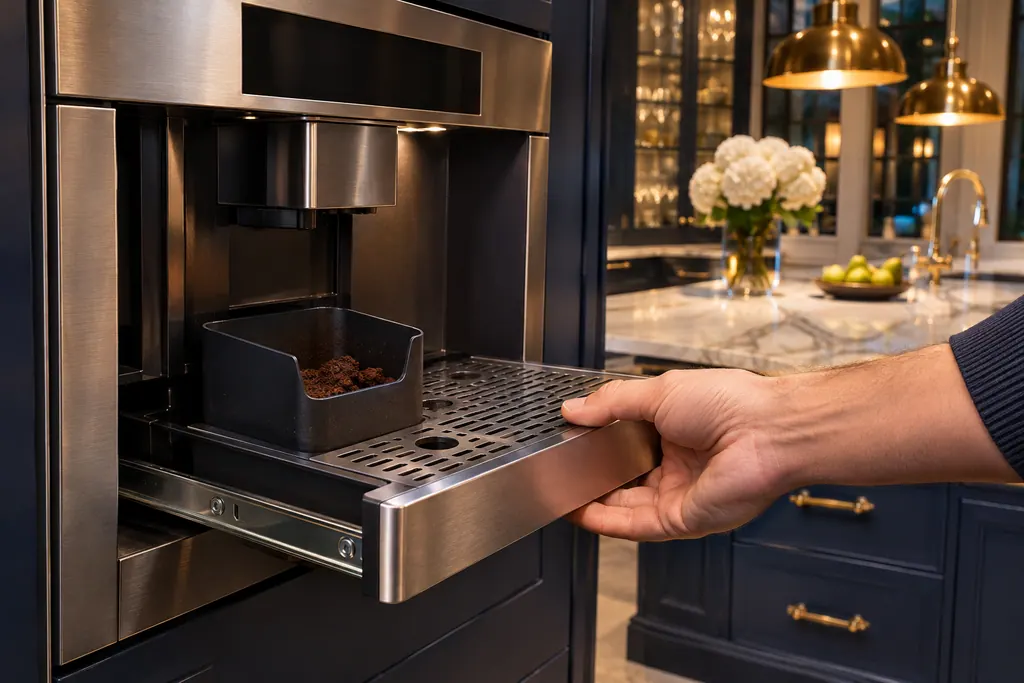
| Clean | About 5 minutes | One cleaning tablet in the ground coffee drawer 3 |
| Clean & Descale | About 26 minutes | Both: a cleaning tablet in the drawer and a descaling tablet in the tank 3 |
The manual names a Thermador descaling tablet and a cleaning tablet by order number (00311820 and 00311823), and says suitable tablets are sold at retail or through customer service. 3 The support pages also point to descalers and cleaning tablets in Thermador's accessories store. 12
How do I run the descaling program?#
On the support page it is four moves: press CLEAN, choose DESCALE with the arrows, press START | STOP, and then follow the step-by-step instructions on the display. Your model's screen leads the rest. 1
The TCM24PS manual adds the details the display will ask for. 3
- 1
- 2
- 3
- 4
- 5
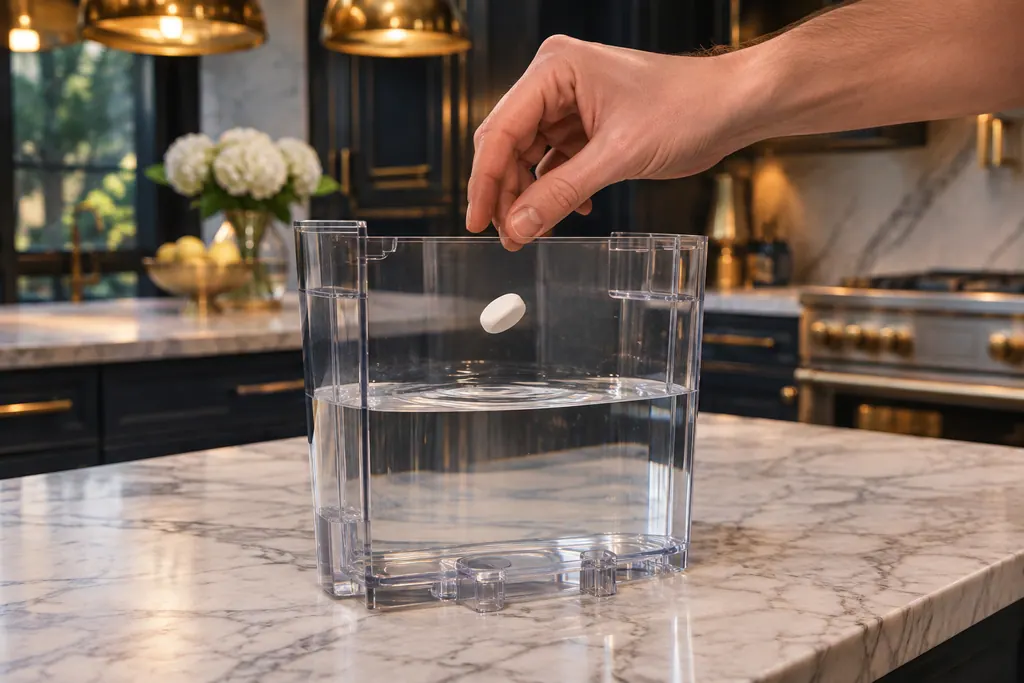
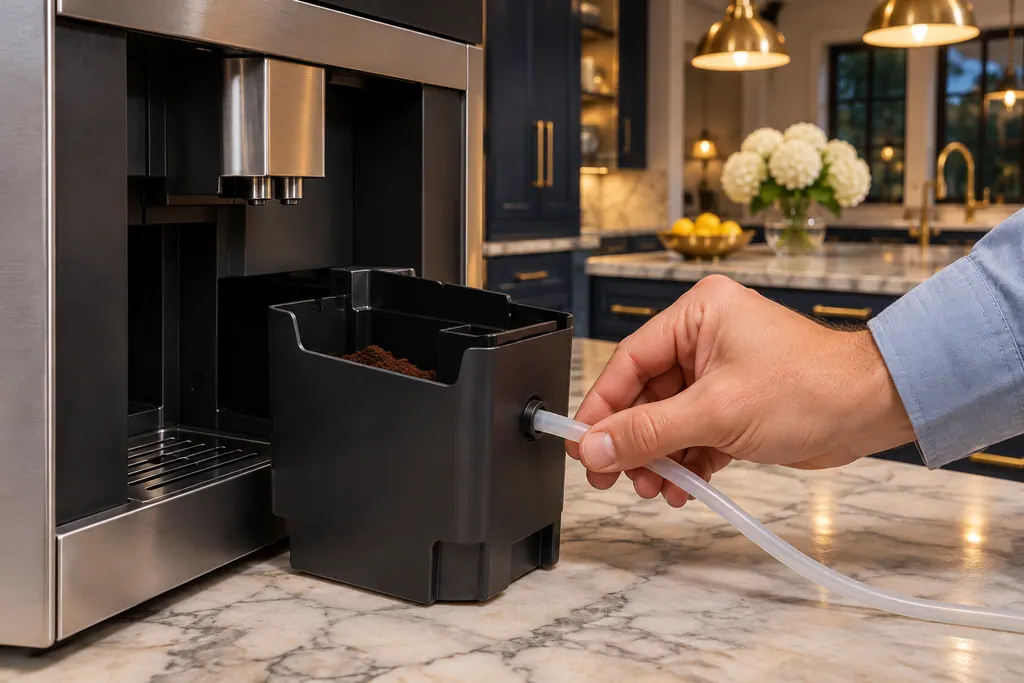

After any service program, wipe the machine over with a soft damp cloth so no solution is left behind. The manual warns that corrosion can form under residue, and that new sponge cloths can carry salts that leave a rust film on stainless steel, so wash them well first. 3
How do I rinse the brewing unit?#
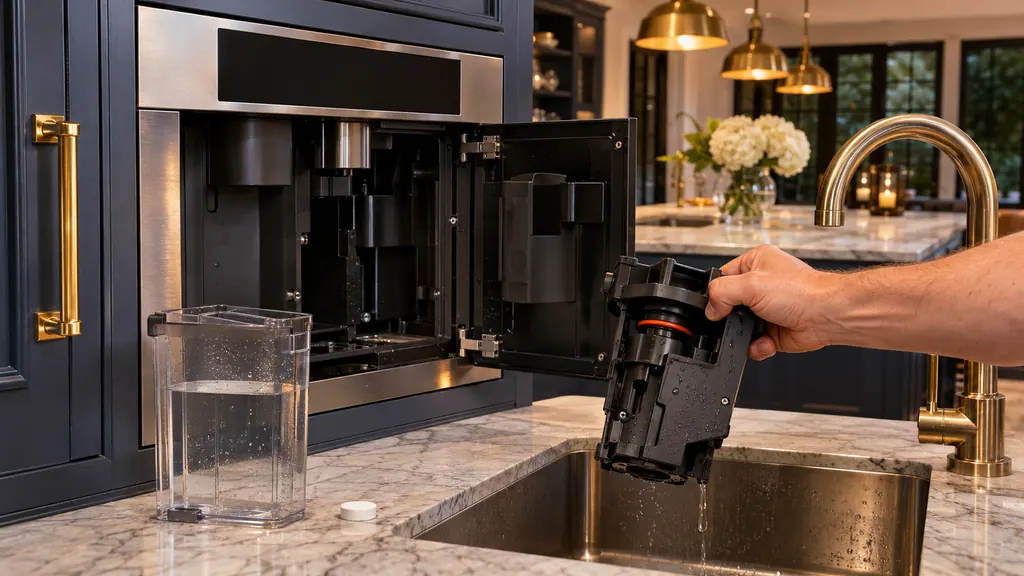
Wait until the machine has cooled, open the door and switch off the power. Pull the brewing unit out by its recessed grips, rinse it under running water with no soap, let it dry, and click it back in. 23
Thermador's page gives thirteen steps, and the manual follows the same path. The core is short. Remove the protective cover and the grounds container. Slide the red latch to the left and push the eject lever down, then lift the unit out. 23 Clean the strainer and the connecting nozzles thoroughly, wipe the inside of the machine with a moist cloth and let both parts dry. 23
Putting it back matters as much as taking it out. The red latch must be fully left before you insert the unit; push until it clicks, raise the eject lever and slide the latch to the right. 23 Then refit the grounds container and the cover and switch the power on. The manual also says the brewing unit gets cleaned before each service program starts, which is a good moment to do the rinse. 3
What about the milk system?#
Thermador has a program for it. Press CLEAN, choose RINSE MILK SYSTEM, press START | STOP and follow the display. The page also recommends taking the milk parts apart and washing them with mild soapy water every week. 2
The milk container itself should be cleaned after each use with mild soapy water. 2 The weekly manual clean is a ten-step job on the page: lift off the beverage outlet cover, separate the outlet, disconnect the milk tube and suction pipe, wash everything, rinse, dry and put it back together. 2 If milk residue is the reason the machine keeps asking for the Clean program, this is where to look.
What if the program is interrupted or the machine locks?#
If a service program is cut short, for example by a power failure, press the key the display shows and let the 2-minute special rinse run. If descaling is overdue, a warning says the machine will shortly be locked. 3
A machine that has locked can be used again only after the descaling run is complete, so do not wait for the lock. 3 The problem table in the manual also lists a case that looks like a scale issue: a very frequent descaling prompt points to water that is too hard, and the fix is to insert a water filter and set the menu accordingly. 3 The preset water hardness is level 4, so if your water is much harder or softer, change it. 3 Our row for the lock warning is descaling program overdue.
Which coffee machine problems need a visit?#
A visit makes sense when the lock warning appears and the program will not finish, when a program was cut short twice and the special rinse leaves the message in place, or when the display keeps asking for a 30-second restart. 3
Thermador's own pages route those cases to its phone line. An independent shop is another route: schedule a technician through us. A unit still inside Thermador's coverage is repaired by Thermador, and what we install or fix carries our own workmanship guarantee in writing. The price is settled with you before any work begins, once the technician has examined the machine at your address. Our coffee machine service page walks through it.
Sources#
- How to Descale Your Coffee Machine in 4 Easy Steps | ThermadorThermador (thermador.com, US support site) · Page undated; retrieved 12.11.2026 · Steps for Descaling
- How to Clean Your Coffee Machine – Step-by-Step Guide | ThermadorThermador (thermador.com, US support site) · Page undated; retrieved 12.11.2026 · Sections Run the Cleaning Program, Rinse the Brewing Unit, Rinse and Manually Clean the Milk System
- USE AND CARE GUIDE: Built-in Coffee Machine TCM24PSThermador (BSH Home Appliances), mixed English, French and Spanish edition · File tag 8001250411_A · PDF pages 13-14 (water hardness, display prompts), 29-32 (service programs), 37 (problem table)