Before work starts
Your technician reviews the issue with you and settles the cost before any repair starts. For built-in units the final figure comes after an on-site look.
Independent appliance repair
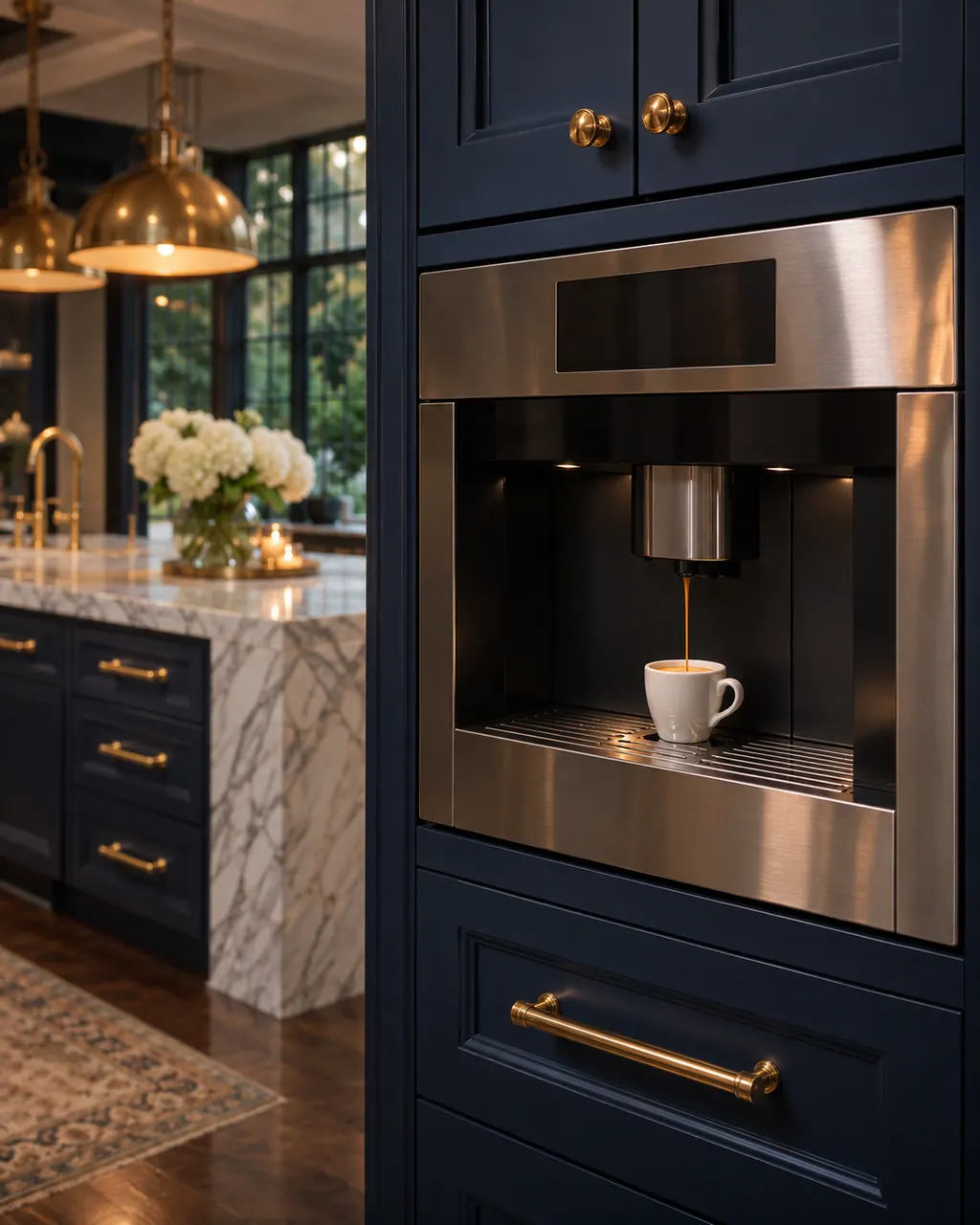
Book a visit for a Thermador built-in coffee machine displaying Clean brewing unit, REPLACE WATER FILTER, EMPTY DRIP TRAYS or the 30-second power-switch message. Thermador's pages cover thirteen messages with owner checks. Unplug the machine before you take out the brewing unit.
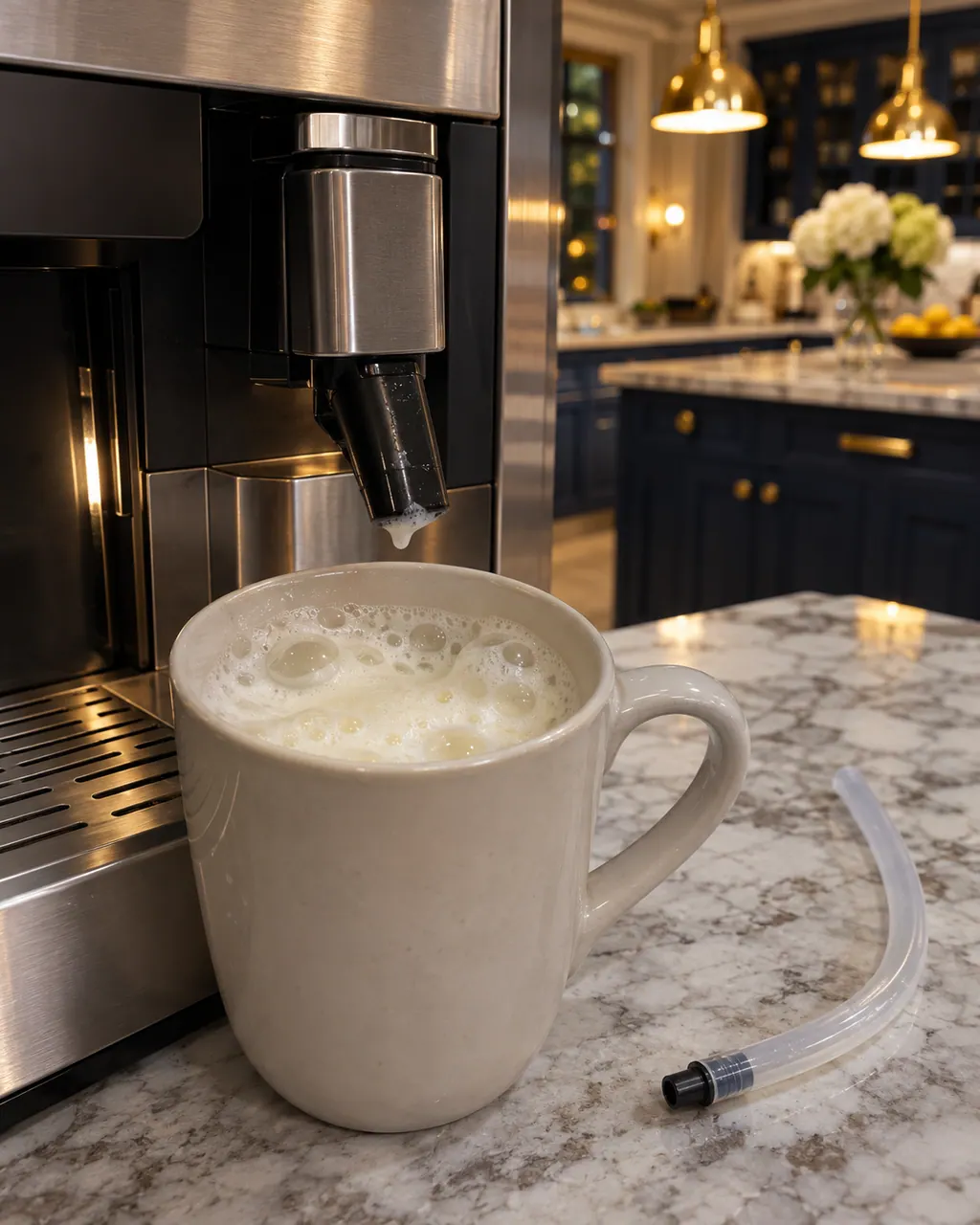
A Thermador built-in coffee machine that gives thin froth or takes in no milk usually has limescale, a blocked outlet or suction pipe, unsuitable milk or badly assembled milk parts. Run the descaling program, clean the outlet and tubes, use cold milk with at least 1.5% fat and reassemble the parts wet.
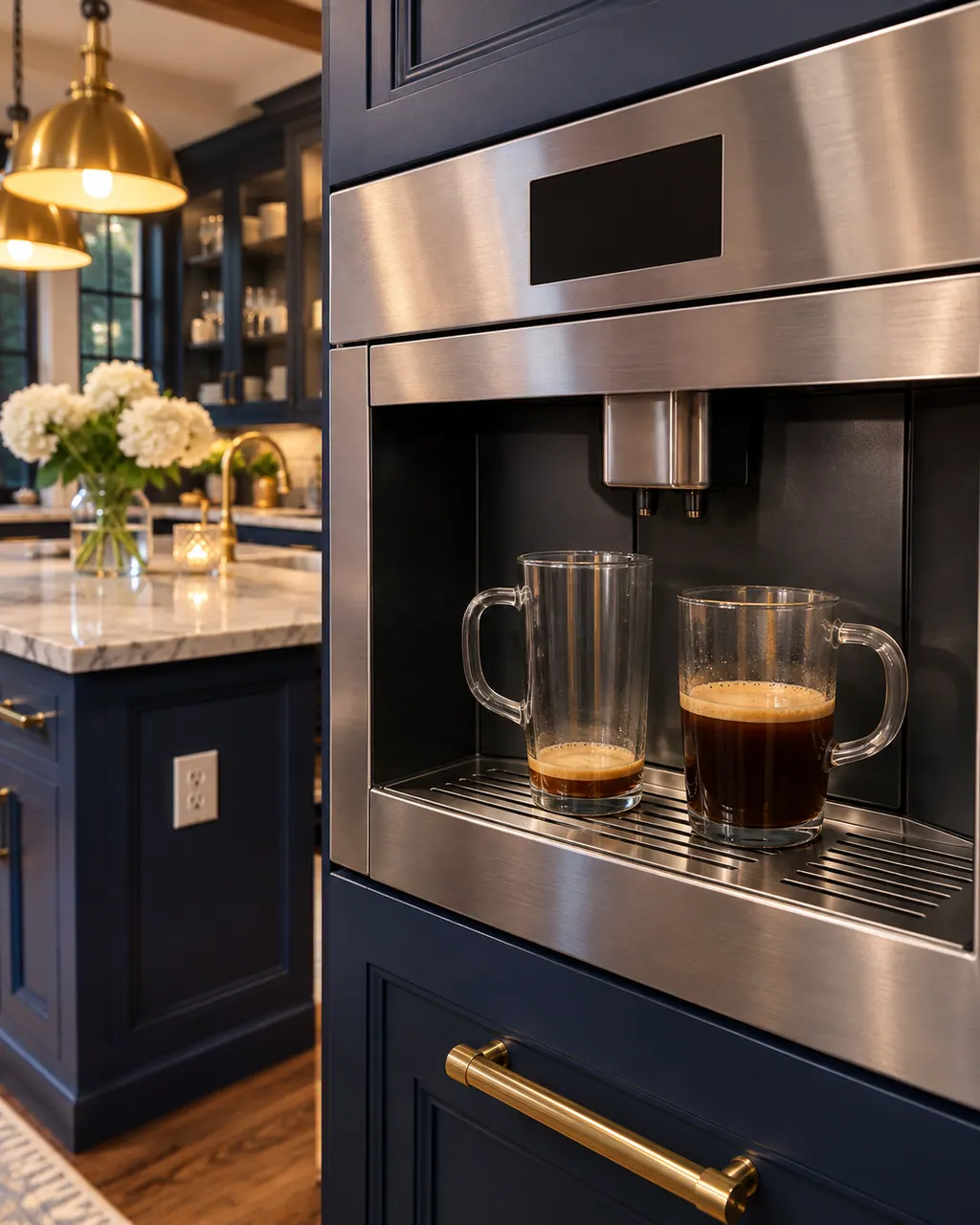
A Thermador coffee machine that dispenses the wrong amount has three listed causes: coffee ground too fine, limescale, or a dirty brewing unit. Set a coarser grind, run the descaling program and clean the brewing unit with the machine unplugged. A missing crema has its own causes.
The clock shows 12:00 after a power cut, or after the machine was switched off at its power switch. Both erase the stored time and settings. Enter them again and stop using the power switch to turn it off.
E0510 on a Thermador coffee machine is a general message: the support page says there is a problem or error and to proceed according to the instructions on the display. Follow what the display asks.
Part names come only after the technician has examined the coffee machine in person. The quote comes first; nothing is ordered unless you agree.
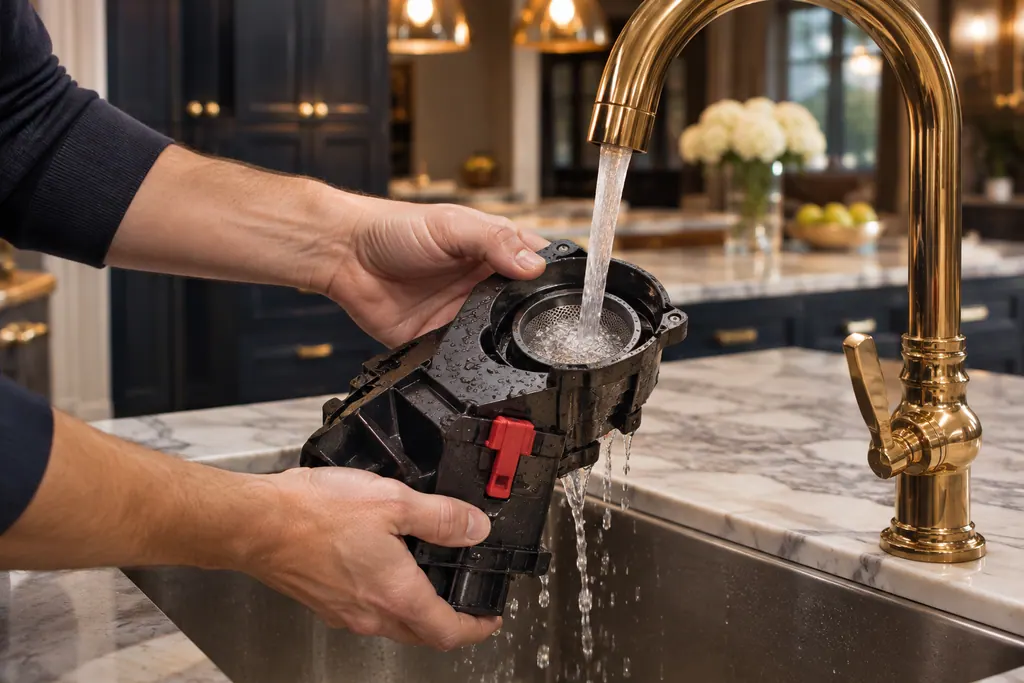
Inside a Thermador built-in coffee machine, a removable assembly called the brewing unit presses and brews the grounds. A dirty unit can bring up Clean brewing unit or the 30-second power-switch message. Rinse it with plain water only, no soap.
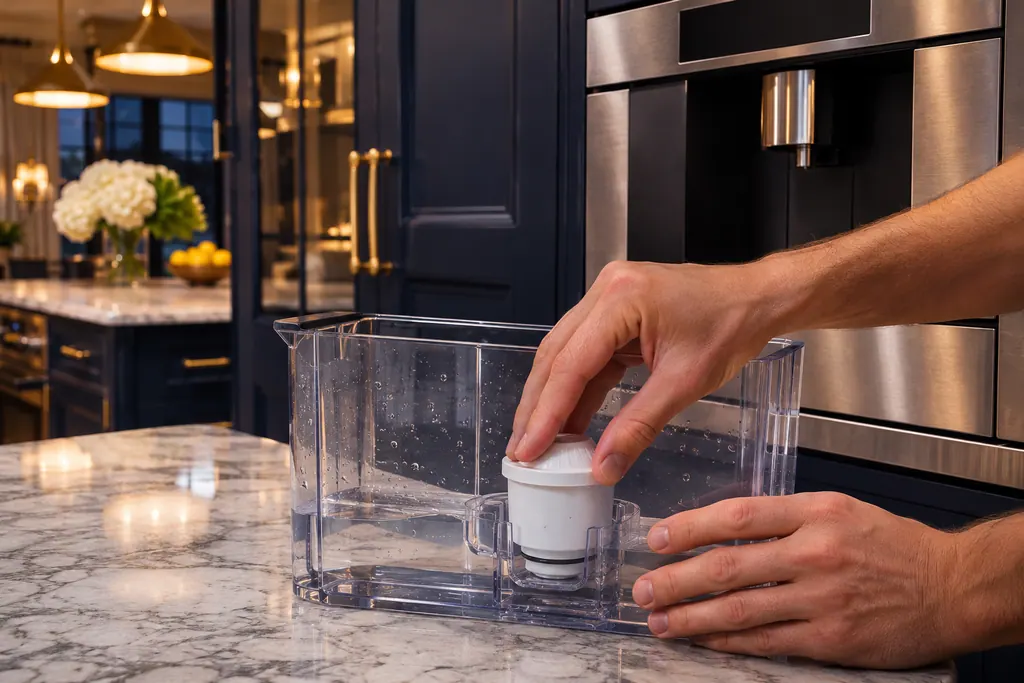
The water filter sits in the water tank of a Thermador coffee machine and lengthens the time between descaling runs. Replace Water Filter asks for a new one. REFILL WITH STILL WATER or REMOVE FILTER has several causes, including air trapped in the filter.
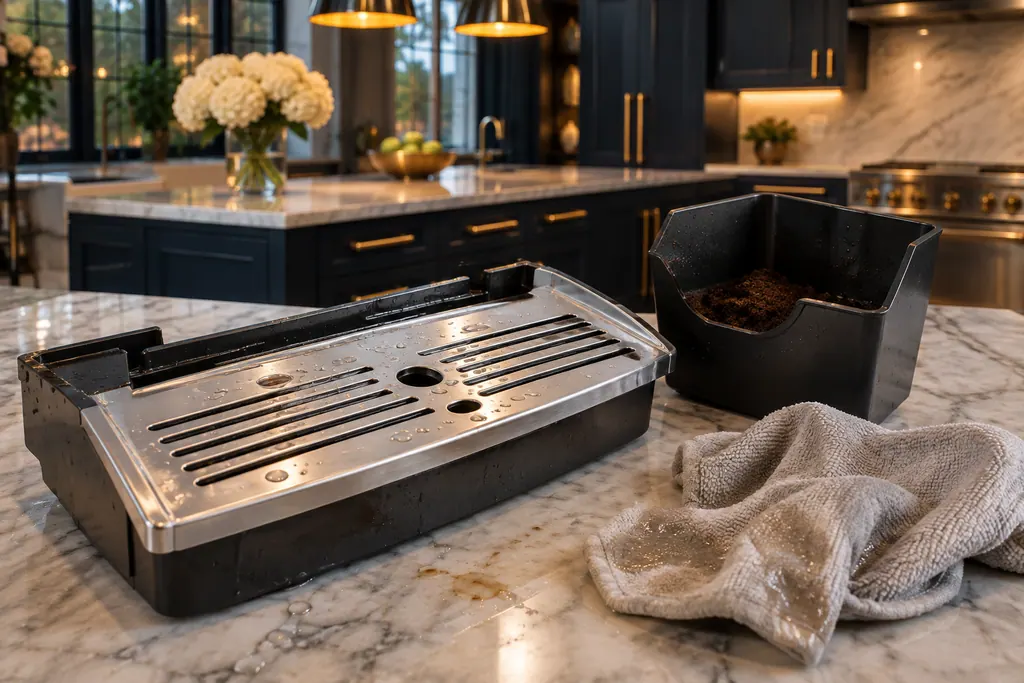
The drip tray and its coffee grounds container sit at the bottom of a Thermador coffee machine door. EMPTY DRIP TRAYS or INSERT DRIP TRAYS can stay on after you have emptied them. Wet trays, a dirty tray holder or a container pushed in short are the usual causes.
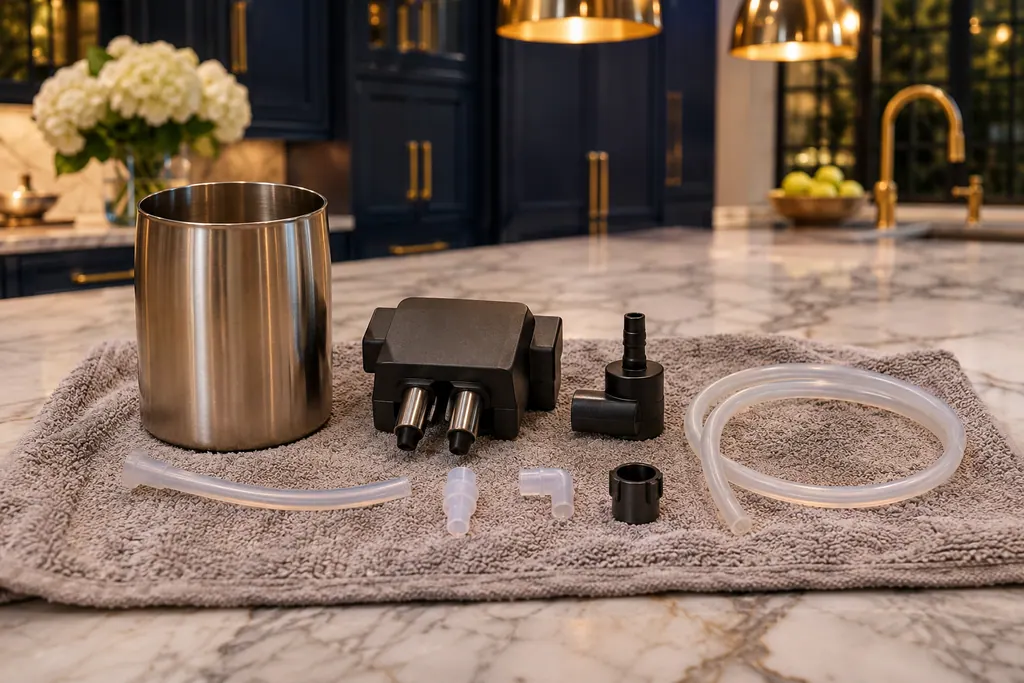
The milk system on a Thermador coffee machine draws milk through tubes into a beverage outlet. MILK CONTAINER CONNECTED? can show even when the container is on, if it sits outside the sensor range. The system needs rinsing and a weekly soapy clean.
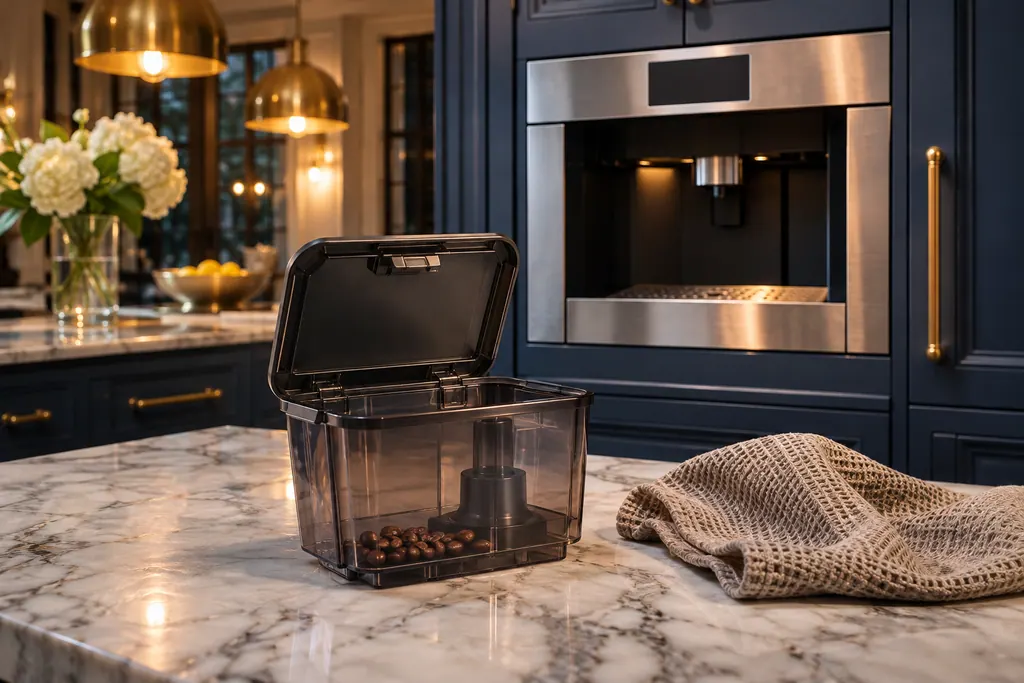
The bean container feeds the grinder in a Thermador coffee machine. FILL BEAN CONTAINER can appear on a full container when oily beans do not fall into the grinding unit. Thermador says to empty it, wipe it with a dry cloth and try less oily beans.
What to expect.
Every step explained in advance.

Choose your appliance, whether range, oven or refrigeration, and tell us how it is behaving.
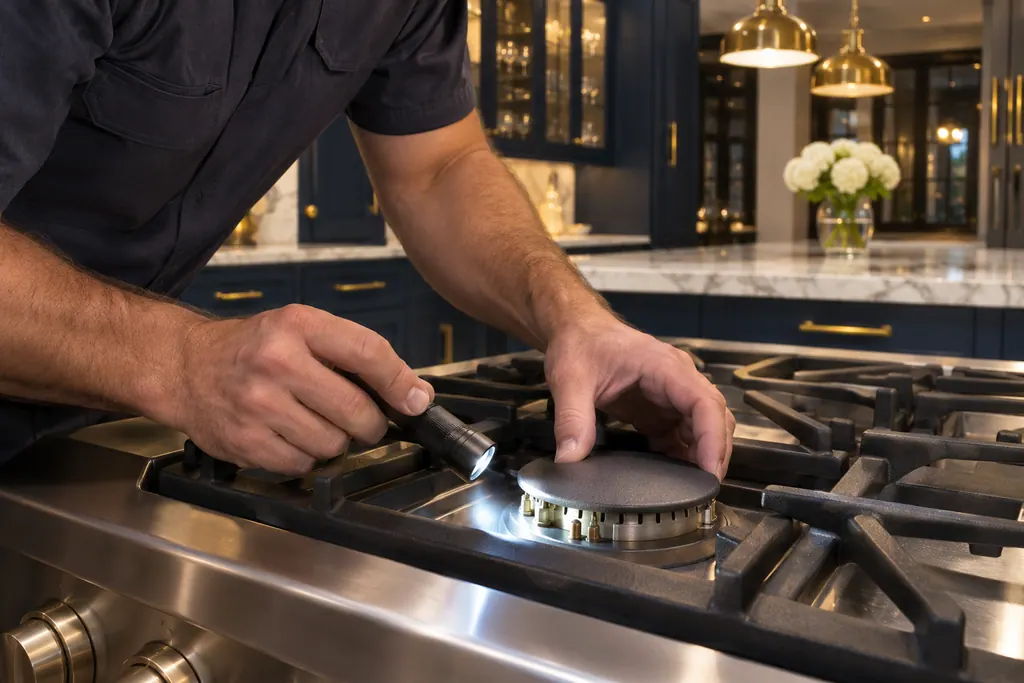
The technician inspects the unit, reviews the cause with you and agrees the cost before starting the work.

After the repair, the technician tests the appliance and explains the result, so you know what changed.
Thermador lists drip tray, bean container, water filter, milk container, voltage and cooling messages with checks for each.
For the power-switch message, let the machine cool and rinse the brewing unit with plain water. Unplug the machine first.
Carbonated water, a wrongly seated tank, a stuck float or an unrinsed filter can bring up REFILL WITH STILL WATER or REMOVE FILTER.
Limescale, poor froth and an uneven volume often trace to the descaling program or a dirty outlet.
The same message returns after the checks on Thermador's page.
OVERVOLTAGE OR UNDERVOLTAGE shows: have the power supply checked.
Water or steam does not come out of the nozzle after cleaning.
Arrange a diagnosticYour technician reviews the issue with you and settles the cost before any repair starts. For built-in units the final figure comes after an on-site look.
Repairs under Thermador's manufacturer warranty belong with Thermador. For the work we carry out, we provide our own workmanship warranty.
A power failure, or the appliance was switched off at the power switch. Re-enter the values.
Switch the coffee machine off for 30 minutes and let it cool.
The guide says that once the machine locks, it works again only after descaling. A water filter makes the intervals longer.
If your coffee machine is still inside the manufacturer's warranty, that coverage stays with the manufacturer. Once it has ended, we are glad to visit.
Thermador messages, symptoms, parts, repair visits
The clock shows 12:00 after a power cut, or after the machine was switched off at its power switch. Both erase the stored time and settings. Enter them again and stop using the power switch to turn it off.
A Thermador built-in coffee machine that gives thin froth or takes in no milk usually has limescale, a blocked outlet or suction pipe, unsuitable milk or badly assembled milk parts. Run the descaling program, clean the outlet and tubes, use cold milk with at least 1.5% fat and reassemble the parts wet.
Inside a Thermador built-in coffee machine, a removable assembly called the brewing unit presses and brews the grounds. A dirty unit can bring up Clean brewing unit or the 30-second power-switch message. Rinse it with plain water only, no soap.
Book a diagnostic made for your exact model and performed at the appliance itself.
Where the offices are, and what to tell us about getting in.