Start from the symptom
Thermador coffee machine wrong coffee volume.
A Thermador coffee machine that dispenses the wrong amount has three listed causes: coffee ground too fine, limescale, or a dirty brewing unit. Set a coarser grind, run the descaling program and clean the brewing unit with the machine unplugged. A missing crema has its own causes.
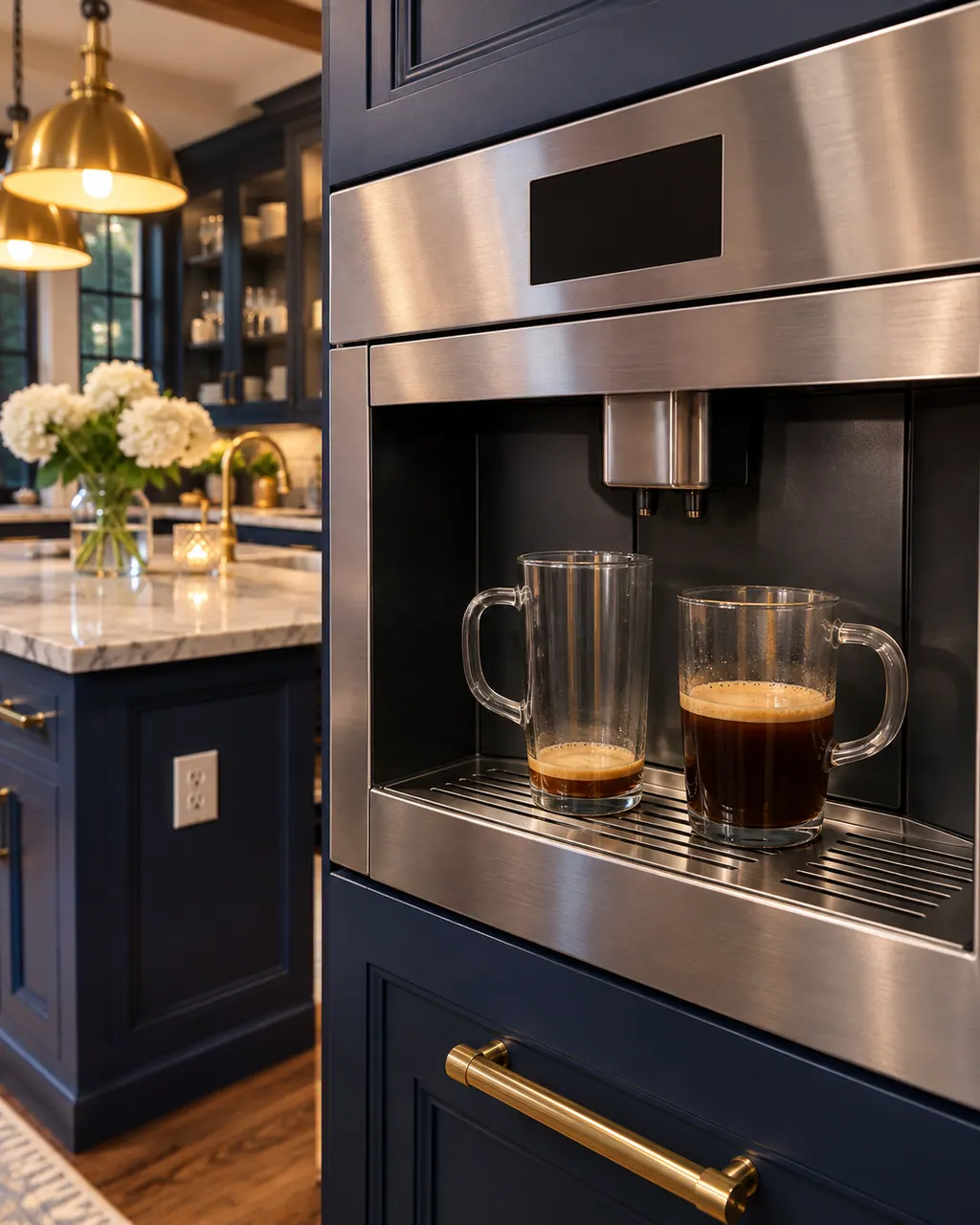
Start with safe observations.
Turn the appliance off and pull the plug before doing any check yourself. Look out for standing water and sharp edges. Never handle a wet plug, remove a service panel or step beyond what your model's guide permits an owner.
- 1
Grind setting
Coffee ground too finely gives the wrong volume. Adjust to a coarser grinding level.
- 2
Descale
Limescale build-up is a listed cause. Run the descaling program.
- 3
Brewing unit
A dirty brewing unit also does it. Unplug the machine, remove the unit and clean it.
- 4
No crema
An unsuitable coffee type, old beans or a grind that does not suit the bean. Choose a coffee with more Robusta, fresher beans or a finer grind.
- 5
Damp grounds
Too-oily beans with a fine grind make wet grounds. Avoid glazed or caramelized beans.
Systems a technician may investigate.
These parts relate to the symptom, though what you noticed cannot show that any single one has failed.
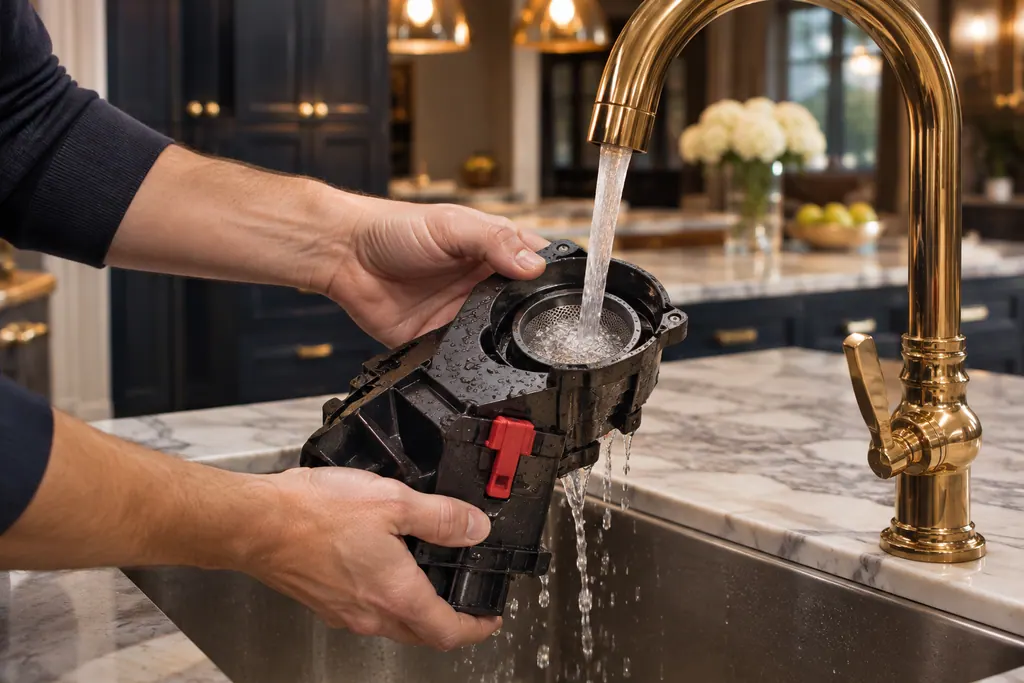
Coffee machine brewing unit
Inside a Thermador built-in coffee machine, a removable assembly called the brewing unit presses and brews the grounds. A dirty unit can bring up Clean brewing unit or the 30-second power-switch message. Rinse it with plain water only, no soap.
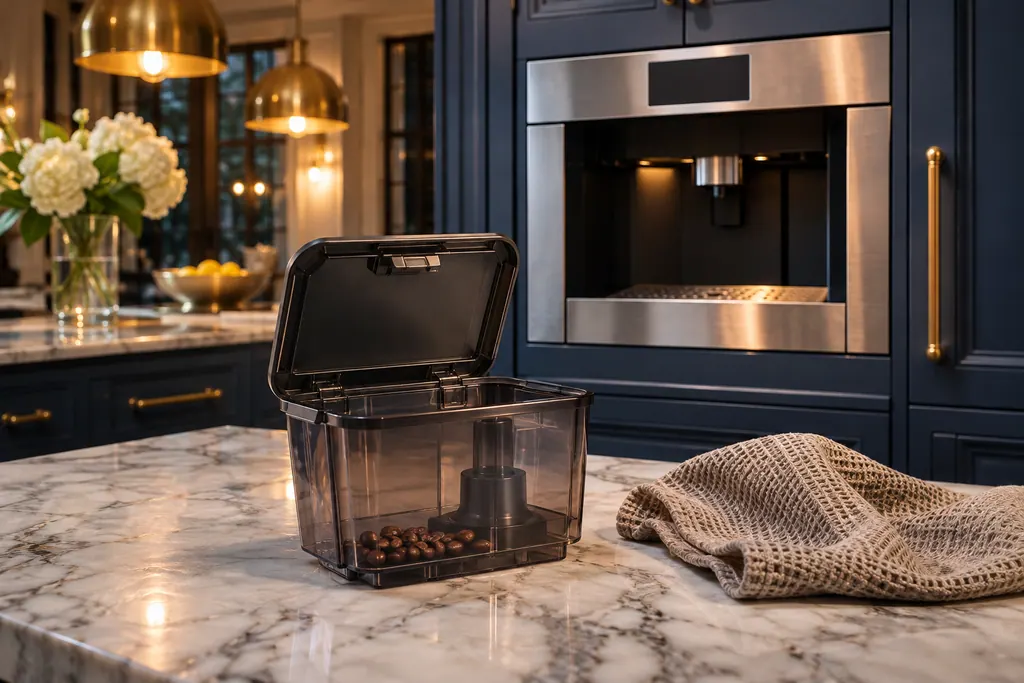
Coffee machine bean container
The bean container feeds the grinder in a Thermador coffee machine. FILL BEAN CONTAINER can appear on a full container when oily beans do not fall into the grinding unit. Thermador says to empty it, wipe it with a dry cloth and try less oily beans.
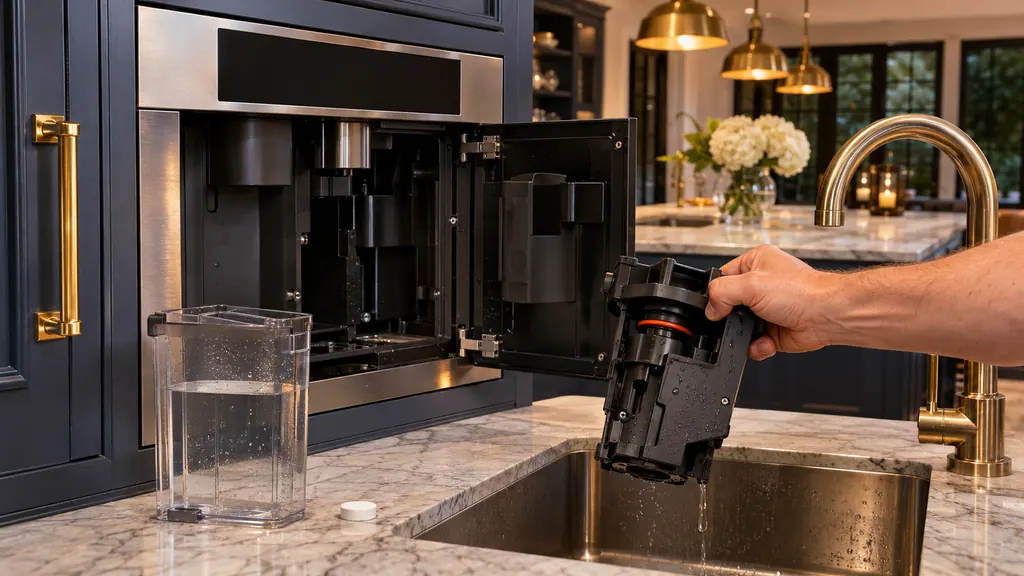
When observation becomes a service request.
Leave internal testing to a technician.
Volume is wrong after the grind change, descaling and cleaning.
The display shows SWITCH OFF WITH POWER SWITCH AND THEN BACK ON AFTER 30 SEC!
The brewing unit will not go in.
E0510 or another code appears.
Arrange a diagnosticSources and model boundaries.
These documents back up the Thermador coffee machine wrong coffee volume guidance. Choose the manual written for your model.
- Troubleshooting | Coffee Machines Support | Thermador
Match your model to the guide it shipped with. See how we research these pages.
Why is there no crema?
The coffee type may be unsuitable, beans may be old, or the grinding level does not fit the bean.
How do I change the grind?
Set it coarser for volume problems and finer for missing crema. The manual and Thermador’s video show how.
Do I unplug before cleaning the brewing unit?
Yes. Thermador says to unplug the appliance first.
Which beans are a problem?
Very oily beans, or beans glazed, caramelized or treated with sugar additives.
Thermador messages, symptoms, parts, repair visits
Move from the message to your next step.
Clean brewing unit
The brewing unit is soiled, and the display wants it cleaned. The TCM24PS table links this to too much ground coffee in the drawer or a stiff mechanism. Clean the unit as the cleaning chapter describes.
Thermador coffee machine milk froth problems
A Thermador built-in coffee machine that gives thin froth or takes in no milk usually has limescale, a blocked outlet or suction pipe, unsuitable milk or badly assembled milk parts. Run the descaling program, clean the outlet and tubes, use cold milk with at least 1.5% fat and reassemble the parts wet.
Coffee machine brewing unit
Inside a Thermador built-in coffee machine, a removable assembly called the brewing unit presses and brews the grounds. A dirty unit can bring up Clean brewing unit or the 30-second power-switch message. Rinse it with plain water only, no soap.
Coffee machine repair
Book a diagnostic made for your exact model and performed at the appliance itself.
Find your metro
Where the offices are, and what to tell us about getting in.