Inside the appliance
Coffee machine drip tray. In plain English.
The drip tray and its coffee grounds container sit at the bottom of a Thermador coffee machine door. EMPTY DRIP TRAYS or INSERT DRIP TRAYS can stay on after you have emptied them. Wet trays, a dirty tray holder or a container pushed in short are the usual causes.
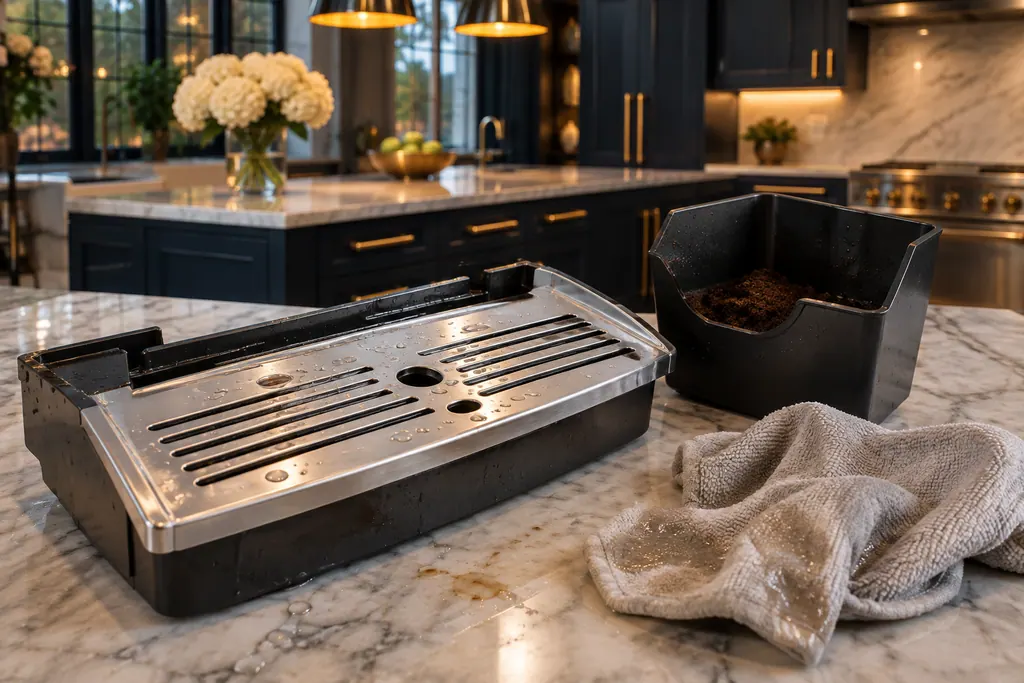
Where it fits.
Coffee machine drip tray in the appliance
On the appliance door, according to the guide's overview. The coffee grounds container and the drain filter belong to the tray.
The picture stands for a type of component. Which replacement suits your model is a separate question.
What shifts when this system needs a look.
Coffee machine drip tray concerns may show up next to a drop in performance or a message that keeps returning. Testing comes before any verdict on the component.
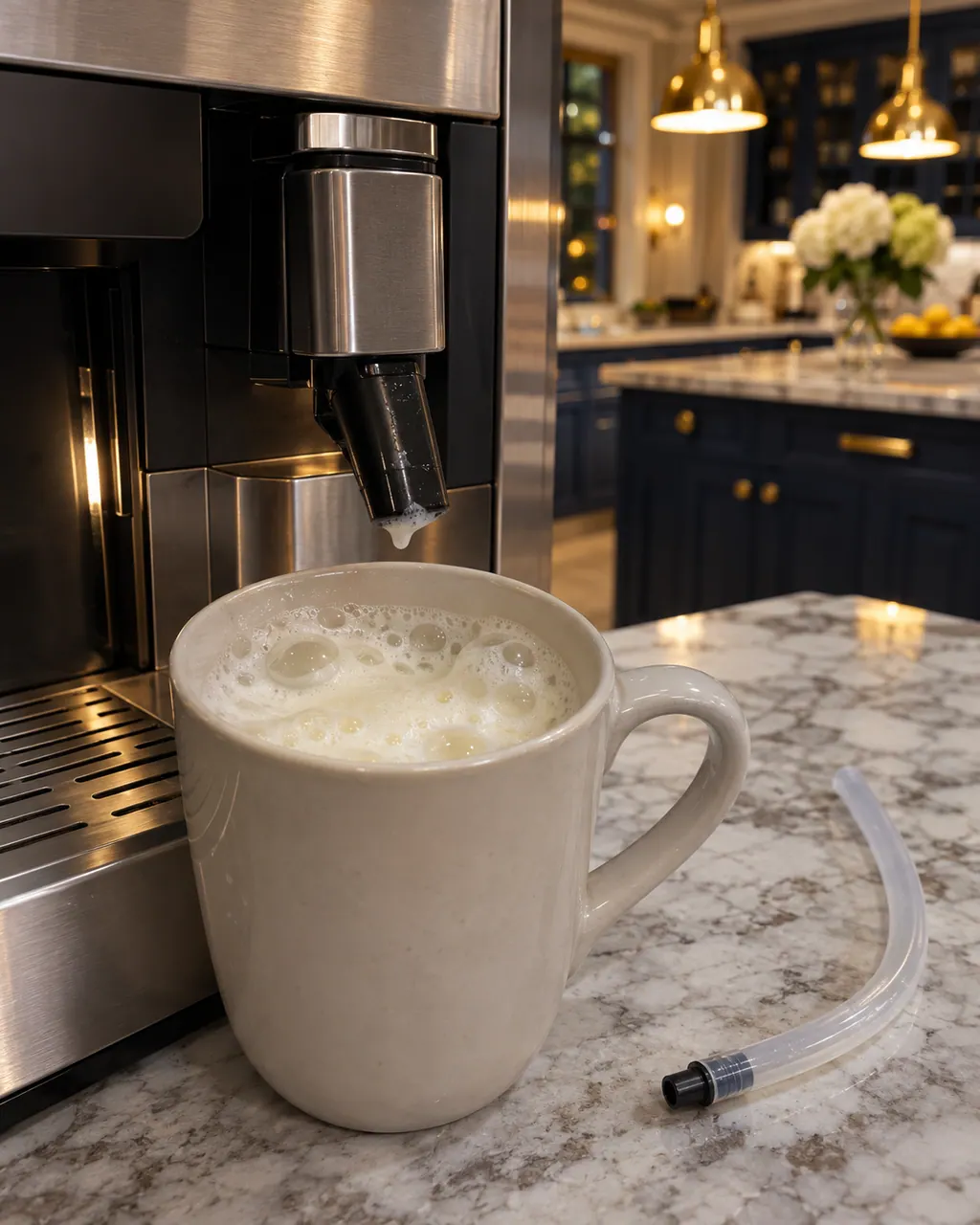
Thermador coffee machine milk froth problems
A Thermador built-in coffee machine that gives thin froth or takes in no milk usually has limescale, a blocked outlet or suction pipe, unsuitable milk or badly assembled milk parts. Run the descaling program, clean the outlet and tubes, use cold milk with at least 1.5% fat and reassemble the parts wet.
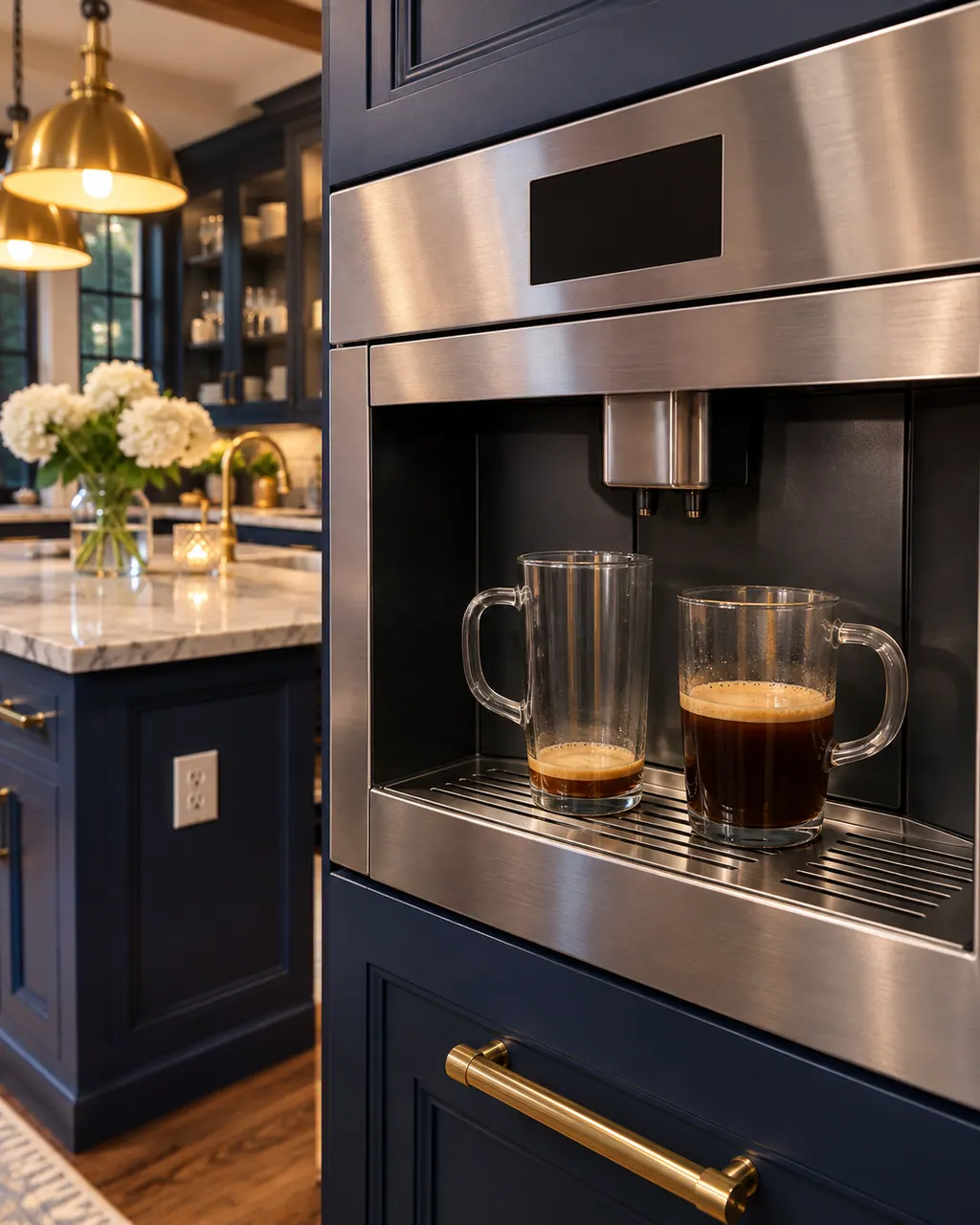
Thermador coffee machine wrong coffee volume
A Thermador coffee machine that dispenses the wrong amount has three listed causes: coffee ground too fine, limescale, or a dirty brewing unit. Set a coarser grind, run the descaling program and clean the brewing unit with the machine unplugged. A missing crema has its own causes.
Owner care, within the model instructions.
Turn the appliance off and pull the plug before doing any check yourself. Look out for standing water and sharp edges. Never handle a wet plug, remove a service panel or step beyond what your model's guide permits an owner.
- 1
Dry the tray
If EMPTY DRIP TRAYS stays on, Thermador says to clean and thoroughly dry the soiled, wet tray.
- 2
Switch on, then reinsert
A machine that is off cannot notice trays being emptied. Switch it on, then remove and reinsert the drip tray.
- 3
Push the container all the way in
For INSERT DRIP TRAYS: clean the tray holder and push the coffee grounds container fully in.
Cleaning or replacement?
Leave internal testing to a technician.
INSERT DRIP TRAYS stays after the holder is cleaned and the container is pushed home.
The page says the bean container magnet may not be detected.
Arrange a diagnosticSee the neighboring components.
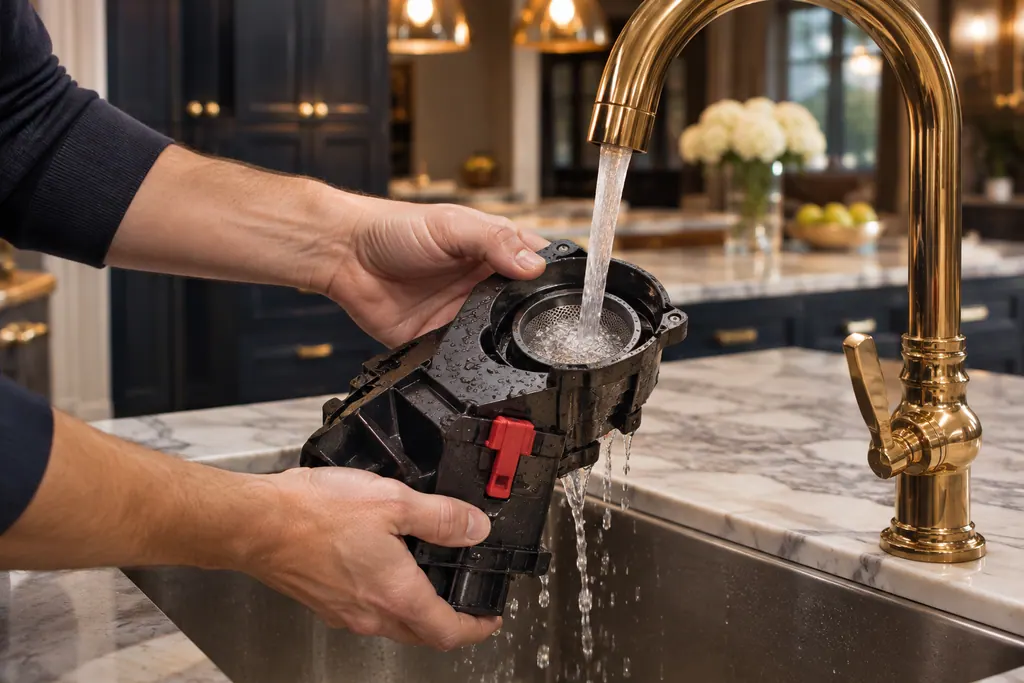
Coffee machine brewing unit
Inside a Thermador built-in coffee machine, a removable assembly called the brewing unit presses and brews the grounds. A dirty unit can bring up Clean brewing unit or the 30-second power-switch message. Rinse it with plain water only, no soap.
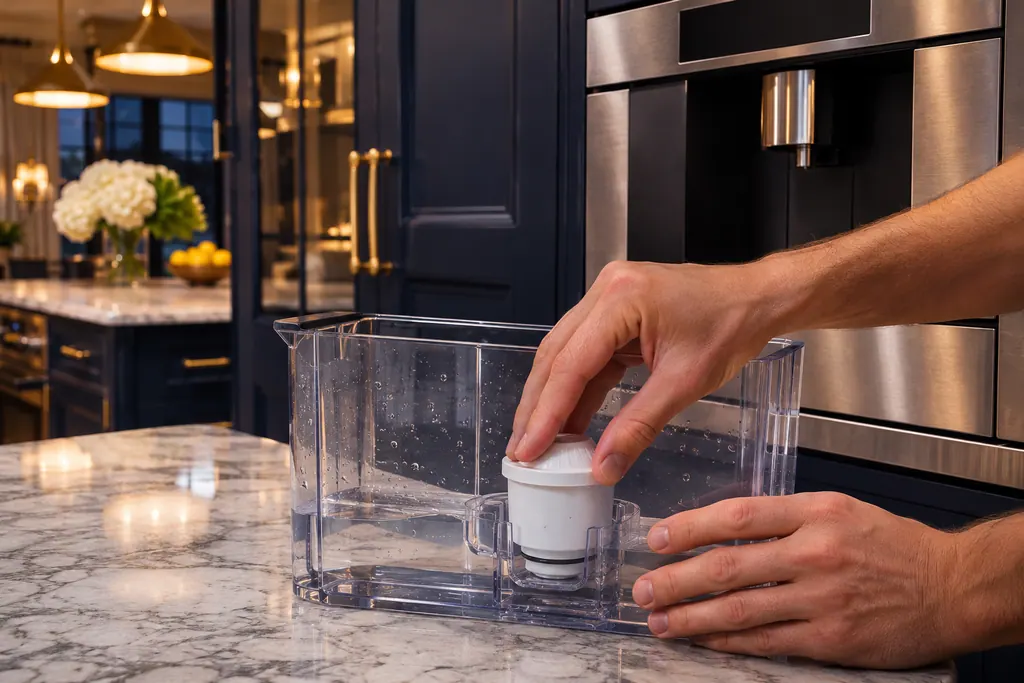
Coffee machine water filter
The water filter sits in the water tank of a Thermador coffee machine and lengthens the time between descaling runs. Replace Water Filter asks for a new one. REFILL WITH STILL WATER or REMOVE FILTER has several causes, including air trapped in the filter.
Sources and model boundaries.
These documents back up the Coffee machine drip tray guidance. Choose the manual written for your model.
- Troubleshooting | Coffee Machines Support | Thermador
- Use and Care Guide, Built-in Coffee Machine TCM24PS
Match your model to the guide it shipped with. See how we research these pages.
How often should I empty it?
The guide says the drip tray and coffee grounds container should be emptied and cleaned every day.
Is water under the tray normal?
The guide calls it condensation, and says not to insert the drip tray without its cover.
Can the tray go in the dishwasher?
The guide says the drip tray, drain filter and coffee grounds container may be washed in a dishwasher.
When should I book?
When the message stays after cleaning, drying and a full re-insert.
Thermador messages, symptoms, parts, repair visits
Move from the message to your next step.
EMPTY DRIP TRAYS
EMPTY DRIP TRAYS asks you to empty the trays. When they are already empty, the Thermador manual blames a wet, soiled tray, or a machine that was off while you emptied them. Clean and dry the tray, then reinsert it with the machine on.
Thermador coffee machine milk froth problems
A Thermador built-in coffee machine that gives thin froth or takes in no milk usually has limescale, a blocked outlet or suction pipe, unsuitable milk or badly assembled milk parts. Run the descaling program, clean the outlet and tubes, use cold milk with at least 1.5% fat and reassemble the parts wet.
Coffee machine repair
Book a diagnostic made for your exact model and performed at the appliance itself.
Find your metro
Where the offices are, and what to tell us about getting in.