What it means
EMPTY DRIP TRAYS asks you to empty the trays. When they are already empty, the Thermador manual blames a wet, soiled tray, or a machine that was off while you emptied them. Clean and dry the tray, then reinsert it with the machine on.
Thermador coffee machine EMPTY DRIP TRAYS / Messages
EMPTY DRIP TRAYS asks you to empty the trays. When they are already empty, the Thermador manual blames a wet, soiled tray, or a machine that was off while you emptied them. Clean and dry the tray, then reinsert it with the machine on.
Also appears as EMPTY DRIP TRAYS
EMPTY DRIP TRAYS asks you to empty the trays. When they are already empty, the Thermador manual blames a wet, soiled tray, or a machine that was off while you emptied them. Clean and dry the tray, then reinsert it with the machine on.
Pull them out and tip them out, then check that the tray is properly dry.
The message stays with the tray emptied.
Your Thermador steps, stored on this device only
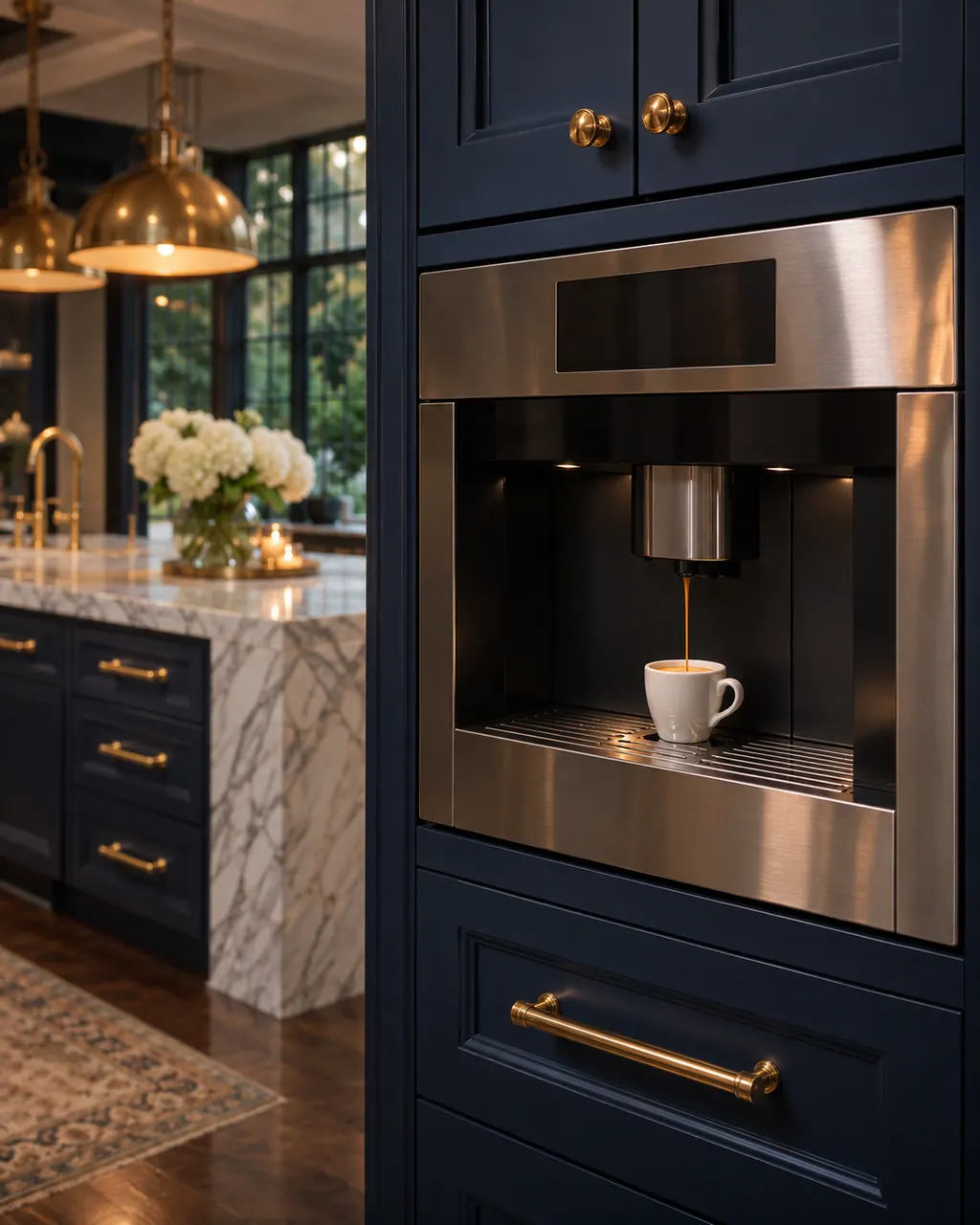
Pull them out and tip them out, then check that the tray is properly dry.

The Thermador manual says a soiled, wet drip tray can keep the message on. Clean and dry it thoroughly.
A machine that is off will not detect the emptying. Switch it on, then remove and reinsert the drip tray.
A clean, dry tray that was reinserted with the machine on and still triggers the message deserves a visit.
Give us your model number and the checks you already made, then start your request below.
Book a visit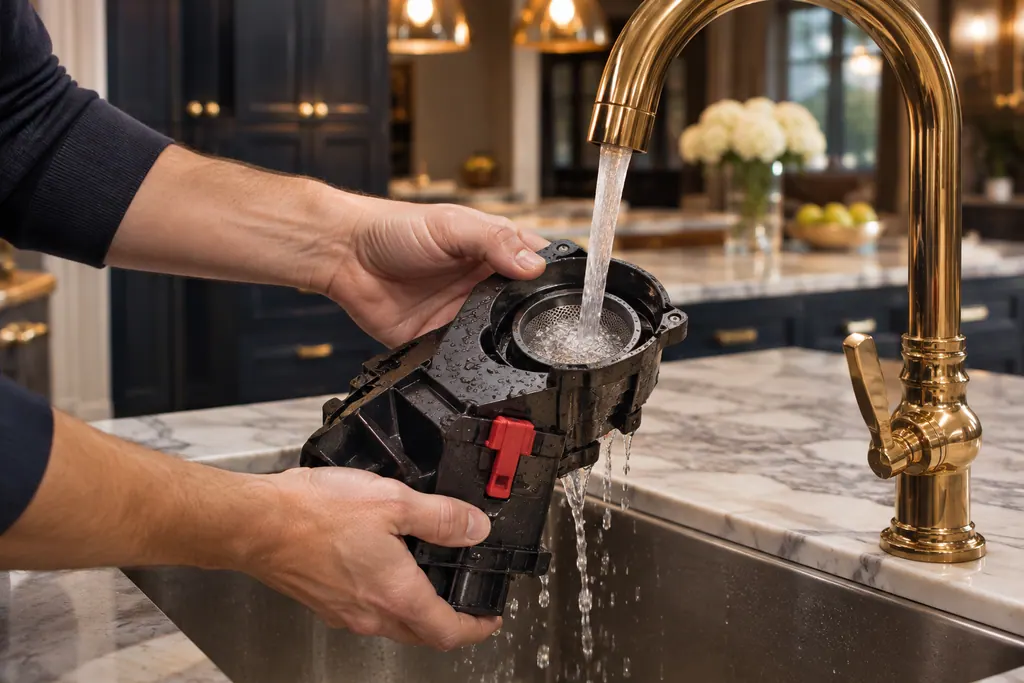
A simplified drawing, since the layout shifts from one model to the next. Tap any outlined part for its photo and the check that goes with it.
Component reference
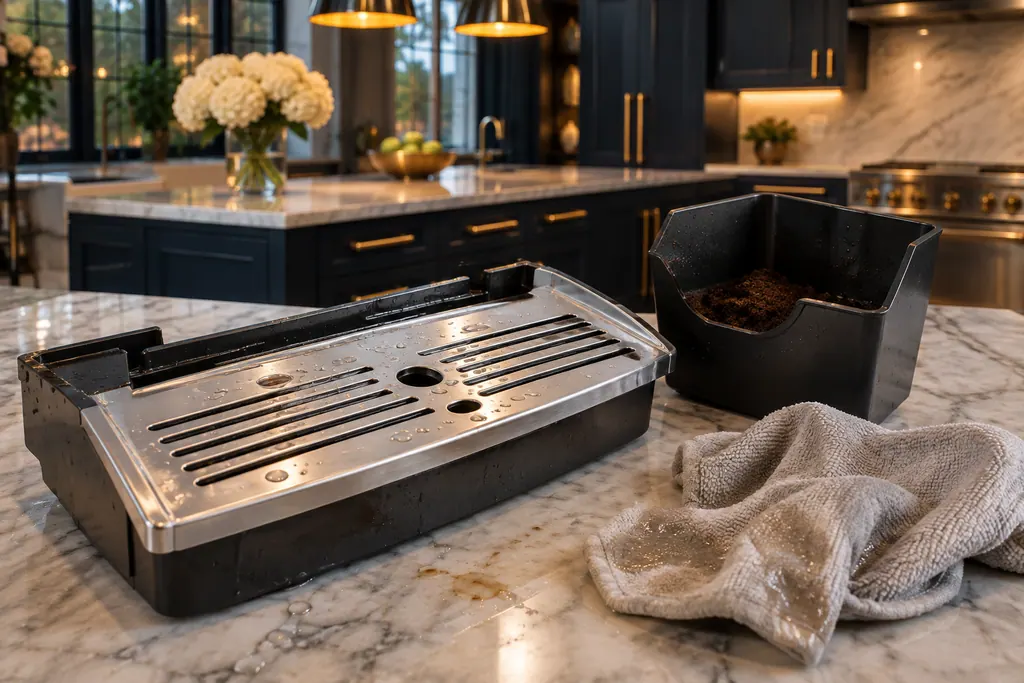
The drip tray and its coffee grounds container sit at the bottom of a Thermador coffee machine door.
Read the definitionThe Thermador manual gives two reasons: the tray is soiled and wet, or the machine was switched off while it was emptied.
Read the supporting manualSwitch it on, then take the drip tray out and put it back. The machine registers the removal.
Read the supporting manualThis message is about emptying; the other points to a tray holder needing cleaning or a grounds container not pushed in. Both sit in the same troubleshooting entry.
Read the supporting manualManufacturer document
Thermador / BSH Home Appliances (thermador.com/us support page)
Undated web page; fetched 12.11.2026 / entry "Coffee Machine Components"
Source: the Thermador coffee machine troubleshooting page, entry for the drip tray messages. It names no model.
Empty it when the display asks. The sources give no schedule.
Yes. The Thermador manual lists a soiled, wet tray as a cause.
It will not detect that. Switch on and reinsert the tray.
The Thermador manual only offers cleaning, drying and reinserting the tray; a message that stays after those is for a technician.
Thermador messages, symptoms, parts, repair visits
INSERT DRIP TRAYS can show with the trays in place. The Thermador manual points to a dirty tray holder or a grounds container that is not pushed all the way in, and, if it persists, to the bean container magnet. Seat the grounds container first.
A Thermador built-in coffee machine that gives thin froth or takes in no milk usually has limescale, a blocked outlet or suction pipe, unsuitable milk or badly assembled milk parts. Run the descaling program, clean the outlet and tubes, use cold milk with at least 1.5% fat and reassemble the parts wet.
The drip tray and its coffee grounds container sit at the bottom of a Thermador coffee machine door. EMPTY DRIP TRAYS or INSERT DRIP TRAYS can stay on after you have emptied them. Wet trays, a dirty tray holder or a container pushed in short are the usual causes.
Book a diagnostic made for your exact model and performed at the appliance itself.
Where the offices are, and what to tell us about getting in.