What it means
FILL BEAN CONTAINER normally asks for beans. With a full container, the Thermador manual says the beans are too oily and not falling into the grinding unit. Empty the container, wipe it with a dry cloth, and try less oily beans.
Thermador coffee machine FILL BEAN CONTAINER / Messages
FILL BEAN CONTAINER normally asks for beans. With a full container, the Thermador manual says the beans are too oily and not falling into the grinding unit. Empty the container, wipe it with a dry cloth, and try less oily beans.
Also appears as FILL BEAN CONTAINER
FILL BEAN CONTAINER normally asks for beans. With a full container, the Thermador manual says the beans are too oily and not falling into the grinding unit. Empty the container, wipe it with a dry cloth, and try less oily beans.
If it is empty, refill it.
The message stays with a full container.
Your Thermador steps, stored on this device only

If it is empty, refill it. If it is full, carry on.

Take the beans out and clean the container with a dry cloth, as the Thermador manual instructs.

If the message persists, the Thermador manual says to use less oily beans.

The beans and the cloth step are all the Thermador manual offers; beyond that, a technician should look.
Give us your model number and the checks you already made, then start your request below.
Book a visit
A simplified drawing, since the layout shifts from one model to the next. Tap any outlined part for its photo and the check that goes with it.
Component reference
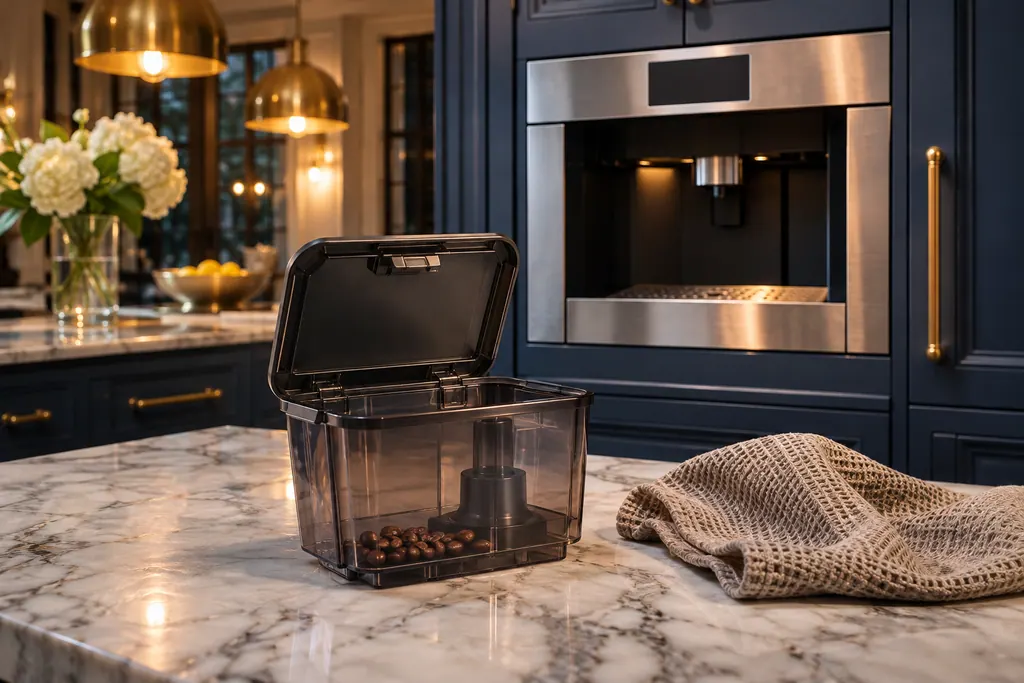
The bean container feeds the grinder in a Thermador coffee machine.
Read the definitionOily beans may not drop into the grinding unit, so the machine behaves as if the container were empty.
Read the supporting manualA dry cloth. The Thermador manual says nothing about water or cleaners for this step.
Read the supporting manualThe troubleshooting entry groups it with MILK CONTAINER CONNECTED?, but the causes differ: this one concerns beans, that one the milk sensor.
Read the supporting manualManufacturer document
Thermador / BSH Home Appliances (thermador.com/us support page)
Undated web page; fetched 12.11.2026 / entry "Coffee Machine Components"
Source: the Thermador coffee machine troubleshooting page, entry for the bean and milk container messages; no model named.
The Thermador manual gives no brands. It only says to use less oily beans if the problem persists.
Yes, if the container is empty; if full, empty it first.
The Thermador manual says to clean with a dry cloth, so avoid wet cleaning.
When the message stays after emptying, wiping and switching to less oily beans.
Thermador messages, symptoms, parts, repair visits
A Thermador built-in coffee machine that gives thin froth or takes in no milk usually has limescale, a blocked outlet or suction pipe, unsuitable milk or badly assembled milk parts. Run the descaling program, clean the outlet and tubes, use cold milk with at least 1.5% fat and reassemble the parts wet.
The bean container feeds the grinder in a Thermador coffee machine. FILL BEAN CONTAINER can appear on a full container when oily beans do not fall into the grinding unit. Thermador says to empty it, wipe it with a dry cloth and try less oily beans.
Book a diagnostic made for your exact model and performed at the appliance itself.
Where the offices are, and what to tell us about getting in.