On this page
- The Masterpiece oven needs Sabbath enabled in the basic settings first. 1
- On Freedom columns the mode must be set to Available in Appliance settings before it appears. 23
- Door assist is off in Sabbath mode, so a handle-free column opens from below the bottom panel. 3
- A dark, silent drawer with SAB shown is the mode working, not a failure. 4
What does Sabbath mode do on a Thermador appliance?#
It switches off or deactivates the functions that are not essential so the appliance can run through a religious observance without attention. Which functions depend on the product: lights, sounds and messages on columns, the keys on an oven. 1234
The manuals describe it in different words but one idea. The Masterpiece oven manual says the mode enables those of particular faiths to use their ovens on the Sabbath. 1 The Freedom manuals say all non-essential functions are switched off, so you can also use the appliance on the Sabbath. 23 The under-counter drawer manual refers to users whose observances require the turning off of lights, and also to travelers who will be absent from home, and points to a Star-K website for specific instructions. 4 Read the instructions that apply to your exact model; the steps below summarize four manuals, not every Thermador product.
If a display suddenly shows a short word such as SAB, see our guide to messages that are not errors.
How do I use Sabbath mode on a Masterpiece wall oven?#
Enable it once in the basic settings, then press ON/OFF, pick the cavity, scroll to Sabbath, set a temperature and a time, and press START/STOP. It begins after 5 minutes and then only ON/OFF responds. 1
- 1
- 2
- 3
- 4
- 5
- 6
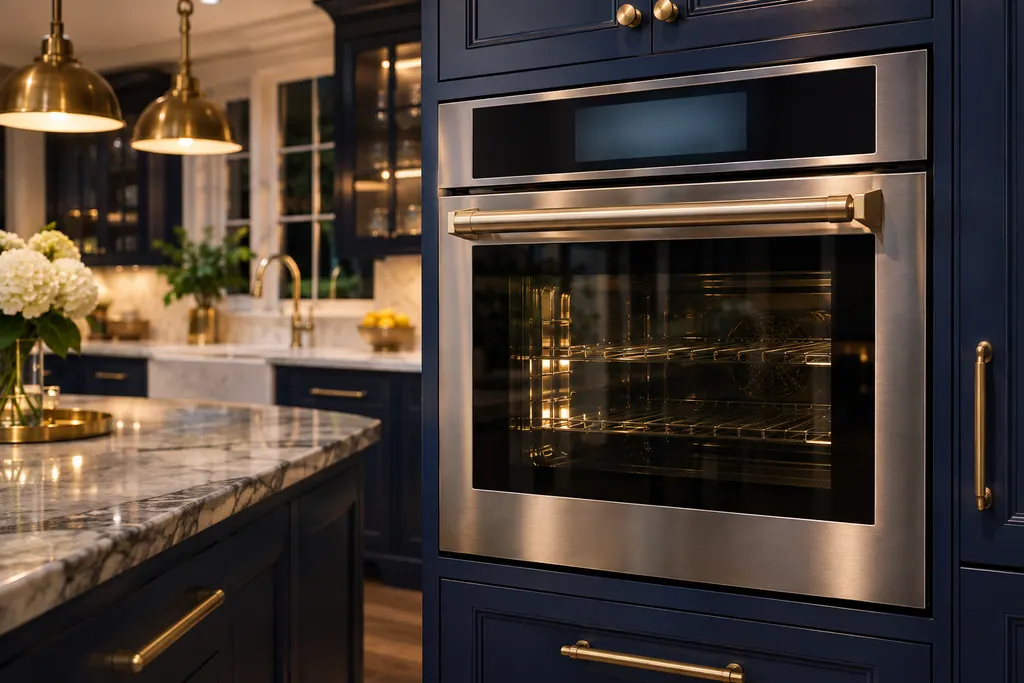
While it runs, the kitchen timer, oven timer and meat probe are not available, touching keys has no effect, and the oven light stays as it was when you started. Opening the door does not interrupt the operation. 1 Both cavities of a double oven can run it at once, with one shared timer and separate temperatures. 1
What is Yom Tov mode?#
A related setting on the same oven. It also allows up to 74 hours, but after it starts the display shows six cooking temperatures, and you can change the temperature by touching the one you want, with no response from the display. 1
Setting it mirrors the Sabbath steps: select Yom Tov, accept Bake, set the temperature range and the oven timer, press START/STOP, and it begins after 5 minutes. Cancel with ON/OFF. 1
How do I use it on a Freedom freezer or wine column?#
First make it visible: in Appliance settings, open Sabbath mode and set it to Available. Then it appears in the Settings menu, where you choose a duration preset or adjust the time and start it. 23
- 1
- 2
- 3
- 4
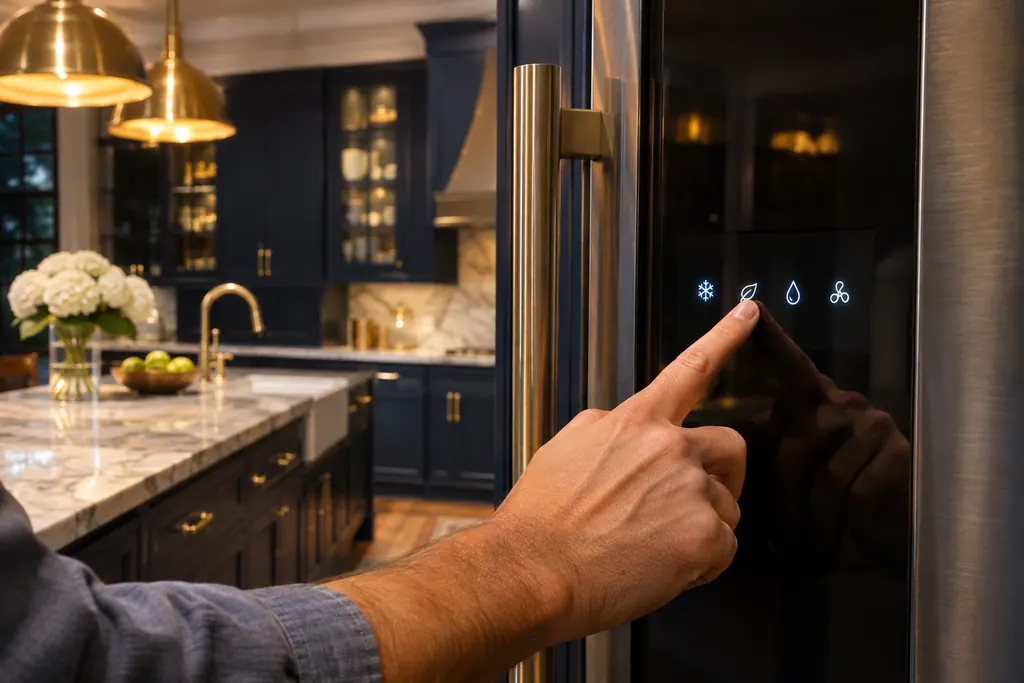
On the freezer column the manual lists what goes off: the ice maker, audible signals, the interior light and messages on the display, and the display background lighting is reduced. 2 The wine column lists automatic door opening, audible signals, the interior light, messages on the control panel and a reduced backlight. 3 That means a door-open alarm will not sound, which our guide to cooling door and high-temperature alarms covers for normal use.
How do I open a handle-free column during Sabbath mode?#
Automatic door opening is disabled, so the door does not pop open when pressed. The wine column manual says to reach from below underneath the bottom panel of the unit, or switch off the special mode. 3
The freezer manual also notes that automatic door opening is disabled while Sabbath mode is active. 2 For both, an earlier warning applies: do not close the door early while door assist is moving, or it can fail to re-adjust. 2 If reaching under the panel still does not release the door, that needs a technician.
What should I set before I start?#
Set the temperature first. The lists in the manuals name what switches off, and cooling is not on them, but the drawer's keys, apart from ON/OFF, stop responding once the mode is active, so any change has to come before you start. 234
On the oven the same holds: the temperature and the duration are chosen before START/STOP, and the first 5 minutes are the window for corrections. 1 If you changed other settings along the way and want a fresh start, the Factory settings item in a column's Appliance settings menu resets everything, but it is a separate action from ending Sabbath mode. 2
What does it do on an under-counter drawer?#
Hold the SABBATH key for 3 seconds. The key sounds once, the Sabbath light turns on, and SAB shows for a few seconds. All lights go off, all buttons except ON/OFF go inactive and all audible and visual alarms stop. 4
To leave, hold the key down for another 3 seconds, and buttons, displays, lights and alarms work again. 4 The interior light stays off even with the door closed for as long as the mode runs. 4 The manual's troubleshooting table lists Sabbath mode as the reason for an interior light that does not work, with the remedy to disengage it. 4 For the code rows we keep, see our freezer SAB row and wine SAB row.
What would point to a problem beyond the mode itself?#
A Sabbath option that never appears after you enabled it, an appliance that stays unresponsive after the period ended and you pressed stop, a column that warms, or an oven that stops heating early. 1234
In those cases book our technician. Repairs within Thermador's own warranty stay with Thermador. The price is stated up front and finalized after diagnosis. We service refrigeration and ovens.
Sources#
- Use and care GUIDE: Masterpiece Series Built-in Single, Double and Combination Ovens ME301WS MED301WS MED301LWS MED301RWS ME302WS MED302WS and related modelsThermador (BSH Home Appliances), en-us edition · File tag 8001252118_B · PDF pages 14 (modes table), 25-26 (Sabbath mode, Yom Tov mode, basic settings)
- USE & CARE GUIDE: Freedom freezer column T18IF905SPThermador (BSH Home Appliances), en-us edition · File tag 8001153821_C · PDF pages 11 (settings menus), 17 (automatic door opening), 18 (Sabbath mode)
- USE & CARE GUIDE: Freedom wine storage column T18IW905SPThermador (BSH Home Appliances), en-us edition · File tag 8001161977_D · PDF pages 12-13 (automatic door opening, Sabbath mode), 20 (troubleshooting)
- USE & CARE GUIDE: Double Drawer Refrigerator T24UR925DS T24UR915DS T24UR905DPThermador (BSH Home Appliances), mixed print edition · File tag 9001700449_C · PDF pages 7 (control functions, Sabbath), 12 (troubleshooting)