On this page
- A drawer that is too cold may be sitting in Quick Chill or Bar mode. 2
- Quick Chill locks the other temperature buttons for up to 24 hours. 2
- The wine reserve's two compartments are set separately with the left and right buttons. 3
- Freedom wine columns add independent zones and a humidity toggle in the display. 4
What are the preset cooling modes on a Thermador under-counter drawer?#
Bar, Refrigerator and Pantry are the three TEMP MODE presets, and Quick Chill is a separate short-term function. On the T24UR drawer manual the defaults are 34, 37 and 44 degrees F. 12
Thermador's support page names the same set and what each is for: Bar mode for beverages, Fridge mode for perishable foods and beverages, Pantry mode for breads, grains and baking flours in a high-humidity area, and Quick Chill to bring the temperature down fast. Some models label them as Temp Mode 1, 2 and 3, and the page says modes differ by model. 1
| TEMP MODE | Name | Default | Range | Intended for |
|---|---|---|---|---|
| 1 | Bar | 34 F (1 C) | 33 to 35 F | Beverages 12 |
| 2 | Refrigerator | 37 F (2 C) | 36 to 40 F | Perishable food and drinks 12 |
| 3 | Pantry | 44 F (6 C) | 41 to 64 F | Breads, grains, flours 12 |
The temperatures come from the double drawer manual (T24UR925DS and sister models). A refrigerator-freezer drawer or a glass door refrigerator may differ, and the support page tells you to check your owner's manual for those. 12
How do I change the mode or the temperature?#
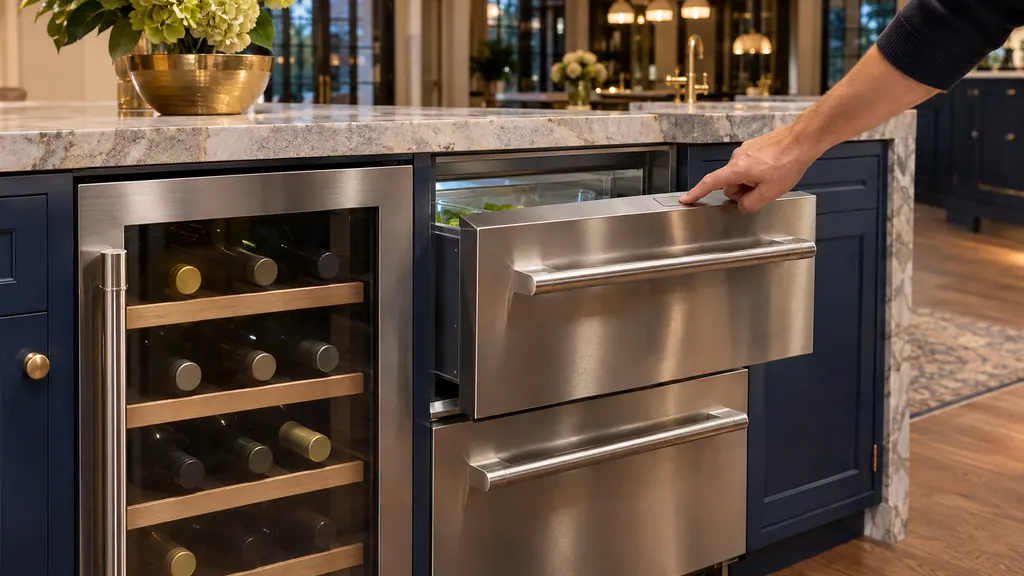
Press TEMP MODE to cycle the three levels, or press the minus and plus selection buttons to move the temperature one degree at a time. The set points of a mode apply to both drawers. 2
- 1
- 2
- 3
- 4
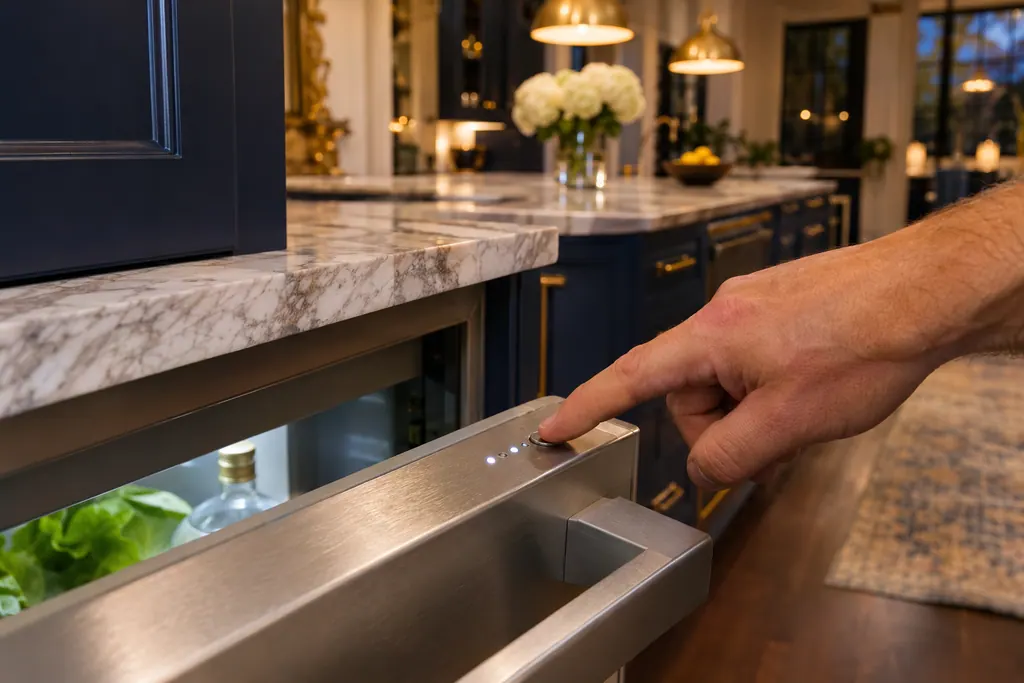
By default both drawers are set to 37 F. 2 The appliance includes a lock system that keeps the two compartments from drifting apart: once the difference passes 10 degrees, raising or lowering one moves the other in parallel. The manual's examples: upper 44 and lower 34, raise the upper to 45 and the lower follows to 35; upper 36 and lower 46, raise the lower to 49 and the upper moves to 39. 2
How does Quick Chill work?#
Quick Chill fixes the temperature at 33 F (0 C) to cool food or drinks in a short time. Press QUICK CHILL to start and press it again to stop, or let it end by itself after 24 hours. 12
All other temperature buttons become non-functional while it runs, and when it ends the settings return to what they were before. 2 That makes it a common reason for a drawer that is suddenly too cold: the troubleshooting table for "food and drinks too cold" tells you to raise the temperature and to make sure the unit is not in Quick Chill mode. 2 Our guide to cooling door and high-temperature alarms covers the alarm side of these units.
What do the lock, alarm and Sabbath keys do?#
LOCK, held for 3 seconds, blocks all buttons until you hold it again. ALARM controls the door-open alarm, and the SABBATH key turns off lights and alarms. All three are explained in the drawer manual. 2
Holding ALARM for 3 seconds re-engages the door-open alarm function, which does not operate while the unit is in Sabbath mode. 2 The Sabbath details are in our guide to Sabbath mode on ovens, columns and drawers. Thermador's page describes the same set of controls on its video: on and off, the door alarm, the lock, Sabbath mode, the Celsius to Fahrenheit switch, the temperature and the preset modes. 1
How is the wine reserve's temperature set?#
Use the selection buttons: the left-side pair changes the upper compartment and the right-side pair the lower compartment. Defaults are 46 F upper and 58 F lower; the ranges are 40 to 54 F upper and 40 to 64 F lower. 3
The manual recommends serving temperatures by wine type: for example 64 F for Bordeaux, Shiraz and Rhone, 59 F for Chianti and Zinfandel, 52 F for white Burgundy, 48 F for Chablis and Sauvignon Blanc, and 43 F for Champagne, Cava and Asti. 3 It reminds you that the correct serving temperature is crucial for taste. 3 The light button on the panel cycles the cabinet light level, and the factory closed-door setting is High. 3 A wine reserve holds 41 standard bottles in the layout the manual shows. 3
What is different on a Freedom wine column?#
A Freedom wine column has two or three independent temperature zones, depending on the model, with a display menu: pick the zone, press plus or minus, tap the water droplet to turn humidity on or the crossed-out droplet to turn it off, and confirm. 4
That is a different control scheme from the buttons on the under-counter reserve. Thermador's page adds that the app can set each zone remotely, that the column can store spirits, charcuterie boards or olive oil, and that bottles load best alternating cork toward and away from the door. 4 Our guide to Demo mode on a Freedom column matters when a lit column is not cooling.
Why is the unit running a lot or showing HI?#
The drawer manual lists frequent door opening, covered vents, a large amount of warm product, an overly warm room and a door gasket that fails to seal as causes. Press the alarm button to silence the HI alarm after you fix the cause. 2
Each cause has a plain remedy there: open the unit less, clear the vents at the base and inside, let warm product cool, move the unit out of sunlight or heat, and inspect the gasket for damage. 2 The wine reserve's table gives the same list for a compressor that runs constantly. 3 If one drawer is much colder than expected, check the mode first. 2
Which readings call for a technician?#
A drawer that is lit but not cooling although the vents are clear, an HI alarm that returns after you silenced it and removed warm product, a compressor that never stops with a sound gasket, or a light that fails outside Sabbath mode. 23
If you see one of those, we can send a technician. A unit that is still under Thermador's warranty is repaired by Thermador. We give a price up front and settle it after the diagnosis. Our refrigerator service page describes the visit.
Sources#
- Under Counter Refrigeration Cooling Modes and Controls | Appliance Features | ThermadorThermador (thermador.com, US support site) · Page undated; retrieved 12.11.2026 · Page text on drawer and glass door preset cooling modes and controls
- USE & CARE GUIDE: Double Drawer Refrigerator T24UR925DS T24UR915DS T24UR905DPThermador (BSH Home Appliances), mixed print edition · File tag 9001700449_C · PDF pages 7-8 (controls, Quick Chill, TEMP MODE, setting the temperature), 12 (troubleshooting)
- USE & CARE GUIDE: Glass Door Wine Reserve T24UW925LS T24UW925RS T24UW915LS T24UW915RS T24UW905LP T24UW905RPThermador (BSH Home Appliances), mixed print edition · File tag 9001700388_B · PDF pages 8 (setting the temperature, ranges, serving temperatures), 9 (cabinet lighting), 11 (troubleshooting)
- Wine Column Features | Refrigeration Support | ThermadorThermador (thermador.com, US support site) · Page undated; retrieved 12.11.2026 · Page text on independent temperature zones and humidity