On this page
- The oven, range and steam oven pages list the three codes as update codes. 12
- Fix: press TIMERS, and if the code stays, a 30-second breaker cycle lets the update finish. 3
- E1601 on the error pages appears as E1610 on the update page. 13
- E0510 on a coffee machine is a different entry: follow the display. 4
What are E0211, E1601 and E0510 on a Thermador oven?#
They are Home Connect update codes. Thermador's oven, range and steam oven error pages list all three under one heading: they appear during a Home Connect software update. 12
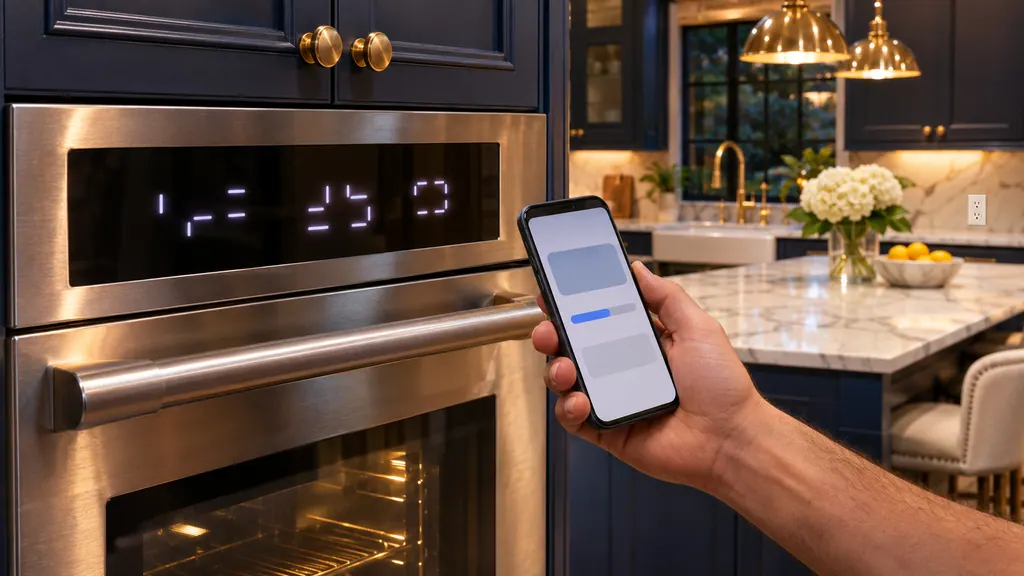
The pages are short on detail, so the update page fills the gap. A connected oven downloads new software over Wi-Fi and then installs it, and a message can appear while that is happening. Your oven is not reporting a burned-out part; it is telling you the update hit a snag. The same page adds a general rule for any "E and a number" with a beep: press TIMERS or any key to stop the beeping, reset the oven if necessary, and call if the code keeps coming back. 1 If your display shows a different E-number outside an update, that is a separate matter; our guide to messages that are not errors covers modes that mimic one.
How do I clear them?#
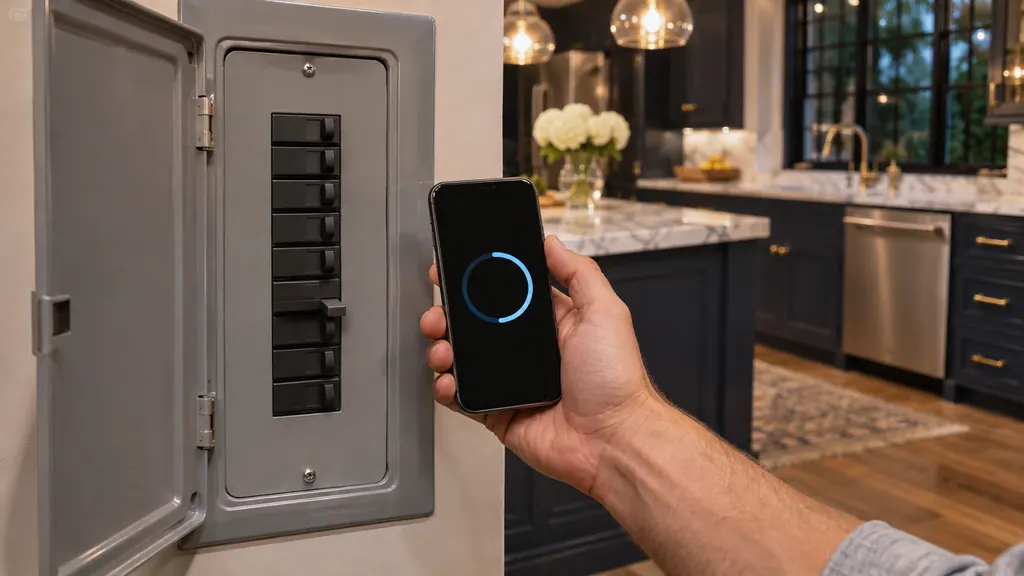
Press the TIMERS button to dismiss the message. If it does not go away, turn the oven's breaker off for half a minute, then on. The page says that clears the code and the update finishes. 3
Treat it as a two-step ladder and stop at the first rung that works.
- 1
- 2
- 3
- 4
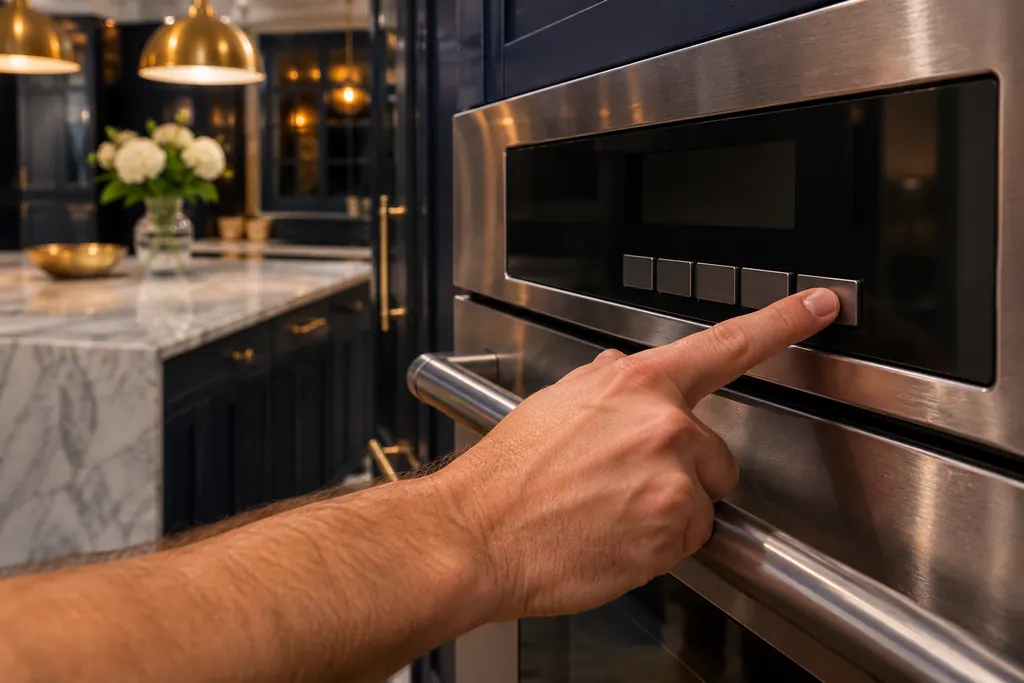
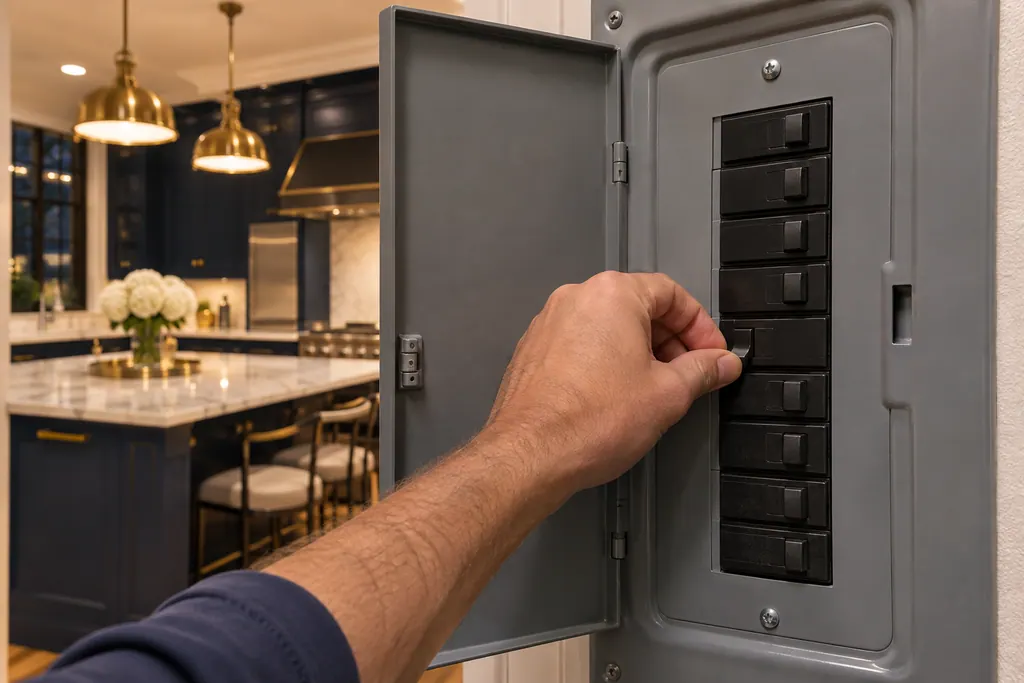
If you cannot reach the breaker for this oven, do not take the oven apart. A wall oven is wired into the house circuit, and the breaker is the only power switch we describe here.
E1601 or E1610: which is it?#
The sources print both. The oven, range and steam oven error pages say E1601. The software-update page uses E1610 in the question and in the answer, in the list E0211, E1610, E0510. We cannot tell which is a slip. 123
The remedy does not depend on it, because both sit in the same update-code list and carry the same instruction. If your oven shows either, treat it the same way. If you are searching for the code online and the first spelling finds nothing, try the other. We keep both spellings so the page matches what you read on the display or in the manual.
How long does the update take?#
The update page says the download takes up to 6 hours, depending on network quality, and the installation about 10 to 15 minutes. The general Home Connect FAQ puts a typical update at 30 minutes or more. 36
Those figures come from different pages and describe different updates, so they do not contradict each other. The 6-hour figure is for the software that adds Air Fry and Air Sous Vide. 3 The Home Connect page speaks of typical updates in general. 6 You can keep using the oven during a download, but the page warns that using it pauses the download and makes it take longer. 3 If the oven asks you to confirm the installation, you do that on the oven or in the app, and the oven manual says you can start installing from the basic settings or from the app on your home network. 35
What if the power goes out mid-update?#
The page separates two moments. A power cut during the download is harmless: the download resumes when power returns. A cut during installation can leave an error code or a black screen, and the page tells you to call for help. 3
That second case is the reason to avoid starting an installation just before a storm, and the reason not to cut the breaker during installation. The power cycle in this guide is for a code that stays on the screen while the update is waiting, not for an oven that is mid-installation. If the oven shows a black screen or a code after an outage during installation, the page asks you to call for help, so book a visit. 3
Is E0510 the same on a coffee machine?#
No. The coffee machine error page lists E0510 as an error and says to proceed according to the instructions on the display. It is not in the update entry for ovens. 4
So the same number can carry a different instruction by appliance. For a built-in coffee machine, follow the screen. For an oven, range or steam oven during an update, use TIMERS and the breaker cycle. 34 Our rows: oven and coffee machine E0510. Our coffee machine prompts guide covers the machine's own service messages.
Why does an oven need updates at all?#
The Home Connect page says updates deliver bug fixes, new functions and longer service life, such as Air Fry and a dark display mode, without a technician visit. Older models mostly get security and basic improvements. 6
Your oven checks regularly for updates when it is registered with Home Connect, and the manual says you are told in the app when one is ready. 5 Once Air Fry has appeared on the display, the update page says you no longer need to stay connected to Wi-Fi to keep the mode. 3 If an update fails repeatedly, the Wi-Fi checklist in the Home Connect help pages is the place to look next, before any repair.
Does every connected oven or range get every update?#
No. The Home Connect page says the range of updates varies by appliance category and age. Older models mainly receive security and basic improvements, while newer ones may gain features such as Air Fry or a dark display mode. 6
The update page backs that with model lists: the wall ovens, steam ovens and combination ovens it names are Air Fry capable, and a separate, shorter list of ovens and ranges can receive the dark mode update. 3 If your oven never offers an update at all, check that it is registered in the Home Connect app and that the home network is working before you suspect the oven. The error pages and the manual both assume a registered, connected appliance. 15
What if the code survives the breaker cycle?#
A code that survives TIMERS and one breaker cycle, a black screen after a power failure during installation, and a code with no update running are the three cases for a technician. 13
Thermador's pages point to its customer support. An independent route is to schedule a visit with us. Anything Thermador's own coverage handles goes through Thermador; our workmanship has a separate warranty. We discuss the price with you beforehand and confirm it once the technician has examined the oven at your address. The oven service page has the details.
Sources#
- Error Codes | Ovens Support | ThermadorThermador (thermador.com, US support site) · Page undated; retrieved 12.11.2026 · Entries E0211, E1601, E0510 appear during a Home Connect software update; E and a number appears and the control beeps
- Ranges / Ovens Support | Thermador (error codes page)Thermador (thermador.com, US support site) · Page undated; retrieved 12.11.2026 · Entry E0211, E1601, E0510 appear during a Home Connect software update
- How to Activate Smart Appliance Software Updates for your Thermador Appliances | ThermadorThermador (thermador.com, Home Connect pages) · Page undated; retrieved 12.11.2026 · Entries on download time, using the oven during a download, installation, power outages and What Happens if I See an Error Display on the Screen?
- Error Codes | Coffee Machines Support | ThermadorThermador (thermador.com, US support site) · Page undated; retrieved 12.11.2026 · Entry E0510
- Use and care GUIDE: Masterpiece Series Built-in Single, Double and Combination Ovens ME301WS and related modelsThermador (BSH Home Appliances), en-us edition · File tag 8001252118_B · PDF page 30 (12.7 Software update)
- Thermador Home Connect Help & Troubleshooting FAQ | ThermadorThermador (thermador.com, US support site) · Page undated; retrieved 12.11.2026 · Entries on appliance firmware and over-the-air updates