Start from the symptom
Thermador oven door locked and won't open.
One reset appears on Thermador's oven support page and in its built-in oven guides for a door that will not release even when the oven is cool: cut the oven's power at the circuit breaker, wait five minutes, restore power and let the oven reset itself. While a self-clean cycle runs, a shut door is expected.
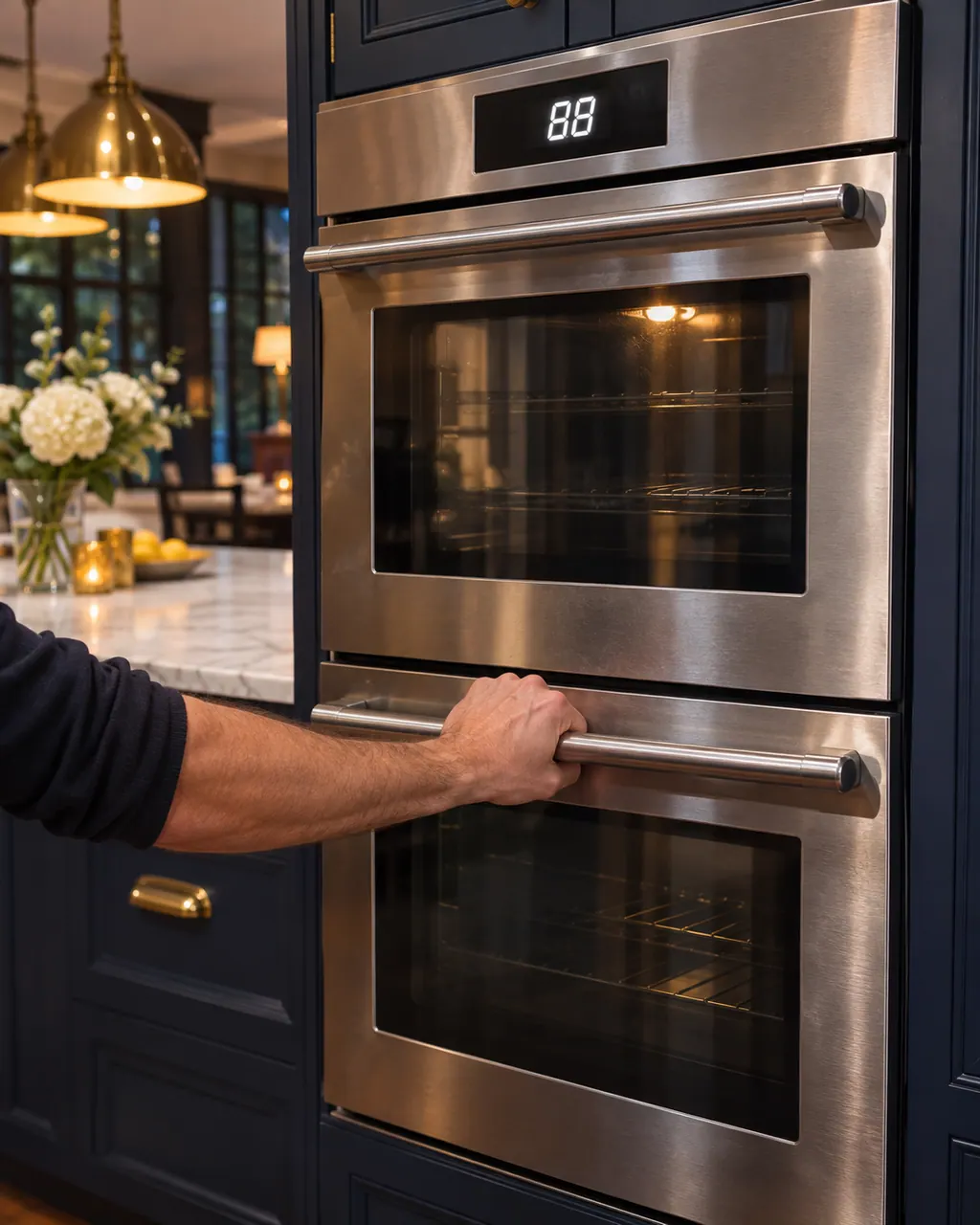
Start with safe observations.
Turn the appliance off and pull the plug before doing any check yourself. Look out for standing water and sharp edges. Never handle a wet plug, remove a service panel or step beyond what your model's guide permits an owner.
- 1
Rule out self-clean
The built-in oven guides say the door latches on its own once a self-clean cycle begins and holds until the cavity is cool. Let that finish before suspecting anything.
- 2
Look for the lock symbol
The troubleshooting table in the guides describes this problem as a door that stays shut after cooling, with the door lock symbol lit on the display.
- 3
Clear the door area
Thermador's page says that if the lock misbehaves, look for food remnants or small objects jammed in the door and remove them.
- 4
Reset at the breaker
Flip the oven's circuit breaker off, let five minutes pass, then flip it on. Thermador says the oven resets itself and becomes operable.
- 5
Try the door once more
Never force the door. Once it opens, start a short bake and confirm the lock symbol goes out.
Systems a technician may investigate.
Part names come only after the technician has examined the oven in person. The quote comes first; nothing is ordered unless you agree.
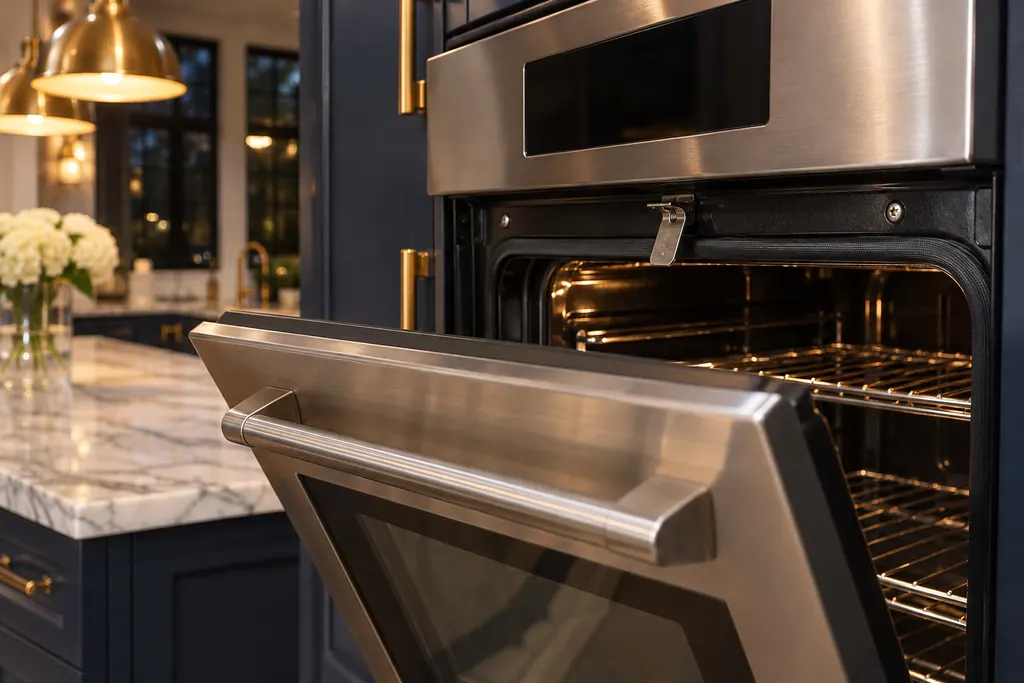
Oven door latch
The door latch locks a Thermador oven door during self-clean. If it will not retract and the door will not close, Thermador asks you to open the oven's circuit for a minute and close it again. For a self-cleaning oven it adds a 2-minute Self-Clean start, then exit.
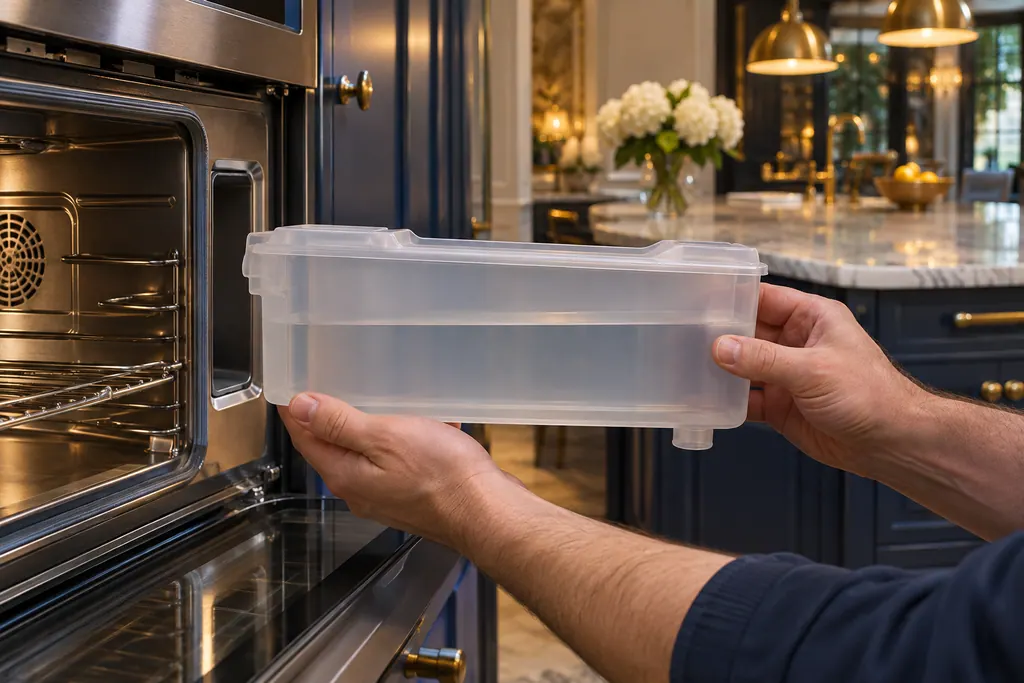
Steam oven water tank
A Thermador steam oven keeps its water in a tank along the right-hand wall of the cavity. Fill it to the MAX line with cold water, 1.4 quarts, before steam modes. Empty it after each use, dry the lid seal and the tank slot, and never put it in a dishwasher.
If the display adds a code.
No message is tied directly to this topic.
No other researched dishwasher message is tied to this topic. Compare the exact wording with your model's manual and never substitute another message from the library.
See the research statusRead the related care guide.
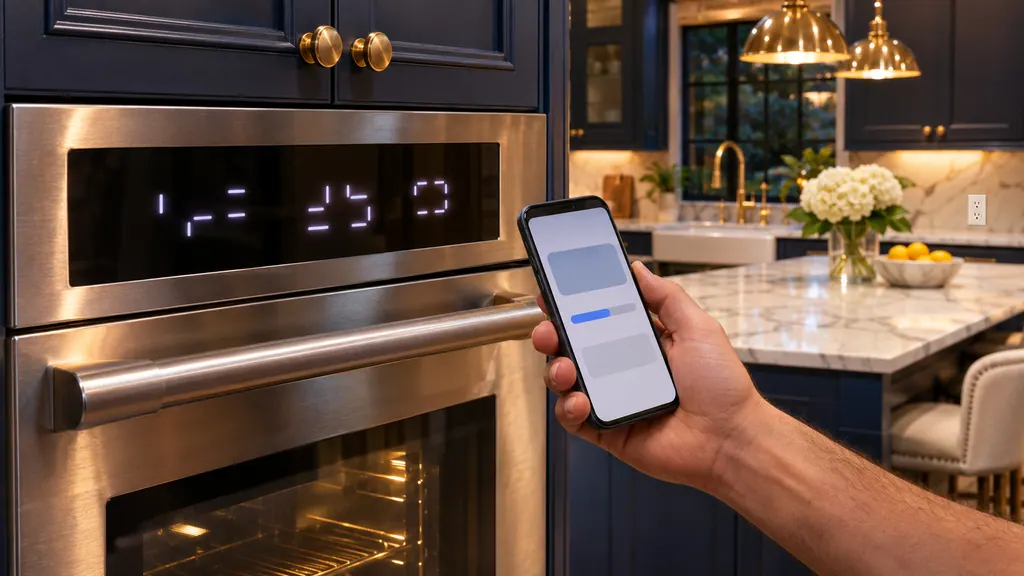
E0211, E1601, E0510 during an update? Dismiss it
E0211, E1601 and E0510 on a Thermador oven, range or steam oven are Home Connect update codes. Press TIMERS to dismiss the message; if it stays, cycle the oven's breaker for 30 seconds, and the update finishes. A print variation, E1610, appears on the update page. [1][2][3]
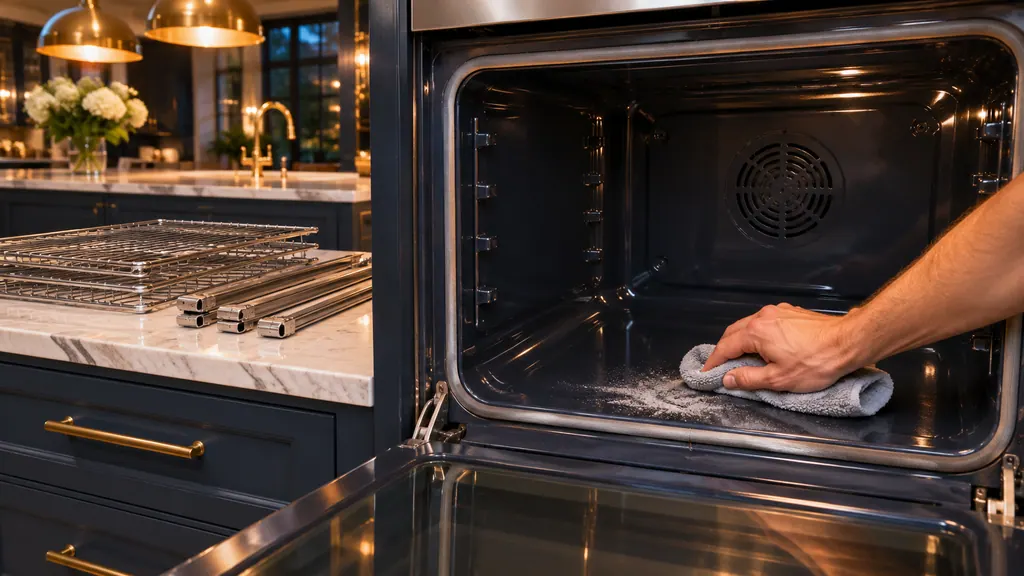
Self Clean on a wall oven? Empty it first, wait after
Remove the racks and spillage, choose Self Clean with an intensity of 2 to 3 hours and let the door lock; clear the ash after the oven cools. For light soil use Easy Clean with a pan of water and vinegar. A second Self Clean must wait 24 hours. [1][3]
When observation becomes a service request.
Leave internal testing to a technician.
The door is still shut after the five-minute breaker reset.
The lock symbol stays lit once the oven is cool.
Something is wedged in the door that you cannot remove by hand.
The oven will not heat or keeps tripping the breaker after the reset.
Arrange a diagnosticSources and model boundaries.
These documents back up the Thermador oven door locked and won't open guidance. Choose the manual written for your model.
- Troubleshooting | Ovens Support | Thermador
- Use and care guide, Professional Series Built-in Single, Double and Combination Ovens (en-us)
- Use and care guide, Masterpiece Series Built-in Single, Double and Combination Ovens (en-us)
Match your model to the guide it shipped with. See how we research these pages.
Why is my Thermador oven door locked when the oven is cold?
The lock can stay engaged even after cooling. Thermador's reset: oven off at the circuit breaker, a five-minute wait, then breaker on again.
Is a locked door normal at any time?
Yes, while a self-clean cycle runs. The guides say the door latches automatically and holds until the appliance has cooled, so let the cycle finish.
Should I pry the door open?
No. Thermador lists the breaker reset and a check for jammed food or objects. Forcing a door risks bending the hinge or latch, so book a visit instead.
Does this apply to a Thermador range oven?
The wording above comes from the wall-oven pages and guides. A range has its own page and its own oven entries, so check those or book a visit with the model number ready.
How long does the breaker reset take?
Thermador's steps are short: breaker off, five minutes of waiting, power restored. After that, the oven should reset itself and be usable again.
Thermador messages, symptoms, parts, repair visits
Move from the message to your next step.
Thermador oven door locked and won't open
One reset appears on Thermador's oven support page and in its built-in oven guides for a door that will not release even when the oven is cool: cut the oven's power at the circuit breaker, wait five minutes, restore power and let the oven reset itself. While a self-clean cycle runs, a shut door is expected.
Oven repair
Book a diagnostic made for your exact model and performed at the appliance itself.
Find your metro
Where the offices are, and what to tell us about getting in.