Inside the appliance
Oven door latch. In plain English.
The door latch locks a Thermador oven door during self-clean. If it will not retract and the door will not close, Thermador asks you to open the oven's circuit for a minute and close it again. For a self-cleaning oven it adds a 2-minute Self-Clean start, then exit.
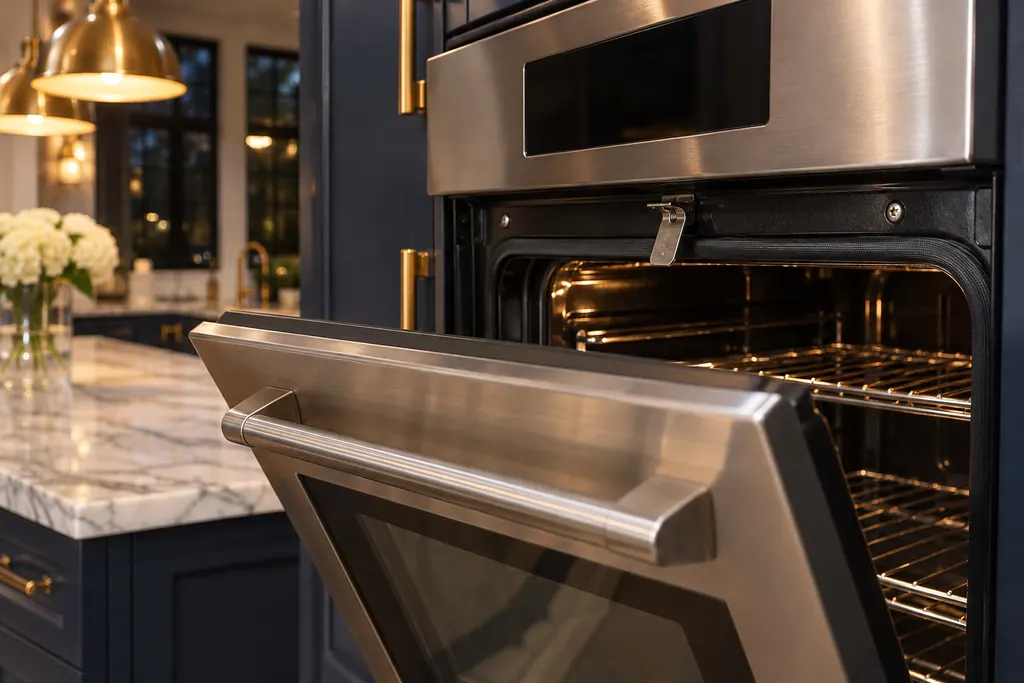
Where it fits.
Oven door latch in the appliance
The pages are silent on its position. The Pro range guide shows a door lock symbol on the display while the door is locked.
The picture stands for a type of component. Which replacement suits your model is a separate question.
What shifts when this system needs a look.
Oven door latch concerns may show up next to a drop in performance or a message that keeps returning. Testing comes before any verdict on the component.
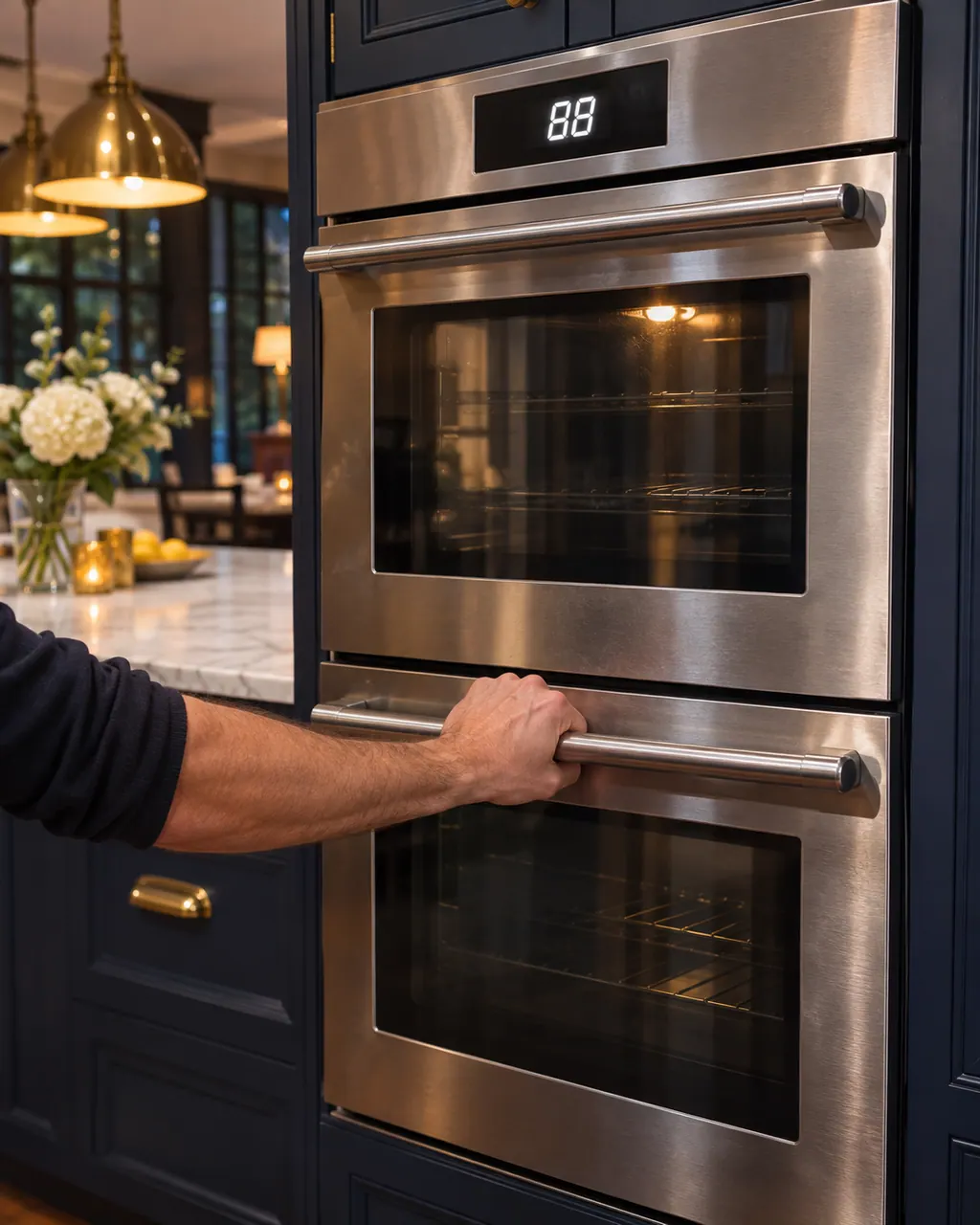
Thermador oven door locked and won't open
One reset appears on Thermador's oven support page and in its built-in oven guides for a door that will not release even when the oven is cool: cut the oven's power at the circuit breaker, wait five minutes, restore power and let the oven reset itself. While a self-clean cycle runs, a shut door is expected.
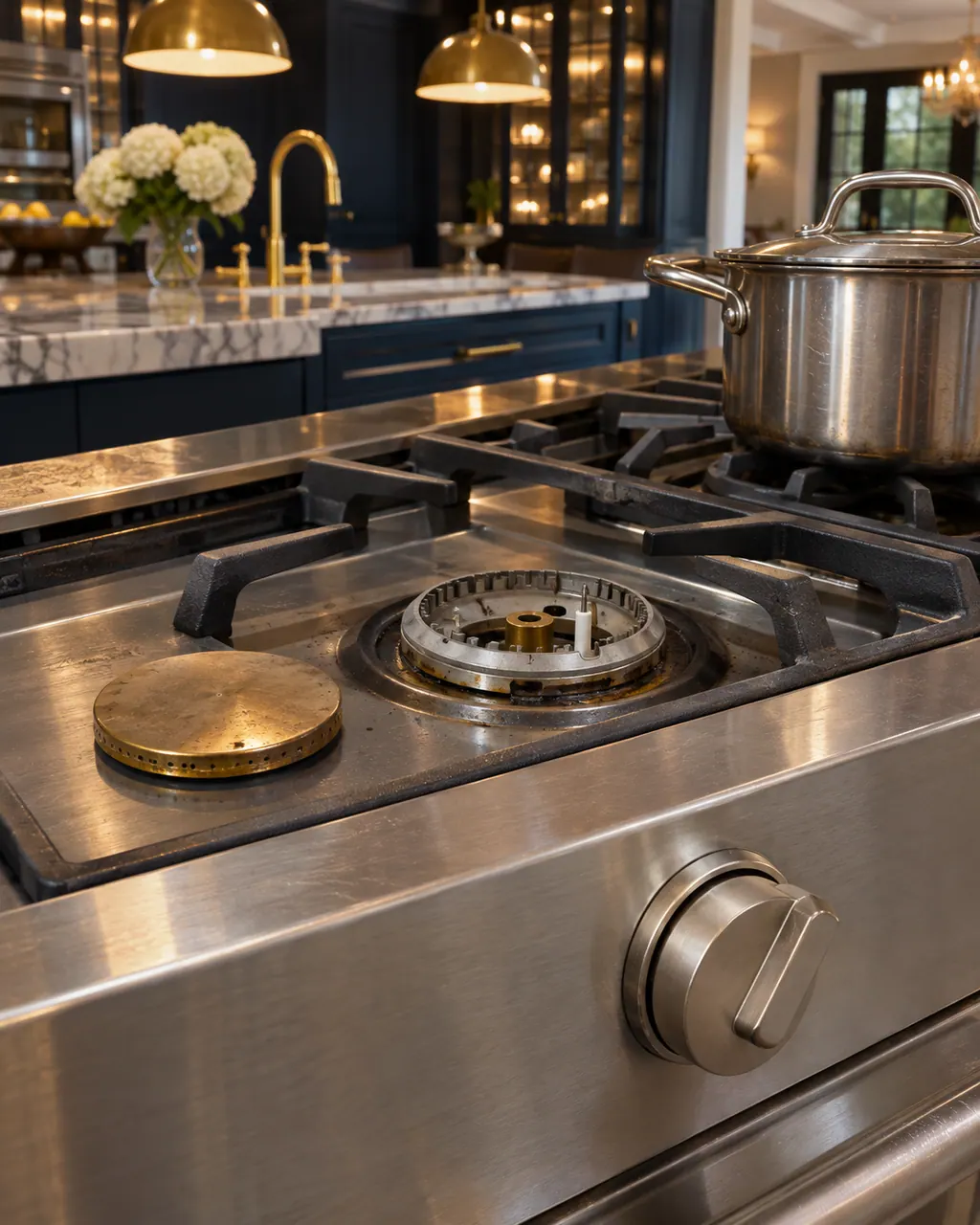
Thermador range burner won’t light
On a Thermador Pro range, each rangetop burner has its own igniter and should catch within four seconds. If one will not, Thermador’s first suspect is a burner cap sitting out of alignment. Reseat it, dry everything, and check the knob. Several burners dead, or sparking that never stops, needs a technician.
Owner care, within the model instructions.
Turn the appliance off and pull the plug before doing any check yourself. Look out for standing water and sharp edges. Never handle a wet plug, remove a service panel or step beyond what your model's guide permits an owner.
- 1
Reset at the breaker
Thermador's fix for a stuck latch: open the oven's circuit for a minute, then close it. The latch should retract.
- 2
Run a short Self-Clean
For a self-cleaning oven: remove all racks and accessories, start Self-Clean for 2 minutes, then exit. The latch should retract.
- 3
Watch for the lock symbol
The Pro range guide shows a door lock symbol during and after Self-Clean; it also says to confirm the door locks before you run it.
Cleaning or replacement?
Leave internal testing to a technician.
The latch will not retract after the reset and the short Self-Clean.
The door does not lock when Self-Clean starts; the Pro range guide says to skip Self-Clean in that case.
Arrange a diagnosticSee the neighboring components.
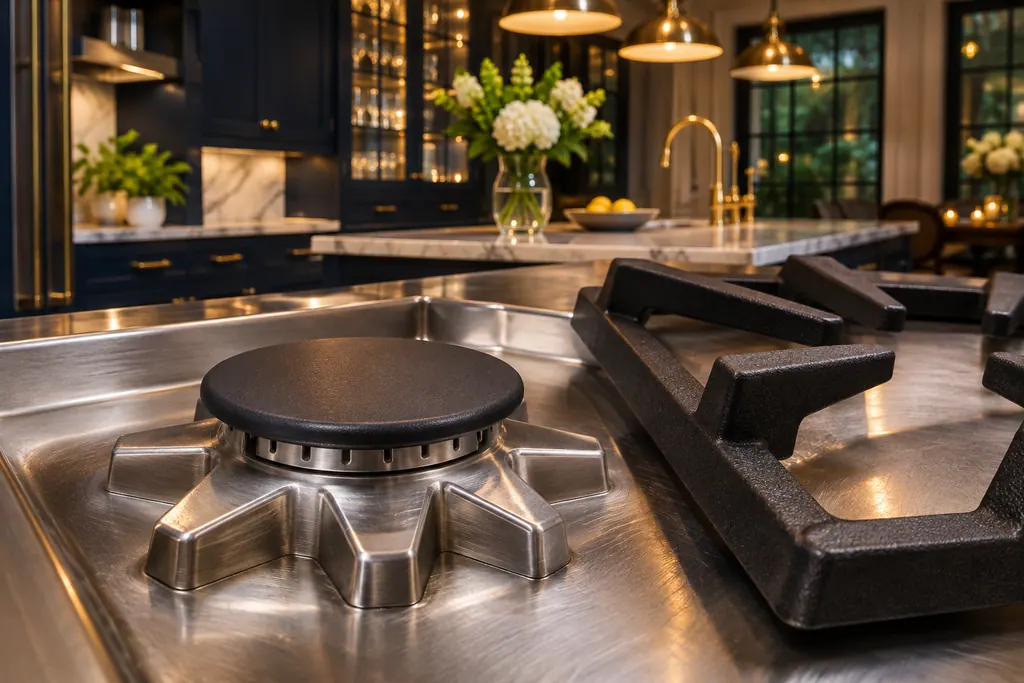
STAR burner
STAR burner is Thermador's name for the sealed gas burner on its rangetops, ranges and gas cooktops. The rangetop guide says no burner parts under the surface need cleaning or adjusting. When one burner stays dark, Thermador's support page checks the burner cap first.
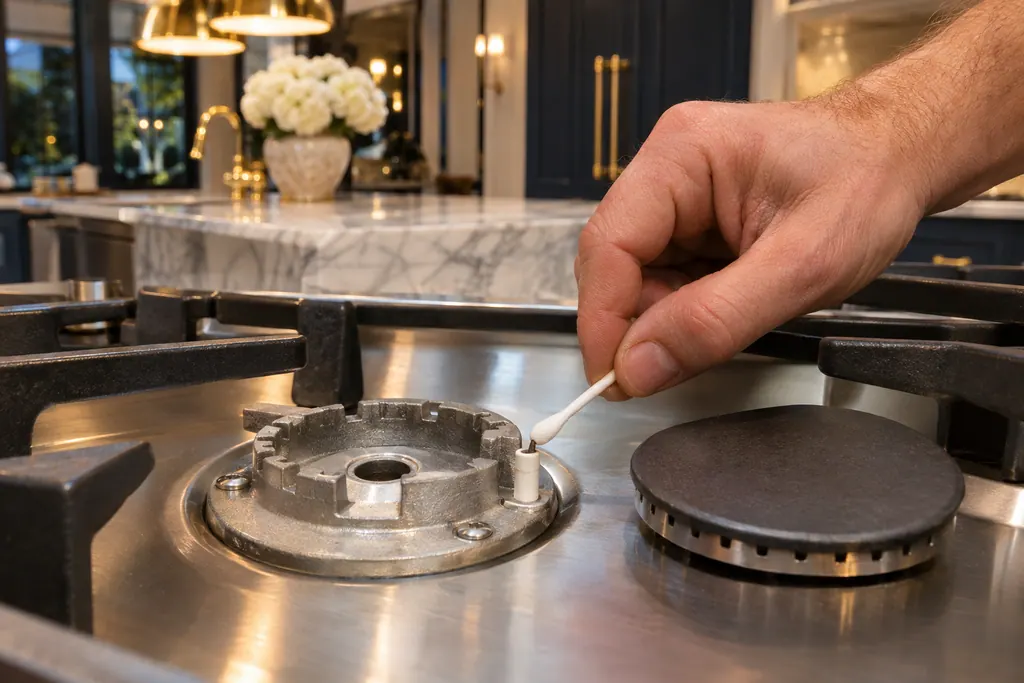
Gas burner igniter
Thermador gas burners light with electronic igniters. The guides say they are fragile, spark when a burner is turned on, and should be cleaned with a damp cotton swab. Constant sparking has a short list of causes on the support page. Never take a gas appliance apart.
Sources and model boundaries.
These documents back up the Oven door latch guidance. Choose the manual written for your model.
- Oven Troubleshooting for Ranges | Support | Thermador
- Use and Care Guide, Professional Series Pro Grand and Pro Harmony Ranges PRD364WDGU PRD364WIGU PRD366WGU PRD486WDGU PRD486WIGU and others
Match your model to the guide it shipped with. See how we research these pages.
Why will my oven door not close?
Thermador says the latch may have stayed out. Open the oven's circuit for a minute, close it, and the latch should retract.
Why remove the racks first?
Thermador's short Self-Clean step asks for all racks and accessories out of the oven beforehand.
What if the door does not lock?
The Pro range guide says to confirm the door locks and will not open when you self-clean, and not to run Self-Clean if it does not lock.
When should I book?
When the latch stays out after both steps, or the door never locks.
Thermador messages, symptoms, parts, repair visits
Move from the message to your next step.
Thermador oven door locked and won't open
One reset appears on Thermador's oven support page and in its built-in oven guides for a door that will not release even when the oven is cool: cut the oven's power at the circuit breaker, wait five minutes, restore power and let the oven reset itself. While a self-clean cycle runs, a shut door is expected.
Oven repair
Book a diagnostic made for your exact model and performed at the appliance itself.
Find your metro
Where the offices are, and what to tell us about getting in.