Inside the appliance
Cooktop electronics (overheating protection). In plain English.
The electronics of a Thermador cooktop or range cooktop run the zones and protect themselves from overheating. F2 means the electronics overheated and one zone shut off; F4 shuts all zones; E7015, E8207 and E8208 are listed with them. Wait for the electronics to cool, then touch any control.

Where it fits.
Cooktop electronics (overheating protection) in the appliance
Under the cooktop surface; Thermador's pages do not locate the electronics.
The picture stands for a type of component. Which replacement suits your model is a separate question.
What shifts when this system needs a look.
Cooktop electronics (overheating protection) concerns may show up next to a drop in performance or a message that keeps returning. Testing comes before any verdict on the component.
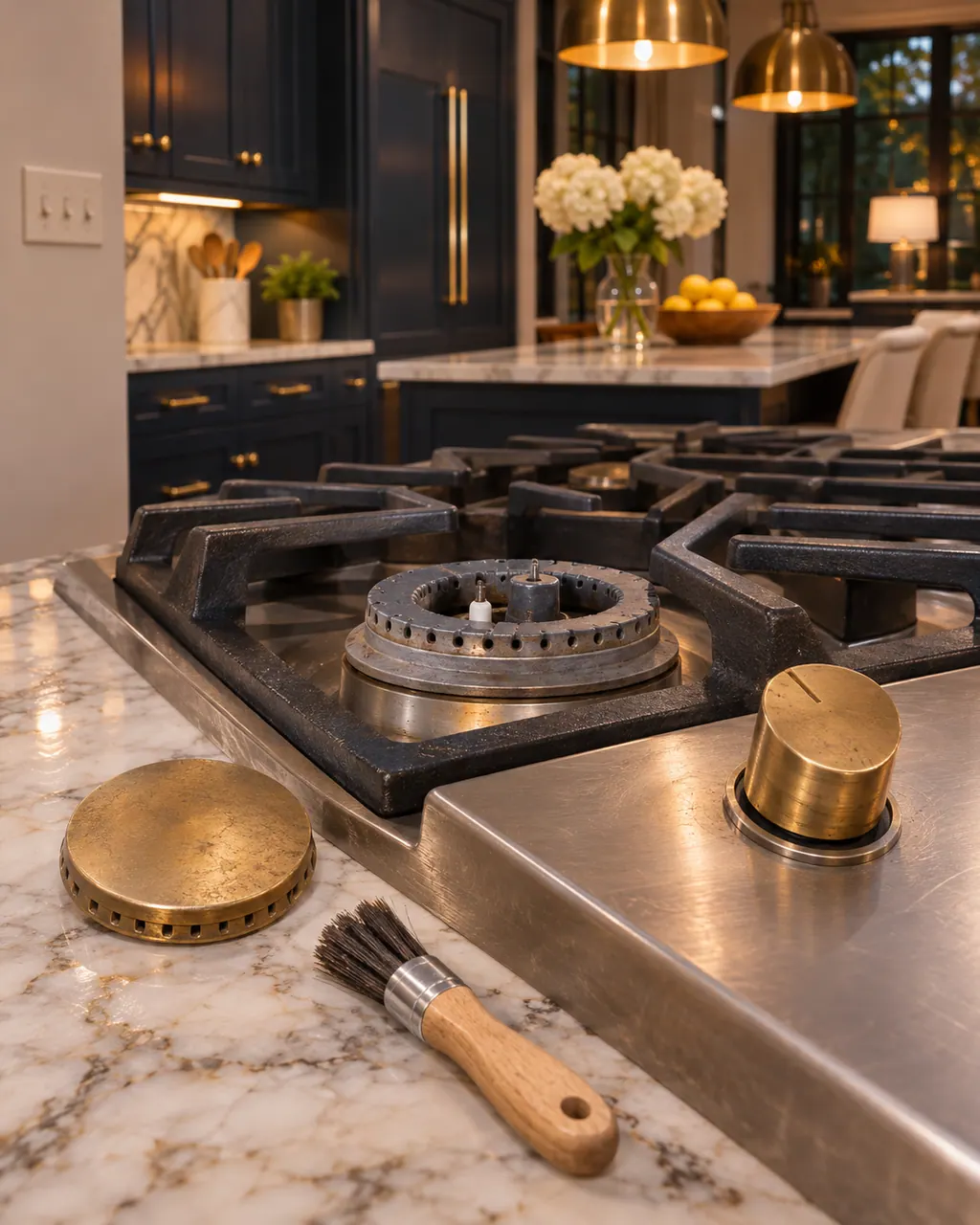
Thermador gas burner won't light
When one Thermador burner will not light while the rest do, the support page points to the burner cap: it is out of alignment, and its tabs must sit in the notches on the burner base. The cooktop guide adds a 4-second rule and clean, dry igniter ports. Gas odor means shut the unit off and book a visit.
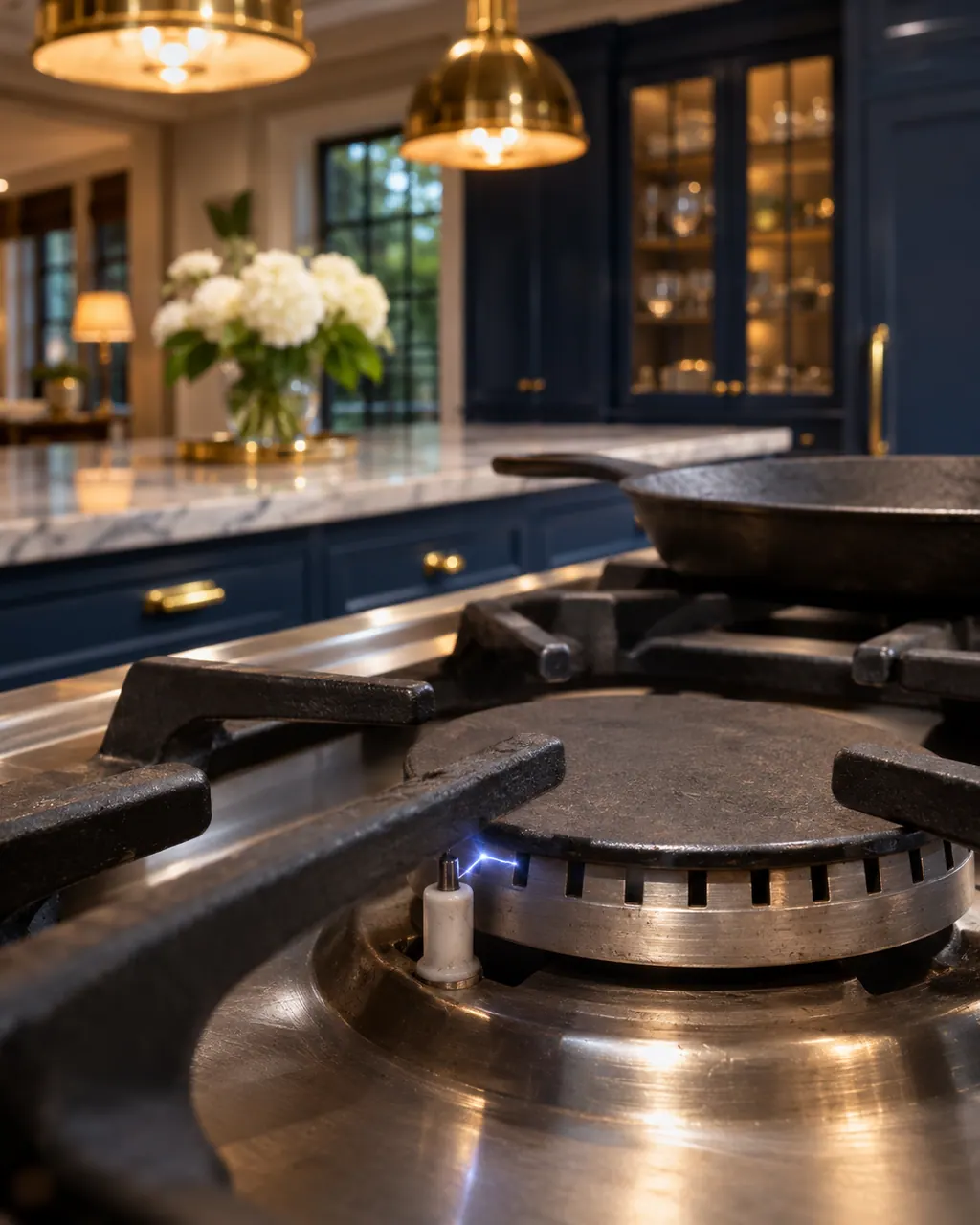
Thermador gas igniter keeps clicking
Thermador's page lists four causes for sparking that will not stop or starts with the cooktop off: knobs left in the lighting or spark position, a draft working on the re-ignition feature, water on the surface, or a knob held down past the child lock position. Dismantling a gas appliance is a job for a trained technician.
Owner care, within the model instructions.
Turn the appliance off and pull the plug before doing any check yourself. Look out for standing water and sharp edges. Never handle a wet plug, remove a service panel or step beyond what your model's guide permits an owner.
- 1
Let the zone rest
Do not restart the zone straight away. Wait until the electronics have cooled down sufficiently.
- 2
Touch any control
This clears the message once the electronics have cooled.
- 3
Move hot cookware off the panel
F5 means hot cookware near the control panel puts the electronics at risk. Remove it from the panel.
- 4
Do not leave food unattended
With F4 every zone is off, so pans cool. Watch what is on the cooktop.
- 5
Reset for odd behavior
If the cooktop responds unusually, disconnect it from power, wait a couple of seconds and reconnect.
Cleaning or replacement?
Leave internal testing to a technician.
The overheating message returns after the cooktop has cooled.
The message comes with no hot cookware near the panel.
The cooktop will not respond after the power reset.
Arrange a diagnosticSee the neighboring components.
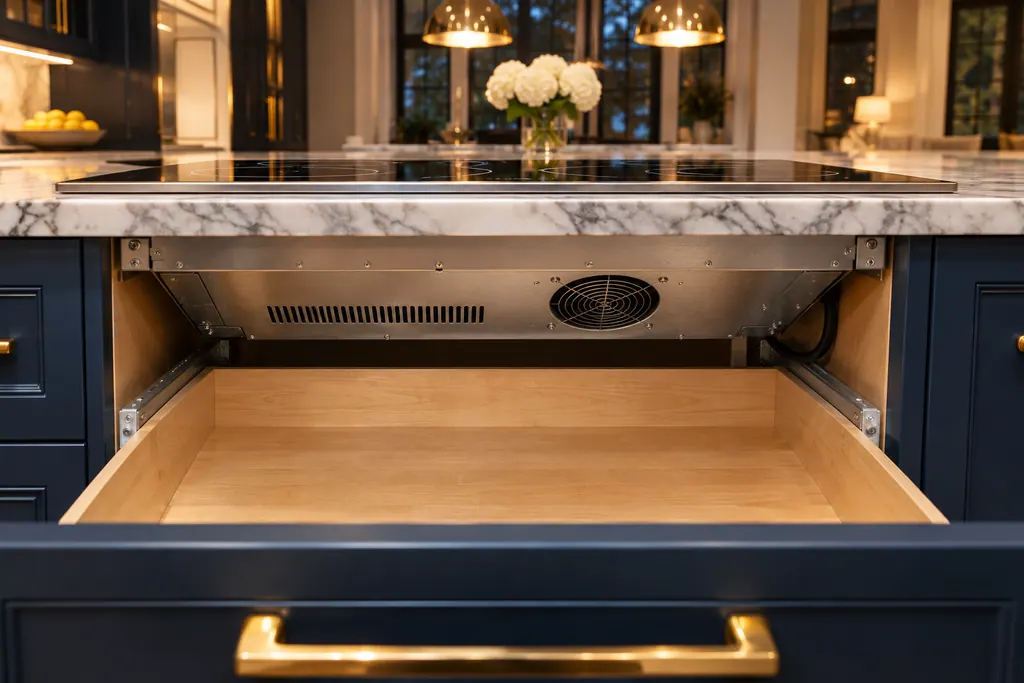
Cooktop cooling fan and fan input
A Thermador Freedom induction cooktop has a cooling fan on its underside. The use and care guide warns that materials sucked into the fan can reduce cooling or damage it, and asks for at least 3/4 inch (20 mm) between a drawer's contents and the fan input when the cooktop is above a drawer.

Cooktop control panel (touch keys and touchscreen)
The control panel on a Thermador Freedom induction cooktop has touch keys and a touchscreen. The guide says a damp panel or an object on it can make the display stop responding or sound a signal tone. Dry the panel and remove objects; never leave hot cookware near it, which is what F5 warns about.
Sources and model boundaries.
These documents back up the Cooktop electronics (overheating protection) guidance. Choose the manual written for your model.
- Error Codes | Induction Cooktops Support | Thermador
- Error Codes | Electric Cooktops Support | Thermador
- Use and care guide, Freedom Induction cooktop CIT36YWB CIT36YWBB (en-us)
Match your model to the guide it shipped with. See how we research these pages.
What does F2 mean on a Thermador cooktop?
The electronics overheated and the related cooking zone was switched off. Wait until they cool, then touch any control.
What does F4 mean?
The electronics overheated and all cooking zones were switched off. Wait for them to cool, then touch any control.
Are E7015, E8207 and E8208 different from F2?
Thermador lists them with F2 and F4 as overheated electronics messages on induction cooktops. The wording is the same.
Why does hot cookware near the panel matter?
F5 says hot cookware near the control panel puts the electronics at risk of overheating, and may switch the zone off.
Can I open the cooktop to check the electronics?
No. Leave it closed. Book a visit if overheating messages keep returning once everything has cooled.
Thermador messages, symptoms, parts, repair visits
Move from the message to your next step.
F2
F2 on a Thermador electric cooktop means the electronics overheated and the related cooking zone was switched off. Wait until the electronics cool, then touch any control.
Thermador gas burner won't light
When one Thermador burner will not light while the rest do, the support page points to the burner cap: it is out of alignment, and its tabs must sit in the notches on the burner base. The cooktop guide adds a 4-second rule and clean, dry igniter ports. Gas odor means shut the unit off and book a visit.
Cooktop repair
Book a diagnostic made for your exact model and performed at the appliance itself.
Find your metro
Where the offices are, and what to tell us about getting in.