What it means
F2 on a Thermador range means the electronics overheated and the related cooking zone was shut down. Wait for cooling, then touch any control.
Thermador range F2 / Overheating
F2 on a Thermador range means the electronics overheated and the related cooking zone was shut down. Wait for cooling, then touch any control.
Also appears as F2
F2 on a Thermador range means the electronics overheated and the related cooking zone was shut down. Wait for cooling, then touch any control.
The related zone is off, so give it time.
F2 returns after cooling.
Your Thermador steps, stored on this device only
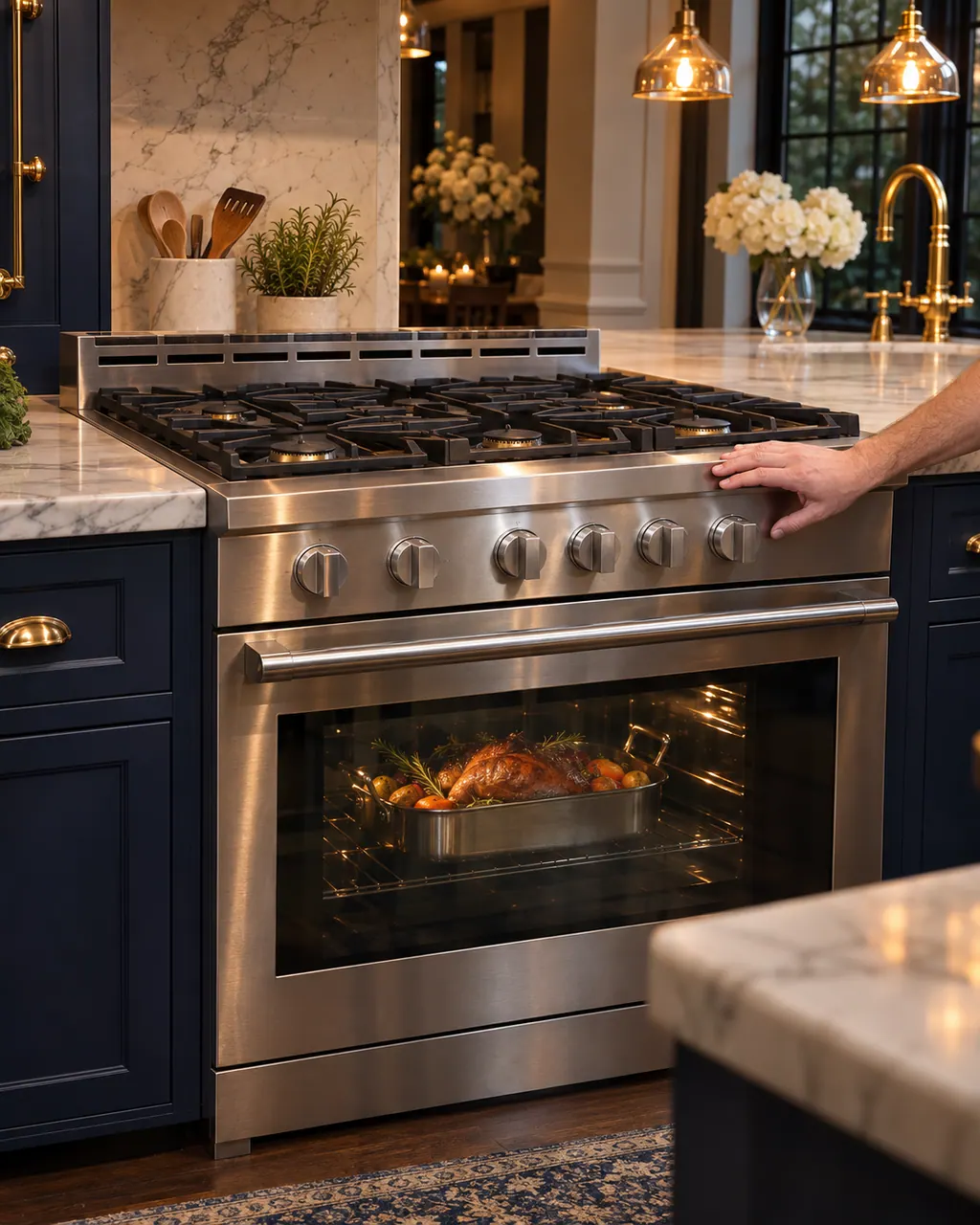
The related zone is off, so give it time.

Wait until the electronics have cooled sufficiently.
This acknowledges the message.
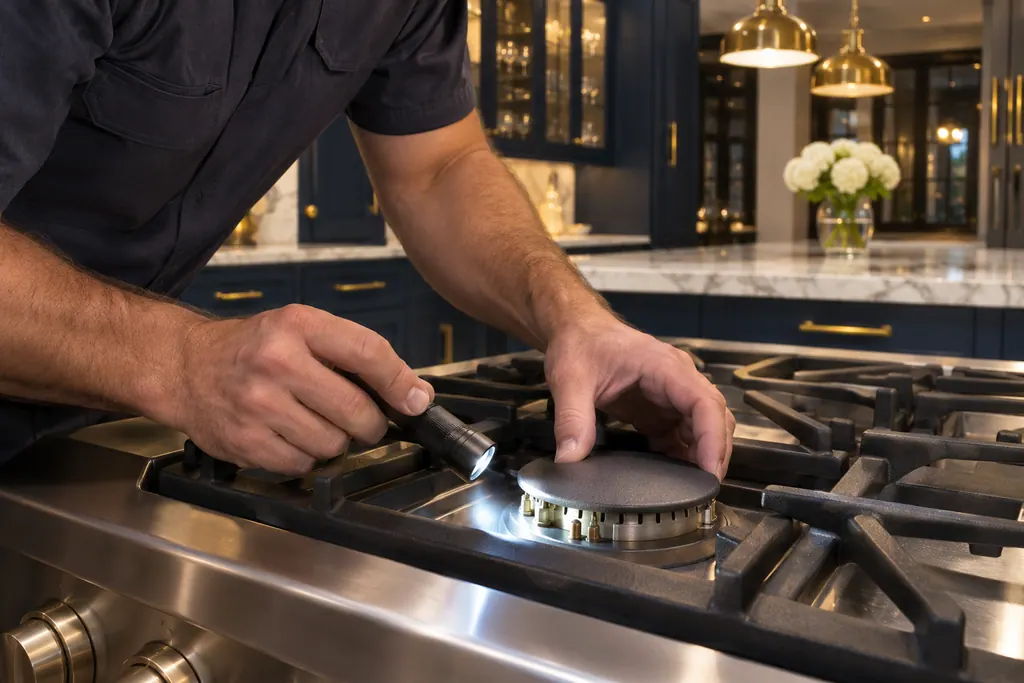
When the message has disappeared.
Give us your model number and the checks you already made, then start your request below.
Book a visit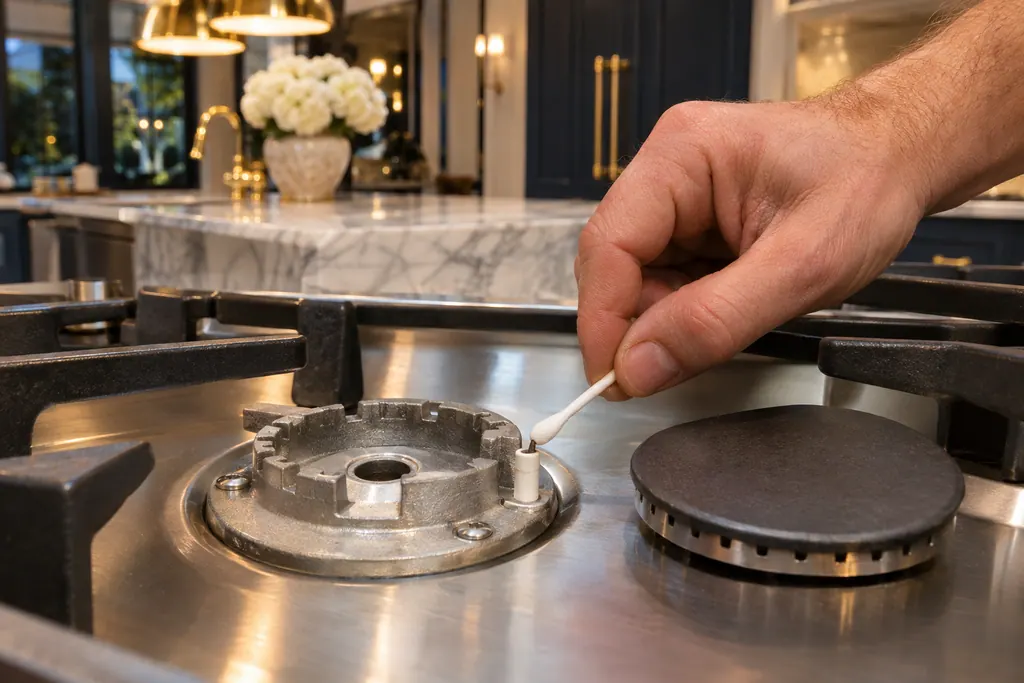
A simplified drawing, since the layout shifts from one model to the next. Tap any outlined part for its photo and the check that goes with it.
F2 switches off the corresponding zone; F4 switches off all zones.
Read the supporting manualYes, the ranges page lists F2 or E7015 as one entry.
Read the supporting manualIt is a protective shutdown.
Read the supporting manualIn the Pro Harmony guide, the row for a zone switching off has one cause: the electronics have overheated. Its steps are to wait until the electronics have cooled down sufficiently and then touch any control element.
Read the supporting manualManufacturer document
Thermador / BSH Home Appliances (thermador.com/us support page)
Undated web page; fetched 12.11.2026 / entry "F2 or E7015"
Manufacturer document
BSH Home Appliances Corporation (Thermador US manual PDF, media3.bsh-group.com)
PDF created 24.04.2023; file tag _D (no printed edition date read) / PDF p52-53
Source: the ranges page of Thermador's oven support section, entry F2 or E7015. The Pro Harmony induction range guide prints the matching troubleshooting row.
Until the electronics are cool; no minutes are given.
The entry speaks of the corresponding zone only.
The entry does not mention the oven. F2 concerns the related cooking zone being shut down.
Book a visit if F2 keeps returning after cooling.
Thermador messages, symptoms, parts, repair visits
F4 on a Thermador range means the electronics overheated and all cooking zones were shut down. Wait for the electronics to cool, then touch any control.
On a Thermador Pro range, each rangetop burner has its own igniter and should catch within four seconds. If one will not, Thermador’s first suspect is a burner cap sitting out of alignment. Reseat it, dry everything, and check the knob. Several burners dead, or sparking that never stops, needs a technician.
Book a diagnostic made for your exact model and performed at the appliance itself.
Where the offices are, and what to tell us about getting in.