Inside the appliance
Ice maker fill level sensor. In plain English.
The fill level sensor tells a Thermador ice maker when the ice storage container is full. The fridge-freezer guide lists food or objects blocking it as a cause of low ice. Remove everything from the container; the guide says never to store food in it.
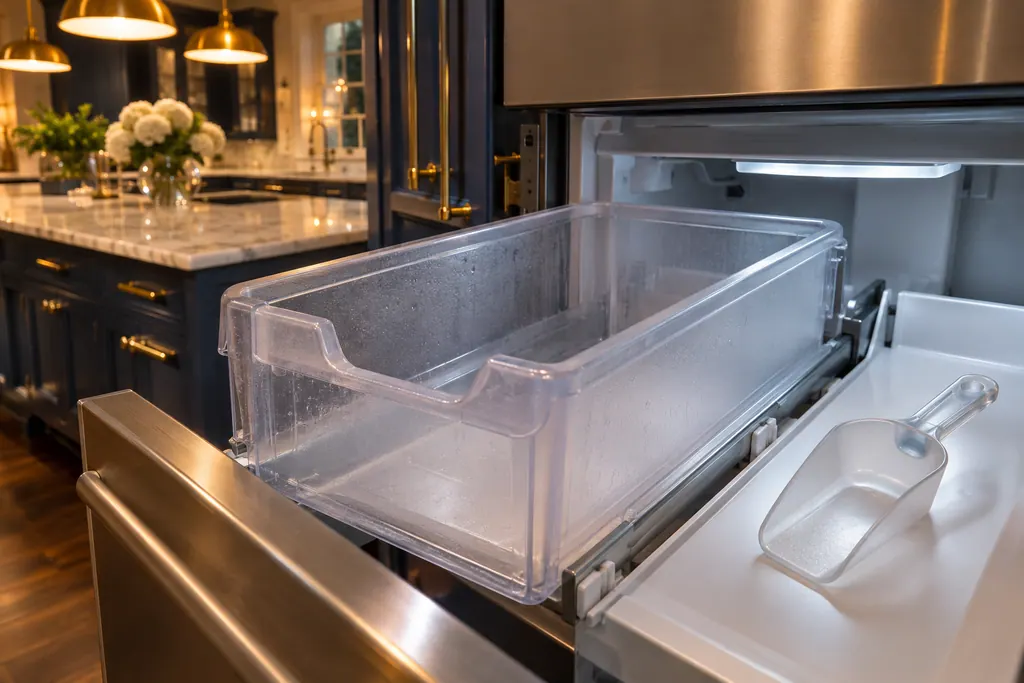
Where it fits.
Ice maker fill level sensor in the appliance
At the ice maker in the freezer, where cubes fall into the ice storage container. The drawer models pair the maker with an ice bucket.
The picture stands for a type of component. Which replacement suits your model is a separate question.
What shifts when this system needs a look.
Ice maker fill level sensor concerns may show up next to a drop in performance or a message that keeps returning. Testing comes before any verdict on the component.
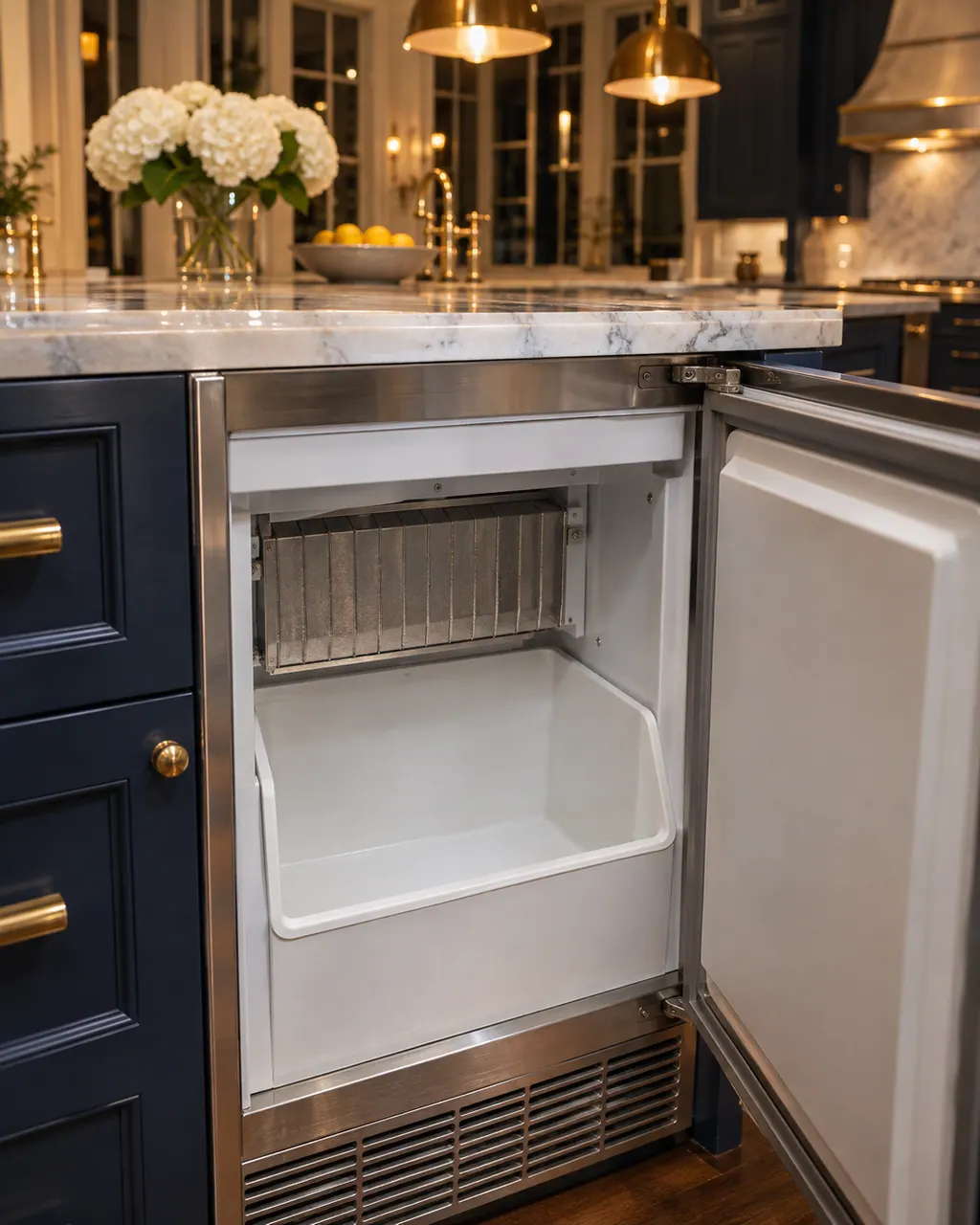
Thermador ice maker not working
When a Thermador fridge-freezer makes no ice at all, the guide lists four causes: ice production is switched off, no water reaches the unit, the hose is kinked, or the ice maker itself has an error. Turn production on, open the valve, straighten the hose and run the 5-minute power reset.
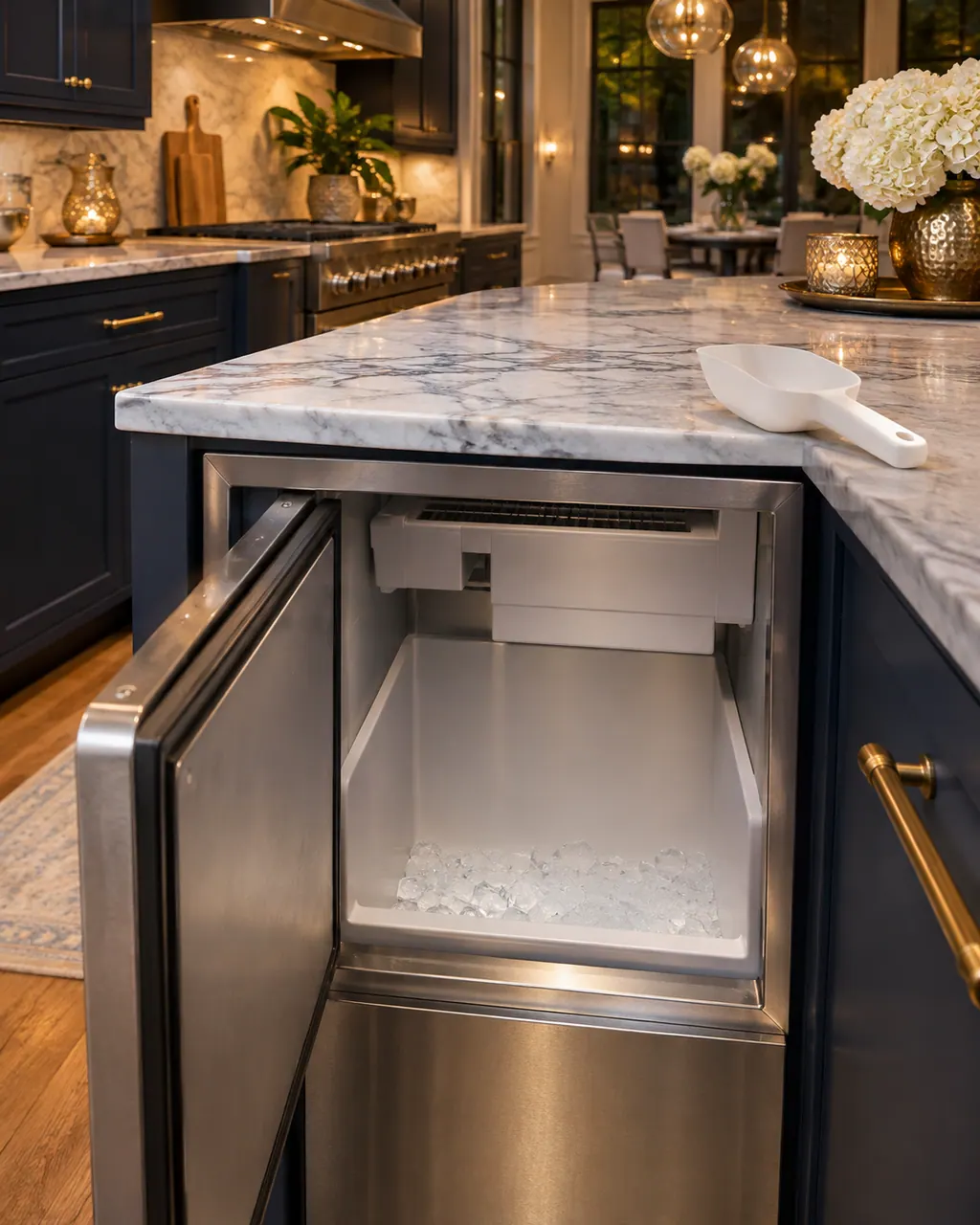
Thermador ice maker low ice production
Low ice from a Thermador fridge-freezer is often just timing or supply: the unit was recently connected, the freezer was opened a lot, water pressure is low, or the filter is blocked. Wait about 4 hours after connecting, then check pressure and the filter and clear the ice container.
Owner care, within the model instructions.
Turn the appliance off and pull the plug before doing any check yourself. Look out for standing water and sharp edges. Never handle a wet plug, remove a service panel or step beyond what your model's guide permits an owner.
- 1
Empty the ice container
Take food and objects out of the ice storage container. They can block the sensor and may damage the ice maker.
- 2
Check the basics
The guide also asks whether ice production is switched on, the water shut-off valve is open and the water hose is free of kinks.
- 3
Cycle the power once
For an ice maker problem, power the appliance down and unplug it, then plug it back in after 5 minutes.
Cleaning or replacement?
Leave internal testing to a technician.
Ice production stays low after the container is empty and power is cycled.
You must reach near the ice maker. The guide warns about rotating parts there.
Arrange a diagnosticSee the neighboring components.
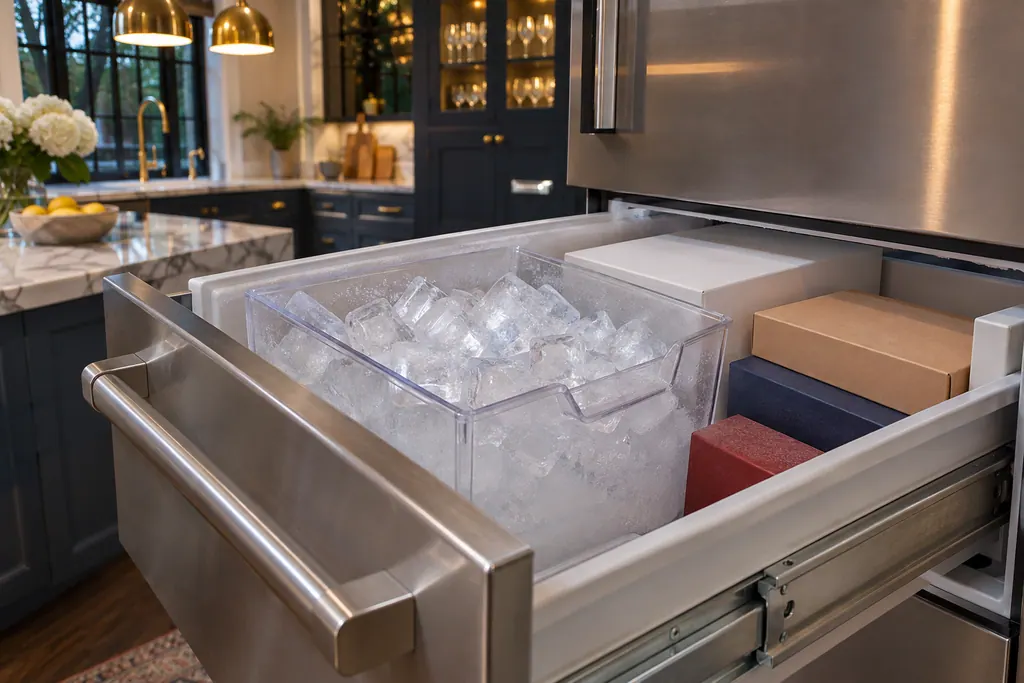
Freezer ice cube container
The ice maker in a Thermador T18IF905SP freezer column drops cubes into an ice cube container that sits in the frozen food container. Production begins after the freezer hits its set temperature and halts on its own when the container fills. Bottles or food stored in the container can block and damage the ice maker.
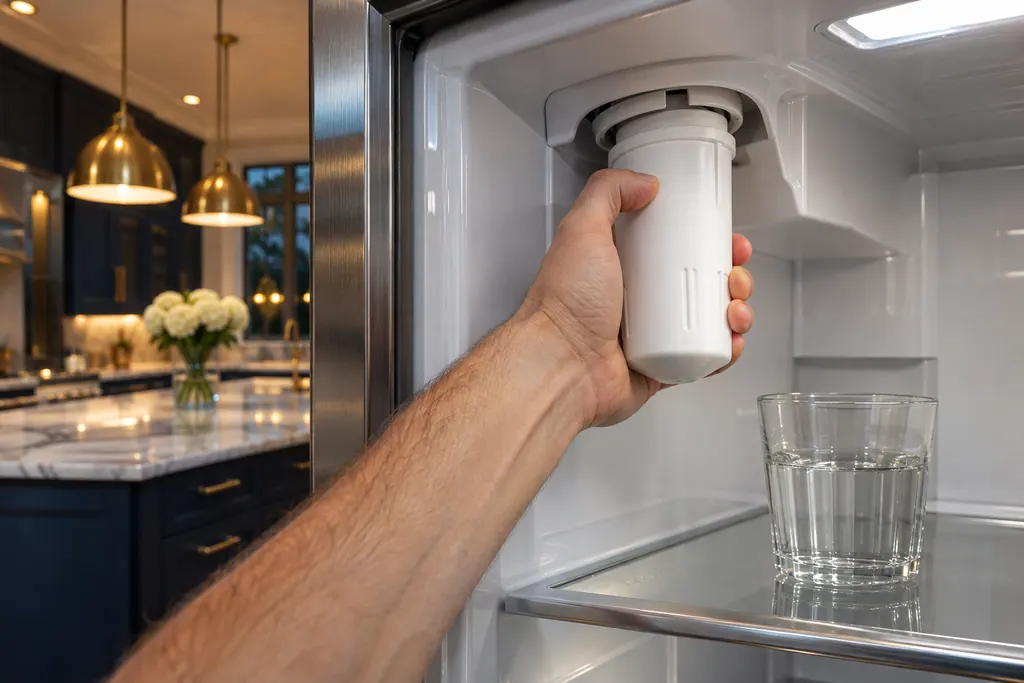
Refrigerator water filter
A Thermador refrigerator's water filter cleans water for the dispenser and for ice. The fridge-freezer guide says to change it every 6 months, when Filter is expired lights, or when water or ice output drops. Discard the first 24 hours of ice after a change.
Sources and model boundaries.
These documents back up the Ice maker fill level sensor guidance. Choose the manual written for your model.
- Use and care guide, Fridge-freezer combination T36BT110NS T36BT120NS T36IT100NP (en-us)
- Use & Care Guide, Refrigerator Freezer Drawers T24UC925DS T24UC915DS T24UC905DP
Match your model to the guide it shipped with. See how we research these pages.
How long until the first ice?
The guide says about 4 hours after the freezer reaches its set temperature. The container may take up to 48 hours to fill.
Why did ice production stop?
The ice maker detects a full container and stops. Taking ice out lets it resume.
Is it safe to reach into the ice maker?
No. The guide warns of rotating parts and says never to reach into or underneath it.
When should I book?
When low ice or a stopped ice maker continues after the container is empty and the 5-minute reset.
Thermador messages, symptoms, parts, repair visits
Move from the message to your next step.
Fault in the ice maker
"Fault in the ice maker" is a cause the Thermador fridge-freezer guide lists for low ice production. Switch the appliance off, disconnect power, reconnect after 5 minutes, and get service if it persists.
Thermador refrigerator not cooling
A Thermador fridge-freezer with lights on but no cooling may be in showroom (demo) mode. Otherwise the guide calls frequent running normal, blames covered vents, and suggests a 5-minute power-down when readings stray from the setting. Try those, then book a technician.
Refrigerator repair
Book a diagnostic made for your exact model and performed at the appliance itself.
Find your metro
Where the offices are, and what to tell us about getting in.