Before work starts
Your technician reviews the issue with you and settles the cost before any repair starts. For built-in units the final figure comes after an on-site look.
Independent appliance repair
Book a visit for a Thermador freezer column or drawer with a sounding alarm, a temperature alarm message on its panel, or demo mode that has stopped it cooling. Thermador prints no numbered freezer codes. We work from your model number and the message as it appears.
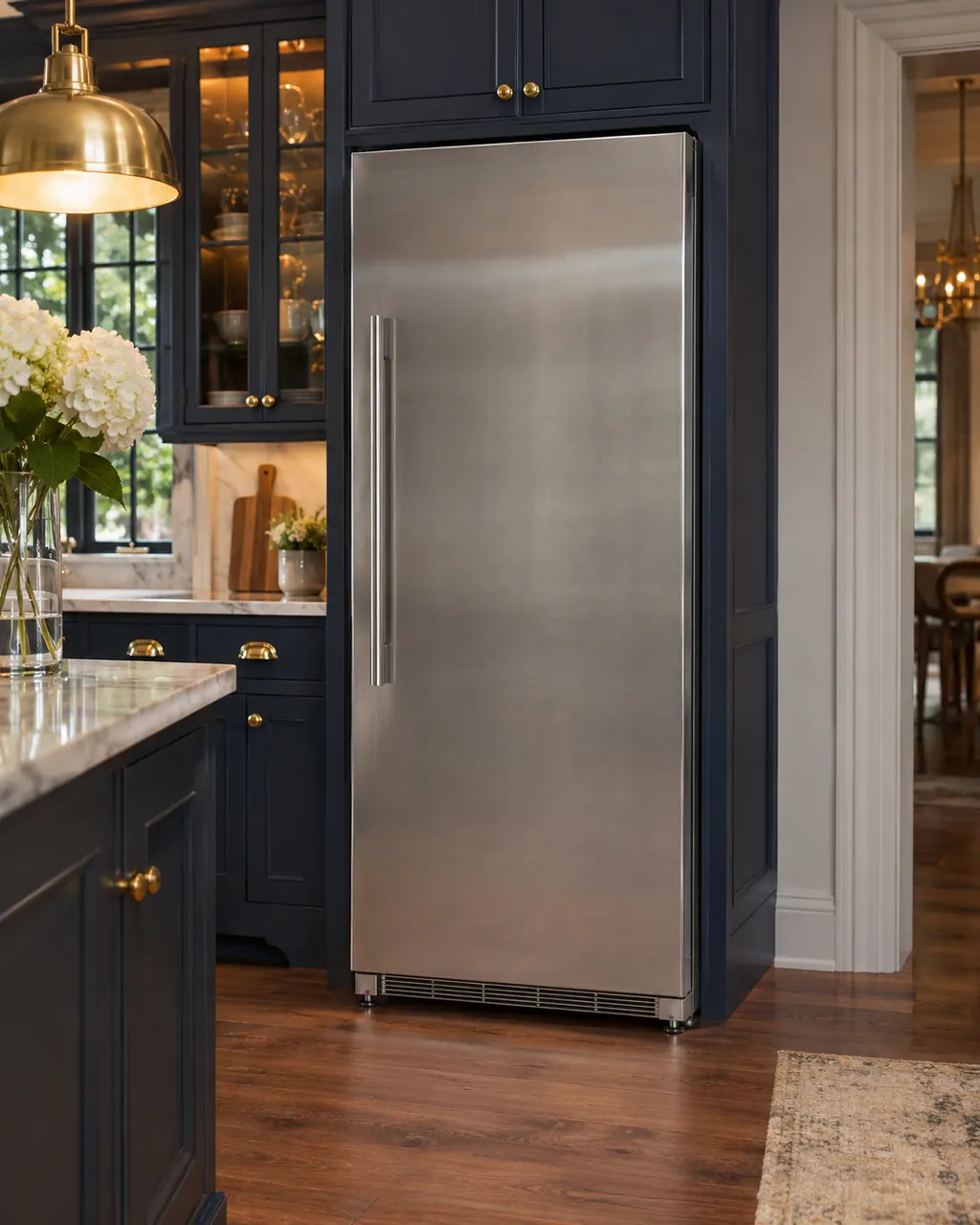
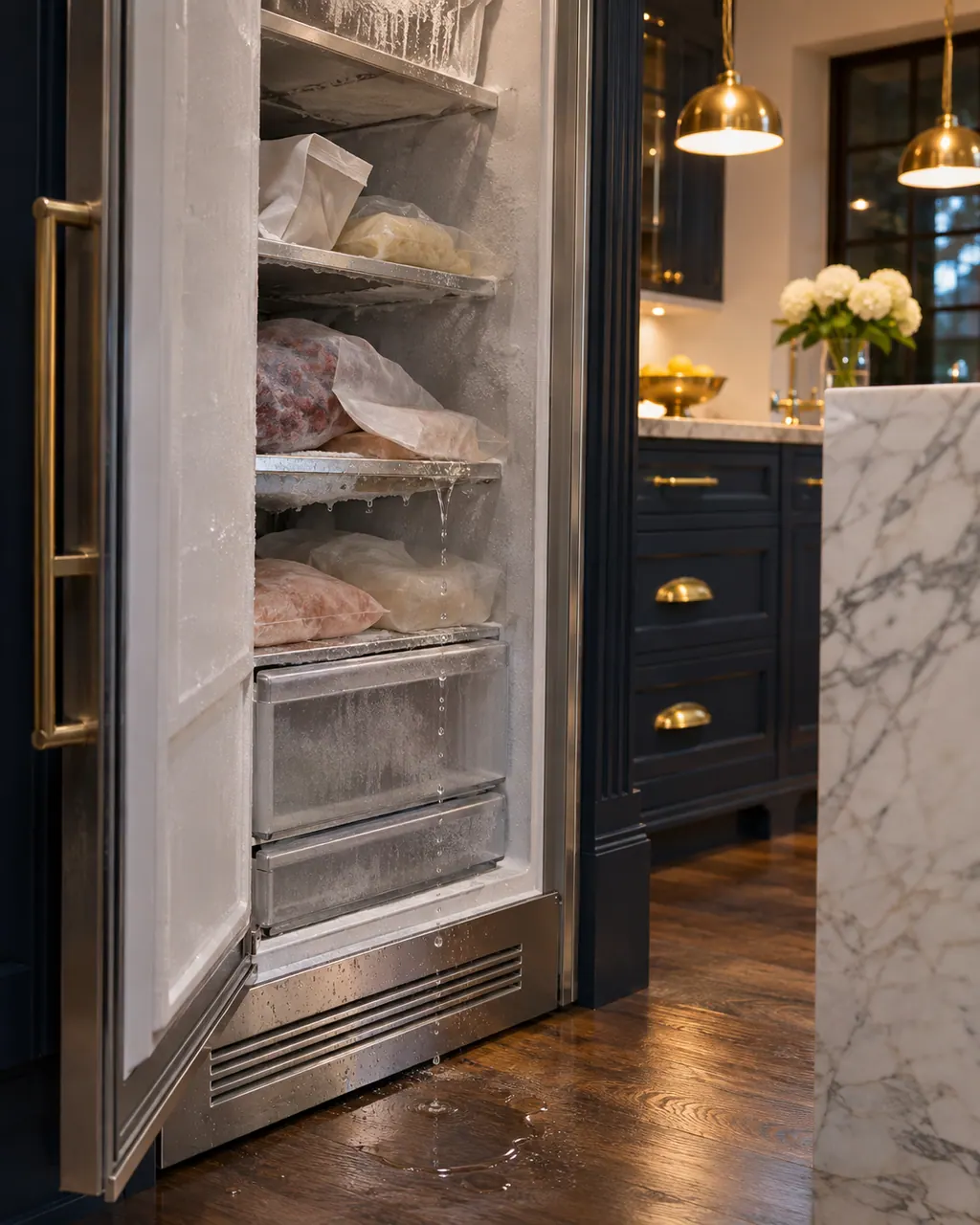
A Thermador column freezer with a lit display that is not cooling is probably in demo mode; hold ALARM OFF for 15 seconds to end it. If it is cooling but warm, the guide points to covered ventilation openings, frequent door opening or a large load of fresh food, and suggests a 5-minute power-off reset.
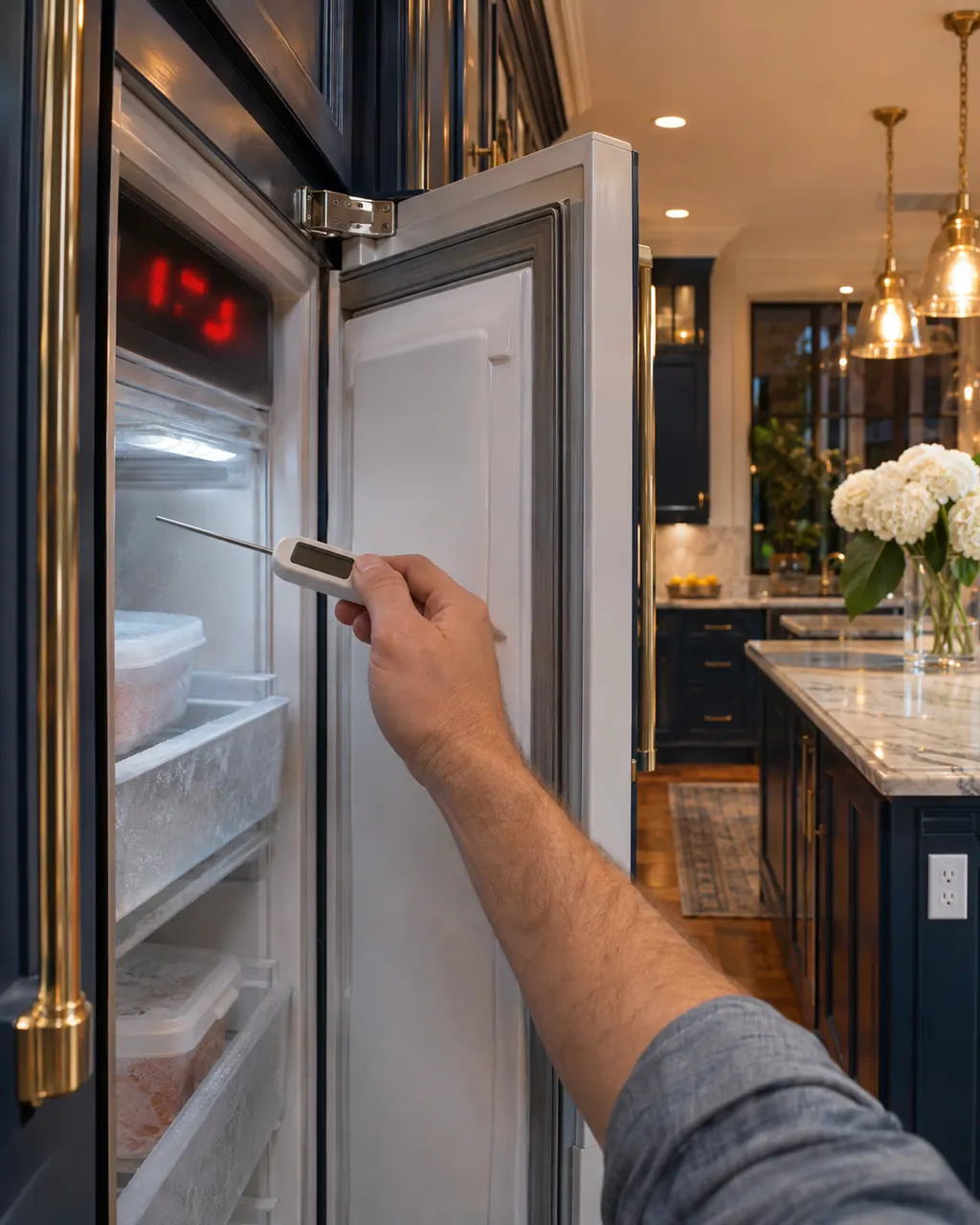
A Thermador column freezer sounds two different alarms. If ALARM OFF flashes with a tone and the door is open, close it. If the freezer temperature display flashes too, press ALARM OFF, then check after several hours that the set temperature returns. Covered vents or a big load of fresh food are the usual causes.
Part names come only after the technician has examined the freezer in person. The quote comes first; nothing is ordered unless you agree.
No illustrated glossary entry exists for this part yet. Follow the system named in the explanation and the manual cited for your model; a message by itself never means a part must be replaced.
Explore the researched partsWhat to expect.
Every step explained in advance.
Choose your appliance, whether range, oven or refrigeration, and tell us how it is behaving.
The technician inspects the unit, reviews the cause with you and agrees the cost before starting the work.
After the repair, the technician tests the appliance and explains the result, so you know what changed.
A door alarm message or a flashing blue ALARM light means the door or drawer stood open for 2 minutes or more. Close it.
Press and hold ALARM for 3 seconds on the drawer model, or acknowledge the message on the column's panel.
Demo mode keeps the display and lights on, but the column does not cool. Switch it off in Settings, then Appliance settings.
If the freezer warmed, keep doors shut and do not refreeze thawed food.
The temperature alarm returns after you acknowledge it.
The freezer does not cool with demo mode off.
The door or drawer will not stay shut.
Arrange a diagnosticYour technician reviews the issue with you and settles the cost before any repair starts. For built-in units the final figure comes after an on-site look.
Repairs under Thermador's manufacturer warranty belong with Thermador. For the work we carry out, we provide our own workmanship warranty.
Sabbath mode is on. The code shows briefly and all audible and visual alarms become inactive. Switch it off if you want alarms.
Check demo mode first. The display and light stay on in demo mode, but the column does not cool.
Yes. Give the model number so we know whether it is a column or an under-counter drawer.
If your freezer is still inside the manufacturer's warranty, that coverage stays with the manufacturer. Once it has ended, we are glad to visit.
Thermador messages, symptoms, parts, repair visits
A blue ALARM light flashing on a Thermador freezer drawer unit means a drawer was left open for 2 minutes or more. Close the drawer. Pressing the ALARM button once silences it for now; holding it for 3 seconds turns the open-drawer alarm off.
A Thermador column freezer with a lit display that is not cooling is probably in demo mode; hold ALARM OFF for 15 seconds to end it. If it is cooling but warm, the guide points to covered ventilation openings, frequent door opening or a large load of fresh food, and suggests a 5-minute power-off reset.
Book a diagnostic made for your exact model and performed at the appliance itself.
Where the offices are, and what to tell us about getting in.