What it means
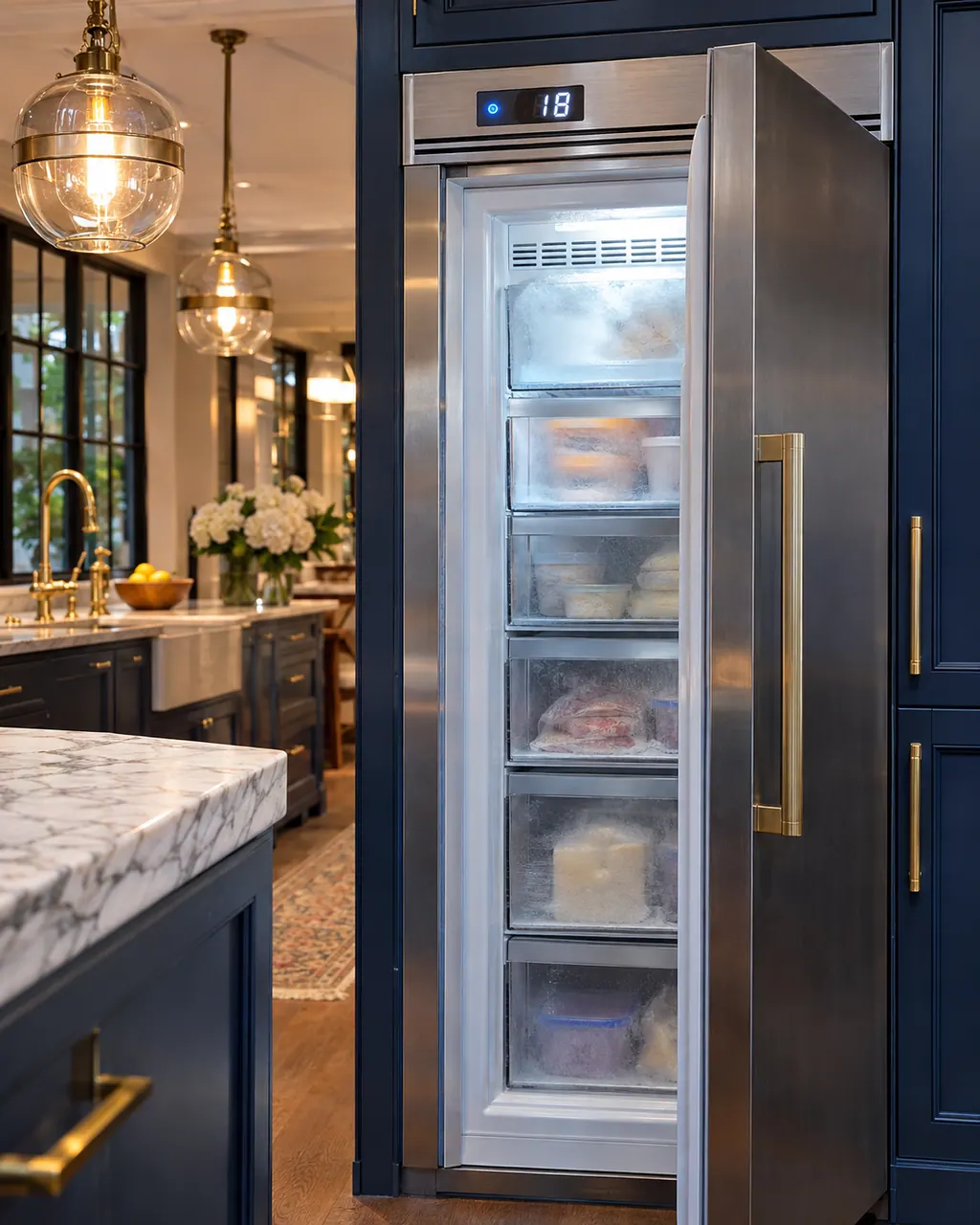
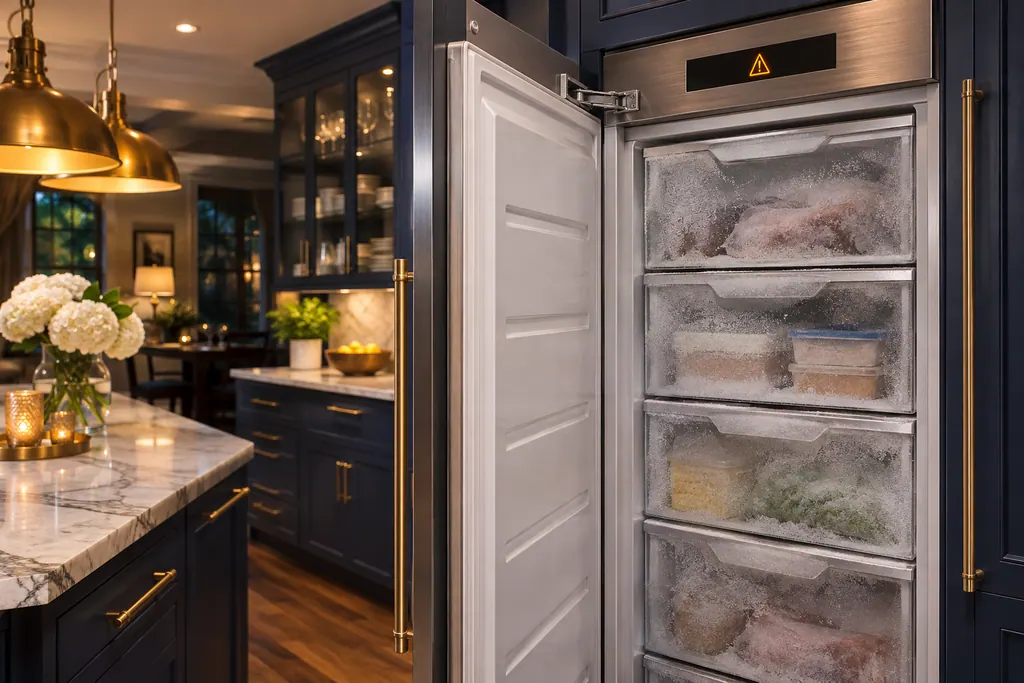
The temperature alarm message on a Thermador freezer column means the freezer compartment became too warm. Make sure the cause is gone, such as an open door, then acknowledge the message on the panel.
Thermador freezer Temperature alarm message / Alarms and modes
The temperature alarm message on a Thermador freezer column means the freezer compartment became too warm. Make sure the cause is gone, such as an open door, then acknowledge the message on the panel.
Also appears as Temperature alarm message
The temperature alarm message on a Thermador freezer column means the freezer compartment became too warm. Make sure the cause is gone, such as an open door, then acknowledge the message on the panel.
Make sure it is fully closed and nothing holds it ajar.
The alarm returns after you acknowledge it.
Your Thermador steps, stored on this device only
Make sure it is fully closed and nothing holds it ajar.

A large load of warm food or a long opening can warm the compartment.

Touch the panel to confirm.

Anything that thawed needs a judgment before refreezing.
Give us your model number and the checks you already made, then start your request below.
Book a visitA simplified drawing, since the layout shifts from one model to the next. Tap any outlined part for its photo and the check that goes with it.
Component reference
A Thermador freezer column gives a door alarm when the door is ajar for too long, and a temperature alarm once the freezer compartment turns too warm.
Read the definitionThat the freezer compartment became too warm.
Read the supporting manualThe door alarm is about the door left open; the temperature alarm is about the result.
Read the supporting manualA message that comes back after acknowledging it means the cause is still there.
Read the supporting manualManufacturer document
BSH Home Appliances Corporation (Thermador US manual PDF, media3.bsh-group.com)
PDF created 21.10.2020; file tag _C (no printed edition date read) / PDF p19
Source: the use and care guide for the Thermador freezer columns T18IF905SP to T36IF905SP, p. 19.
Check each item by touch; the message alone does not say.
Not at first. Fix the cause and acknowledge.
Demo mode stops cooling, but it has its own entry.
If the alarm comes back and the door is not the cause.
Thermador messages, symptoms, parts, repair visits
The door alarm message on a Thermador freezer column appears when the door has stayed open too long. Close the door; acknowledging the message mutes the sound.
A Thermador column freezer with a lit display that is not cooling is probably in demo mode; hold ALARM OFF for 15 seconds to end it. If it is cooling but warm, the guide points to covered ventilation openings, frequent door opening or a large load of fresh food, and suggests a 5-minute power-off reset.
A Thermador freezer column gives a door alarm when the door is ajar for too long, and a temperature alarm once the freezer compartment turns too warm. The message appears on the control panel. The temperature message shows the warmest reading reached, and pressing the confirm button clears it once the cause is gone.
Book a diagnostic made for your exact model and performed at the appliance itself.
Where the offices are, and what to tell us about getting in.