Start from the symptom
Thermador freezer not cooling.
A Thermador column freezer with a lit display that is not cooling is probably in demo mode; hold ALARM OFF for 15 seconds to end it. If it is cooling but warm, the guide points to covered ventilation openings, frequent door opening or a large load of fresh food, and suggests a 5-minute power-off reset.
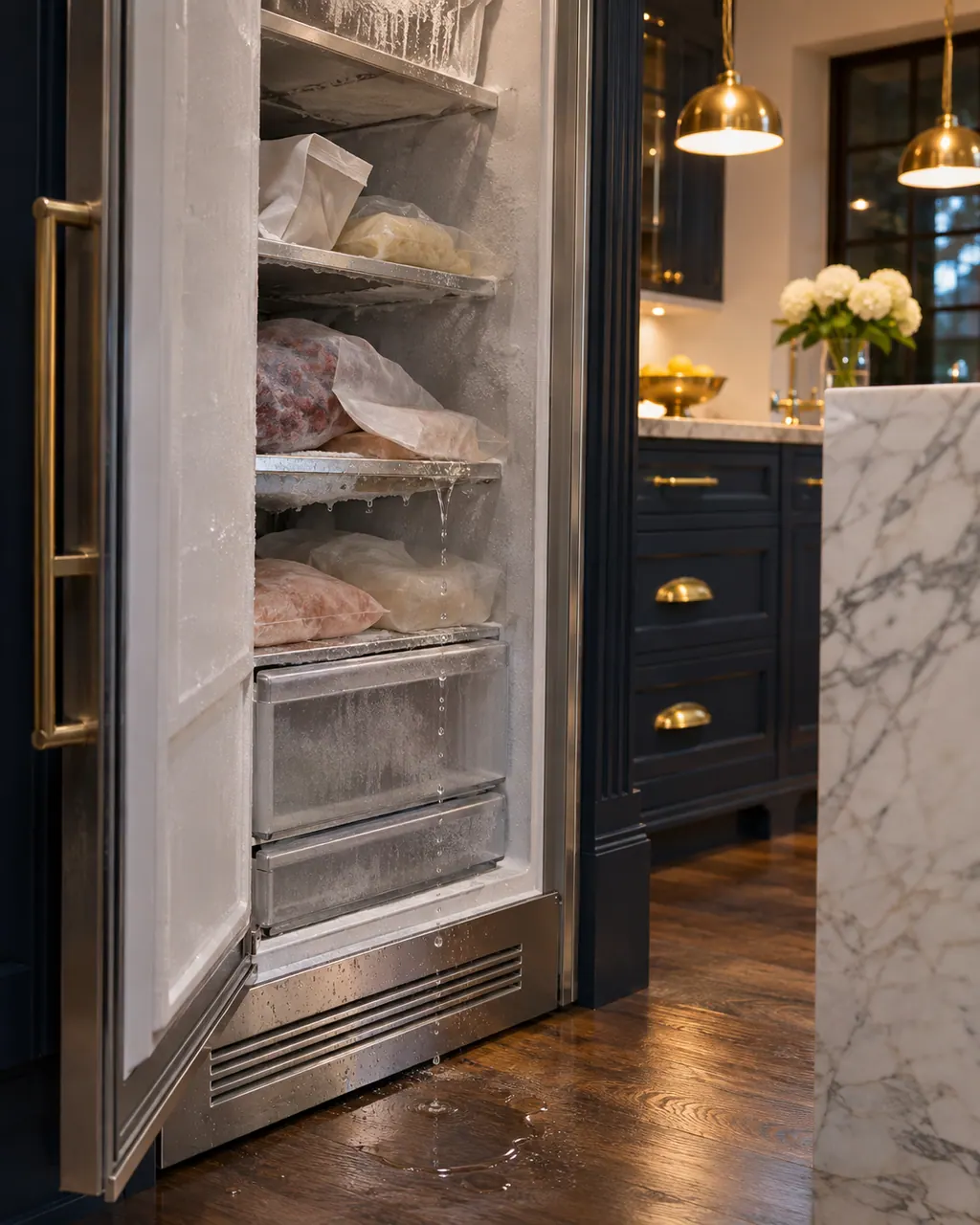
Start with safe observations.
Turn the appliance off and pull the plug before doing any check yourself. Look out for standing water and sharp edges. Never handle a wet plug, remove a service panel or step beyond what your model's guide permits an owner.
- 1
Demo mode
Press and hold ALARM OFF for 15 seconds until three tones sound. The panel and interior lights go off briefly and ALARM OFF flashes. Press ALARM OFF again and check cooling after a short time.
- 2
Ventilation openings
Keep the external openings clear. Covered openings make the refrigeration unit work longer and more often.
- 3
Heat and sun
Install the unit away from heating elements, cookers and other heat sources and out of prolonged direct sunlight.
- 4
Door and load
Open the door only as briefly as needed and let hot food cool before putting it in. Switch on Super freezing before adding a lot of fresh food.
- 5
Temperature off the setting
Switch the appliance off and back on after about 5 minutes. Recheck warm readings after a couple of hours and cold ones the next day.
- 6
E or d on the display
The electronics found a problem. Switch off, disconnect power for 5 minutes, then reconnect.
Systems a technician may investigate.
These parts relate to the symptom, though what you noticed cannot show that any single one has failed.
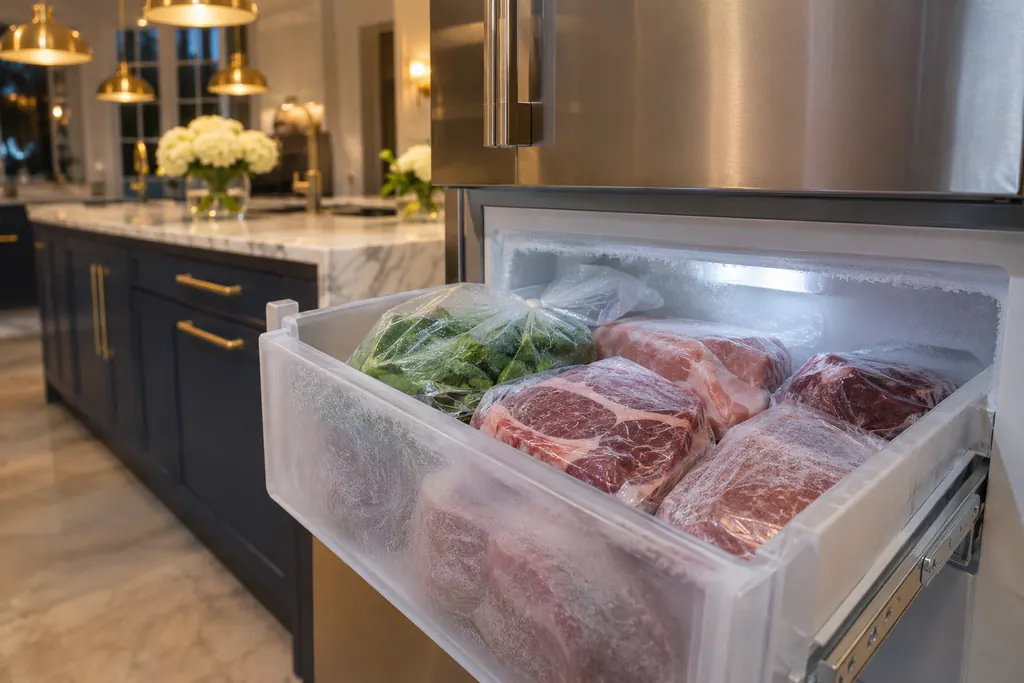
If the display adds a code.
Look after it the way this appliance's own guide describes.
When observation becomes a service request.
Leave internal testing to a technician.
Demo mode is off and the freezer stays warm.
E or d stays on the display after the 5-minute reset.
The freezer is much warmer than its setting a day later.
The LED lighting fails. The guide sends that to service.
Arrange a diagnosticSources and model boundaries.
These documents back up the Thermador freezer not cooling guidance. Choose the manual written for your model.
- Use and care guide, Fridge-freezer combination T36FT.. (en-us)
Match your model to the guide it shipped with. See how we research these pages.
The freezer is lit but warm. What is going on?
The guide lists demo mode: the unit shows lights and displays but does not cool. Hold ALARM OFF for 15 seconds to switch it off.
Why does it run so much?
Frequent door opening and covered ventilation openings. The guide also says modern units switch on more often and at different power levels.
Is frost on the back wall bad?
The guide says a frost layer on the back wall of the refrigerator compartment is normal, since it defrosts automatically.
When should I use Super freezing?
Before putting a larger amount of fresh food into the appliance, per the guide.
Thermador messages, symptoms, parts, repair visits
Move from the message to your next step.
Demo mode
Demo mode on a Thermador freezer column keeps the display and lighting on while the unit does not cool. Switch demo mode off in the Settings menu, under Appliance settings, and cooling resumes.
Thermador freezer not cooling
A Thermador column freezer with a lit display that is not cooling is probably in demo mode; hold ALARM OFF for 15 seconds to end it. If it is cooling but warm, the guide points to covered ventilation openings, frequent door opening or a large load of fresh food, and suggests a 5-minute power-off reset.
Freezer Super Freeze
Super Freeze makes a Thermador freezer column cool the freezer compartment as cold as possible. The guide suggests it to freeze food right through, or to run ahead of a heavy load of 2 kg or more. Noise may rise while it runs, and the freezer returns to normal operation after about 2 and a half days.
Freezer repair
Book a diagnostic made for your exact model and performed at the appliance itself.
Find your metro
Where the offices are, and what to tell us about getting in.