Start from the symptom
Thermador freezer alarm sounding.
A Thermador column freezer sounds two different alarms. If ALARM OFF flashes with a tone and the door is open, close it. If the freezer temperature display flashes too, press ALARM OFF, then check after several hours that the set temperature returns. Covered vents or a big load of fresh food are the usual causes.
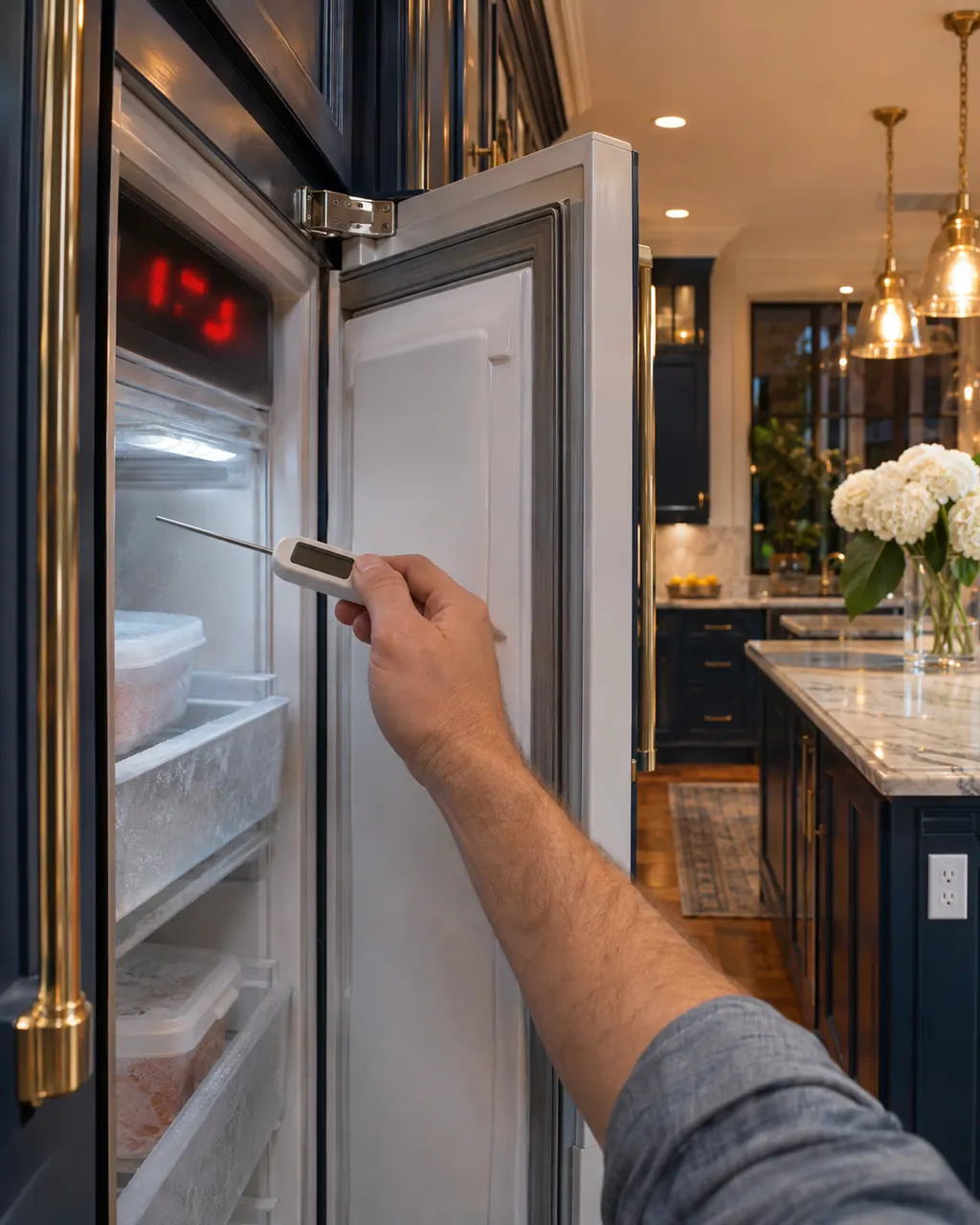
Start with safe observations.
Turn the appliance off and pull the plug before doing any check yourself. Look out for standing water and sharp edges. Never handle a wet plug, remove a service panel or step beyond what your model's guide permits an owner.
- 1
Door alarm
A tone with ALARM OFF flashing and the door open means close the door. The alarm stops once it is shut.
- 2
Temperature alarm
If the freezer temperature display and ALARM OFF flash with the tone, press ALARM OFF. This switches the alarm off.
- 3
Recheck later
After several hours, check whether the set freezer temperature has been reached again.
- 4
Vents
Covered external ventilation openings are a listed cause. Remove anything blocking them.
- 5
Fresh food
Large quantities of fresh food can trigger the alarm. Switch on Super freezing before adding a large amount.
Systems a technician may investigate.
These parts relate to the symptom, though what you noticed cannot show that any single one has failed.
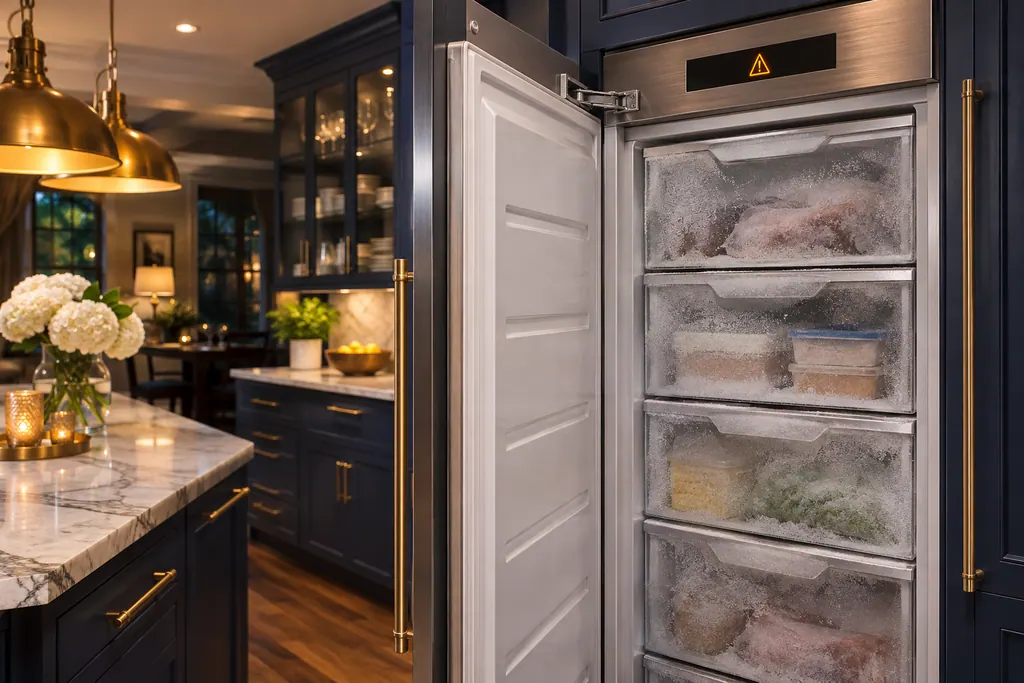
Freezer door and temperature alarm
A Thermador freezer column gives a door alarm when the door is ajar for too long, and a temperature alarm once the freezer compartment turns too warm. The message appears on the control panel. The temperature message shows the warmest reading reached, and pressing the confirm button clears it once the cause is gone.
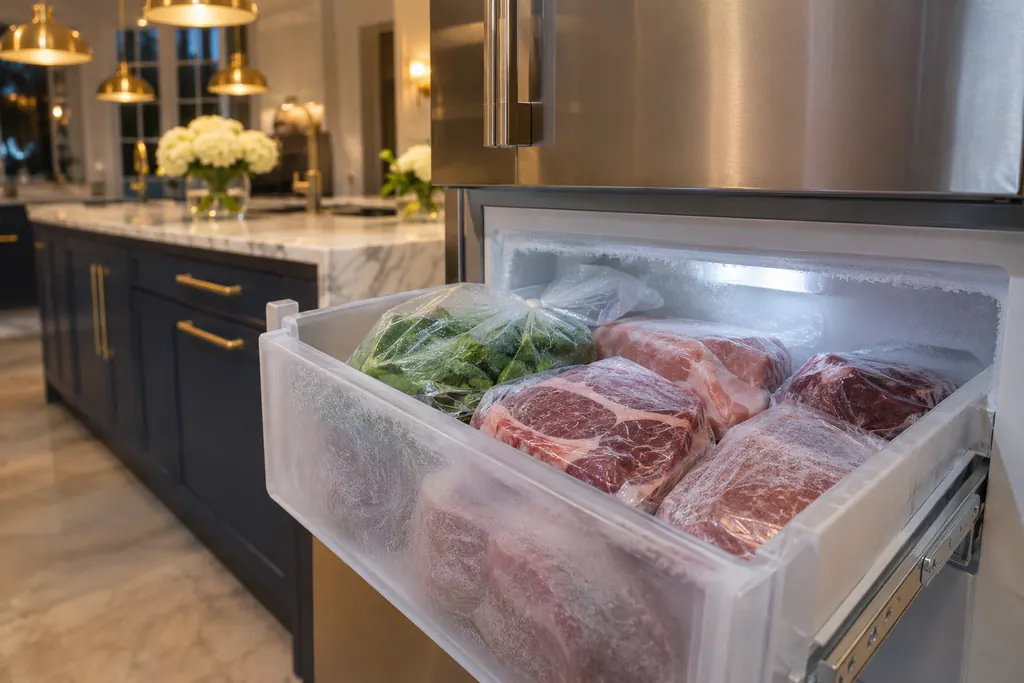
Freezer Super Freeze
Super Freeze makes a Thermador freezer column cool the freezer compartment as cold as possible. The guide suggests it to freeze food right through, or to run ahead of a heavy load of 2 kg or more. Noise may rise while it runs, and the freezer returns to normal operation after about 2 and a half days.
If the display adds a code.
Look after it the way this appliance's own guide describes.
When observation becomes a service request.
Leave internal testing to a technician.
The temperature alarm comes back repeatedly with clear vents.
The freezer does not return to its set temperature after several hours.
Frozen food has started to soften.
The door sits ajar even when nothing blocks it.
Arrange a diagnosticSources and model boundaries.
These documents back up the Thermador freezer alarm sounding guidance. Choose the manual written for your model.
- Use and care guide, Fridge-freezer combination T36FT.. (en-us)
Match your model to the guide it shipped with. See how we research these pages.
How do I silence the temperature alarm?
Press ALARM OFF. The alarm is switched off, then check after several hours that the set temperature has returned.
Why did it alarm after I stocked up?
Large quantities of fresh food are a listed cause. Use Super freezing before loading a lot.
Does a door alarm mean something is broken?
No, it means the door is open. Close it and the alarm stops.
Could blocked vents cause it?
Yes, covered external ventilation openings are a listed cause of the temperature alarm.
Thermador messages, symptoms, parts, repair visits
Move from the message to your next step.
Temperature alarm message
The temperature alarm message on a Thermador freezer column means the freezer compartment became too warm. Make sure the cause is gone, such as an open door, then acknowledge the message on the panel.
Thermador freezer not cooling
A Thermador column freezer with a lit display that is not cooling is probably in demo mode; hold ALARM OFF for 15 seconds to end it. If it is cooling but warm, the guide points to covered ventilation openings, frequent door opening or a large load of fresh food, and suggests a 5-minute power-off reset.
Freezer door and temperature alarm
A Thermador freezer column gives a door alarm when the door is ajar for too long, and a temperature alarm once the freezer compartment turns too warm. The message appears on the control panel. The temperature message shows the warmest reading reached, and pressing the confirm button clears it once the cause is gone.
Freezer repair
Book a diagnostic made for your exact model and performed at the appliance itself.
Find your metro
Where the offices are, and what to tell us about getting in.