Start from the symptom
Thermador microwave won’t start.
When a Thermador built-in microwave’s display works but the oven will not run, the guide asks you to confirm the door is shut with nothing caught in the seal, the door is undamaged and demo mode is off. A fully dead display points to the breaker, fuse or plug.
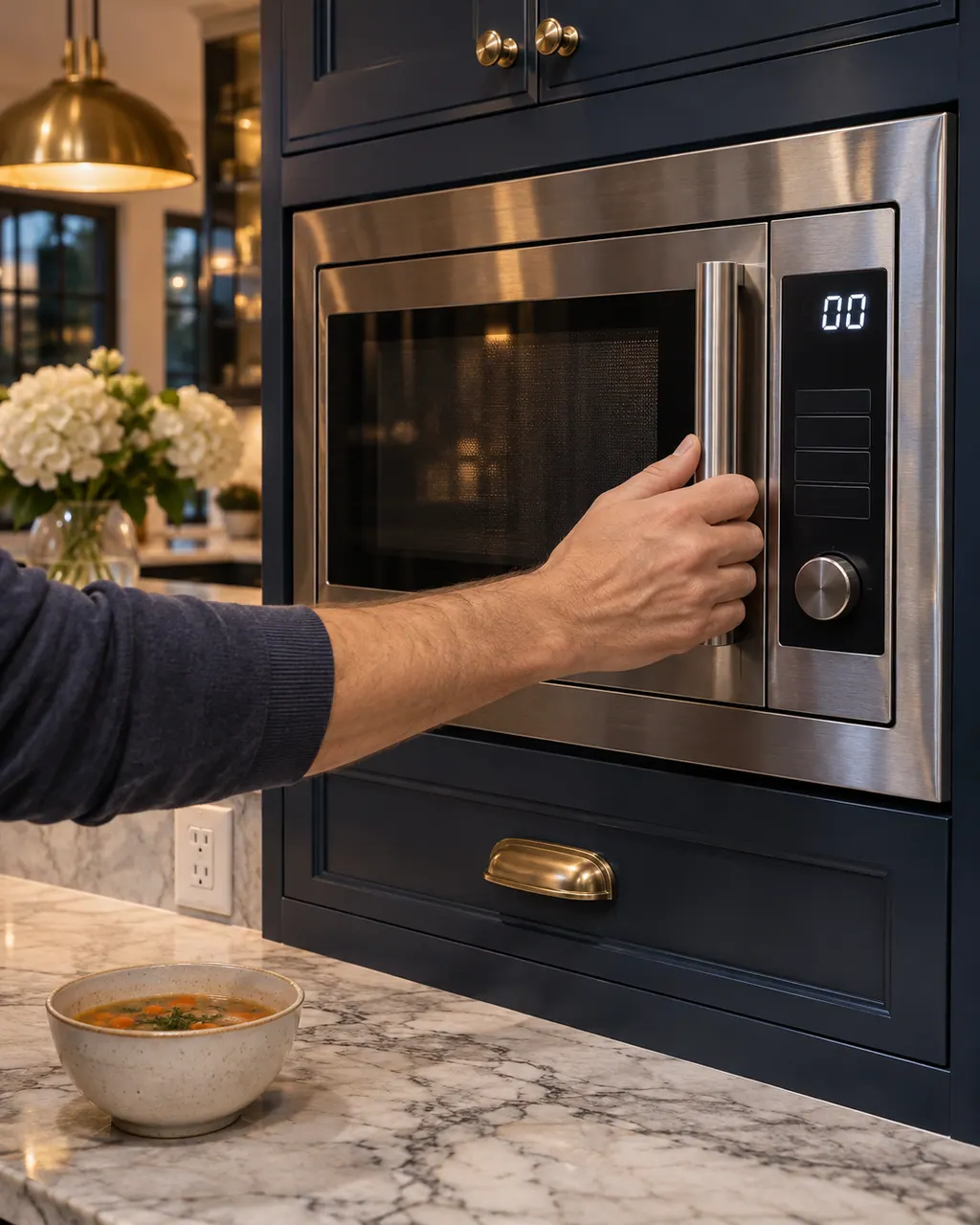
Start with safe observations.
Turn the appliance off and pull the plug before doing any check yourself. Look out for standing water and sharp edges. Never handle a wet plug, remove a service panel or step beyond what your model's guide permits an owner.
- 1
Dead display
Reset the household circuit breaker or replace any blown fuse, and push the plug fully into a grounded outlet.
- 2
Door closed
If the display glows yet the oven idles, confirm that the door is shut tight on its seal.
- 3
Seal and door
Check whether packing material or anything else is stuck to the door seal, and look for damage to the door.
- 4
Demo mode
In demo mode the oven operates but does not heat. Check it is not on.
- 5
Power lost mid-cook
If the power goes off before the time ends, reset the clock and cooking settings, then check the breaker or fuse.
- 6
Drawer models
On a MicroDrawer, part or all not operating can mean a loose cord, an outage, a failed fuse or breaker, or demo mode. A locked panel also stops the touch controls.
Systems a technician may investigate.
These parts relate to the symptom, though what you noticed cannot show that any single one has failed.
Microwave panel lock
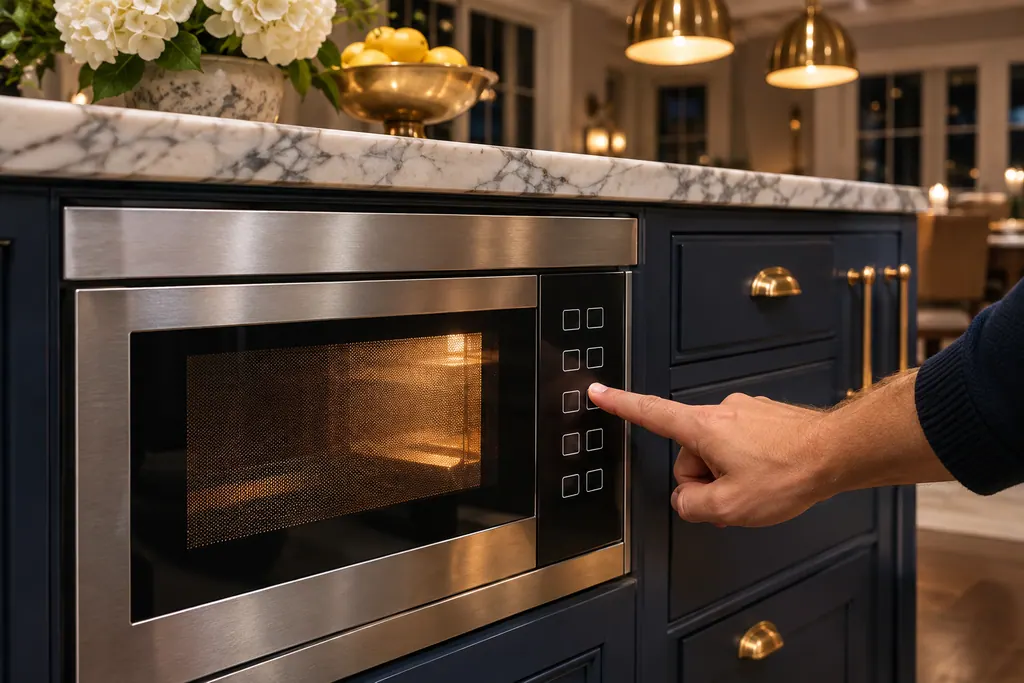
The Panel Lock on a Thermador MicroDrawer microwave locks the control panel and the automatic drawer mechanism so the drawer cannot be moved by accident. Hold the 5 key for three seconds to lock it, and LOCK ON appears. Do the same to unlock and LOCK OFF appears. Any power interruption cancels the lock.
Microwave drawer seals and guides
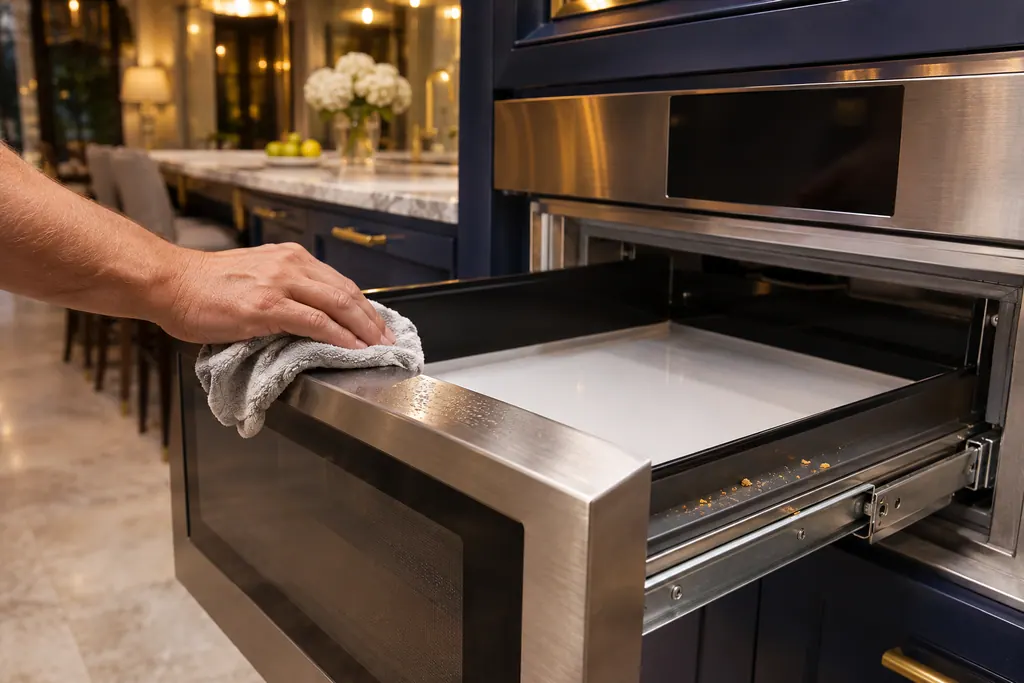
A Thermador MicroDrawer microwave closes against sealing surfaces and rides on drawer guides. Wipe the sealing surfaces with a damp cloth plus mild soap, and clear crumbs from the guides so the drawer runs smoothly. Never run it with a bent drawer or damaged seals.
If the display adds a code.
Look after it the way this appliance's own guide describes.
When observation becomes a service request.
Leave internal testing to a technician.
The display is lit, the door is closed and clean and it still will not run.
The breaker opens when the microwave runs.
The door looks damaged.
An error message appears with a Customer Service number.
Arrange a diagnosticSources and model boundaries.
These documents back up the Thermador microwave won’t start guidance. Choose the manual written for your model.
- Use and Care Guide, Masterpiece Series Built-in Microwave Oven MB30WS
- Use and Care Guide, Built-in MicroDrawer Microwave Oven MD24BS MD30BS
Match your model to the guide it shipped with. See how we research these pages.
Why is the display on but nothing happens?
The guide names a door not fully shut, packing stuck in the seal, door damage and demo mode.
What does demo mode do?
The oven can be operated but does not heat.
The touch buttons do nothing.
On the MB30WS this may be condensation on the keypad. Clean it with a dry cloth, cut the fuse for 10 seconds, restore it. A panel lock stops them on drawer models.
Should steam at the vent worry me?
On the drawer model, no. Some steam at the vent while microwaving is expected.
Thermador messages, symptoms, parts, repair visits
Move from the message to your next step.
DEMO ON
On a Thermador MicroDrawer microwave, DEMO ON? HOLD START 3 SEC is a prompt, not an error. Holding the start (+30 secs) key for 3 seconds switches demo mode on. Leave the key alone if you want to cook.
Thermador microwave won’t start
When a Thermador built-in microwave’s display works but the oven will not run, the guide asks you to confirm the door is shut with nothing caught in the seal, the door is undamaged and demo mode is off. A fully dead display points to the breaker, fuse or plug.
Microwave panel lock
The Panel Lock on a Thermador MicroDrawer microwave locks the control panel and the automatic drawer mechanism so the drawer cannot be moved by accident. Hold the 5 key for three seconds to lock it, and LOCK ON appears. Do the same to unlock and LOCK OFF appears. Any power interruption cancels the lock.
Microwave repair
Book a diagnostic made for your exact model and performed at the appliance itself.
Find your metro
Where the offices are, and what to tell us about getting in.