What it means
On a Thermador MicroDrawer microwave, DEMO ON? HOLD START 3 SEC is a prompt, not an error. Holding the start (+30 secs) key for 3 seconds switches demo mode on. Leave the key alone if you want to cook.
Thermador microwave DEMO ON / Modes and messages
On a Thermador MicroDrawer microwave, DEMO ON? HOLD START 3 SEC is a prompt, not an error. Holding the start (+30 secs) key for 3 seconds switches demo mode on. Leave the key alone if you want to cook.
Also appears as DEMO ON
On a Thermador MicroDrawer microwave, DEMO ON? HOLD START 3 SEC is a prompt, not an error. Holding the start (+30 secs) key for 3 seconds switches demo mode on. Leave the key alone if you want to cook.
It asks a question: DEMO ON?
The drawer stays in demo mode when you want to cook.
Your Thermador steps, stored on this device only
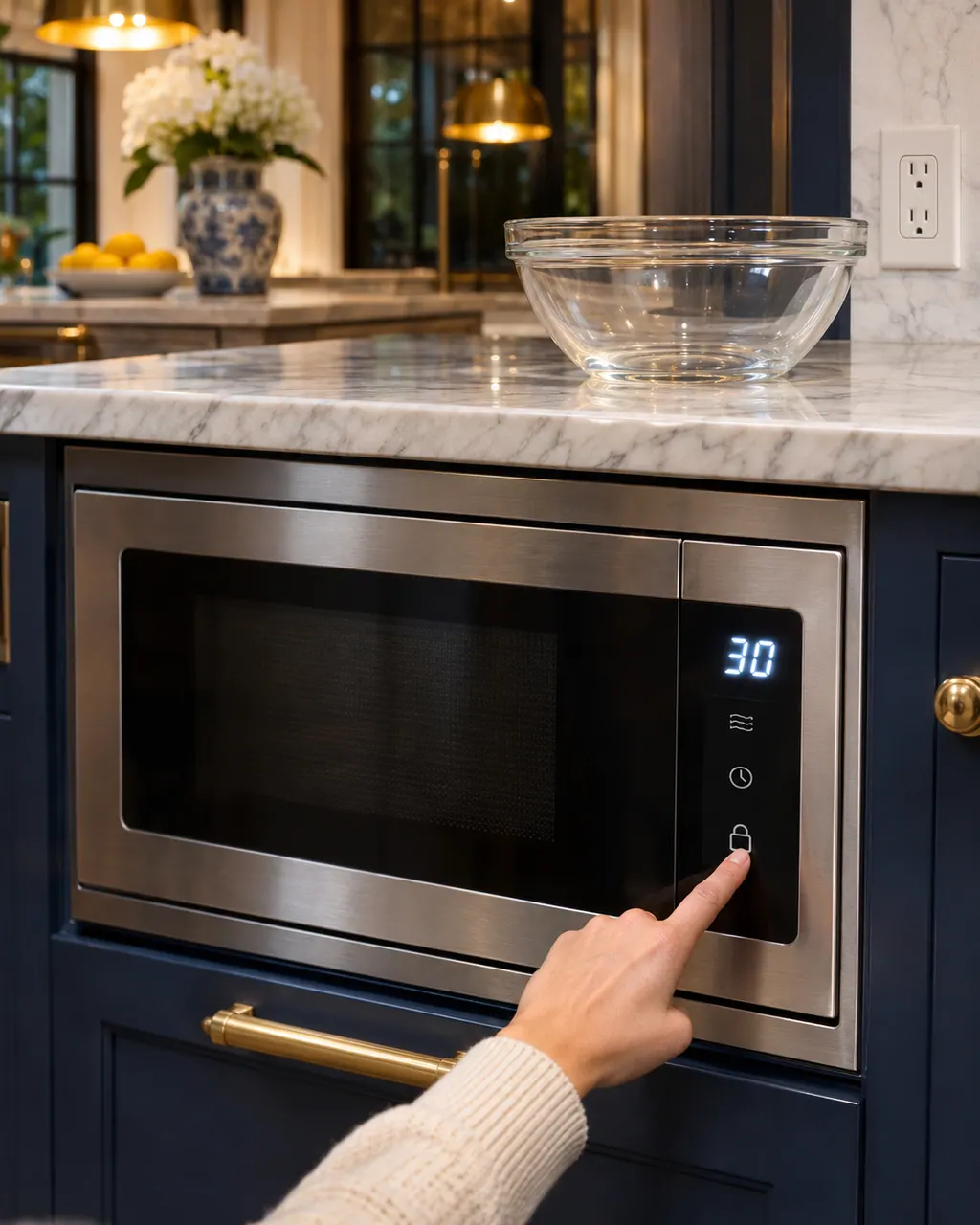
It asks a question: DEMO ON? HOLD START 3 SEC.
A 3-second hold of the start (+30 secs) key turns demo mode on.
To cancel it, the guide says to touch the timer/settings key eleven times, which brings up DEMO OFF? TOUCH START.
If the drawer will not cook after you leave demo mode, book a visit.
Give us your model number and the checks you already made, then start your request below.
Book a visitA simplified drawing, since the layout shifts from one model to the next. Tap any outlined part for its photo and the check that goes with it.
A showroom setting. The guide lets you select it with the timer/settings key and a 3-second hold of start.
Read the supporting manualTouch the timer/settings key eleven times, then touch start at the DEMO OFF? TOUCH START prompt.
Read the supporting manualTouching the timer/settings key repeatedly brings up the prompt, which is how an accidental selection happens.
Read the supporting manualManufacturer document
BSH Home Appliances Corporation (Thermador US manual PDF, media3.bsh-group.com)
PDF created 30.09.2025; file tag _B (no printed edition date read) / PDF p18
Source: the use and care guide for the Thermador MicroDrawer microwave ovens MD24BS and MD30BS, p. 18.
The guide describes it as a display mode; use it only if you want a demonstration.
The guide ties the prompt to repeated touches of the timer/settings key, which is how an accidental selection happens. It gives nine touches for the prompt and eleven to cancel it.
No. DEMO ON? HOLD START 3 SEC is a prompt, not a failure, and demo mode is only a mode. Leave the start key alone if you want to cook.
Book a visit. If you cannot leave demo mode by touching timer/settings eleven times and touching start at the DEMO OFF? TOUCH START prompt, the drawer needs a look.
Thermador messages, symptoms, parts, repair visits
When a Thermador built-in microwave’s display works but the oven will not run, the guide asks you to confirm the door is shut with nothing caught in the seal, the door is undamaged and demo mode is off. A fully dead display points to the breaker, fuse or plug.
Book a diagnostic made for your exact model and performed at the appliance itself.
Where the offices are, and what to tell us about getting in.