Inside the appliance
Microwave panel lock. In plain English.
The Panel Lock on a Thermador MicroDrawer microwave locks the control panel and the automatic drawer mechanism so the drawer cannot be moved by accident. Hold the 5 key for three seconds to lock it, and LOCK ON appears. Do the same to unlock and LOCK OFF appears. Any power interruption cancels the lock.
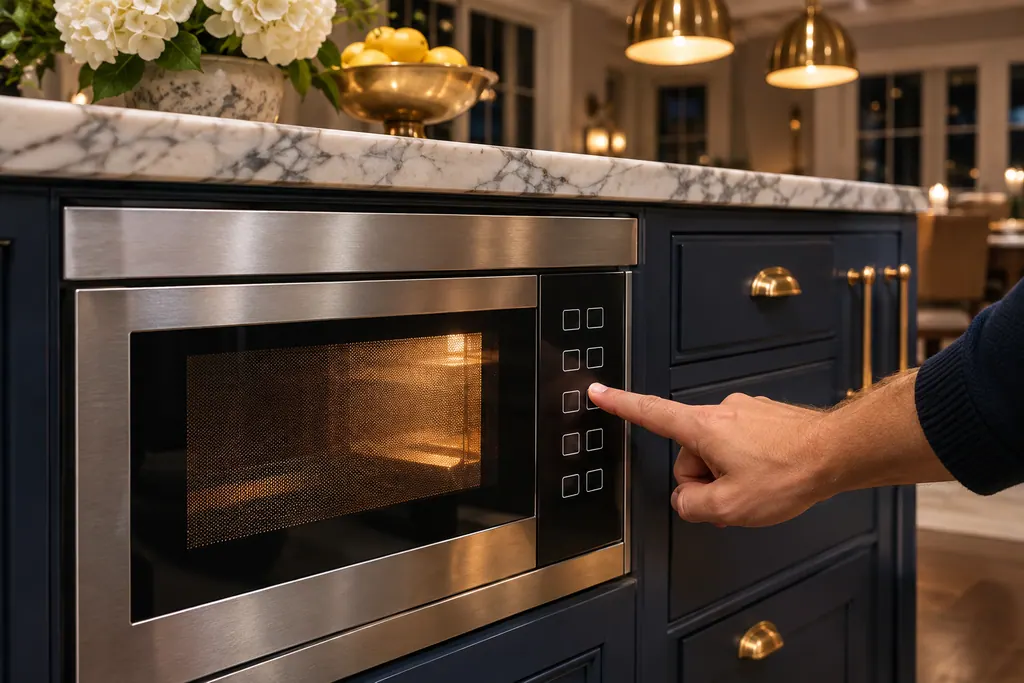
Where it fits.
Microwave panel lock in the appliance
On the touch control panel; the lock key is the number 5 held for 3 seconds.
The picture stands for a type of component. Which replacement suits your model is a separate question.
What shifts when this system needs a look.
Microwave panel lock concerns may show up next to a drop in performance or a message that keeps returning. Testing comes before any verdict on the component.
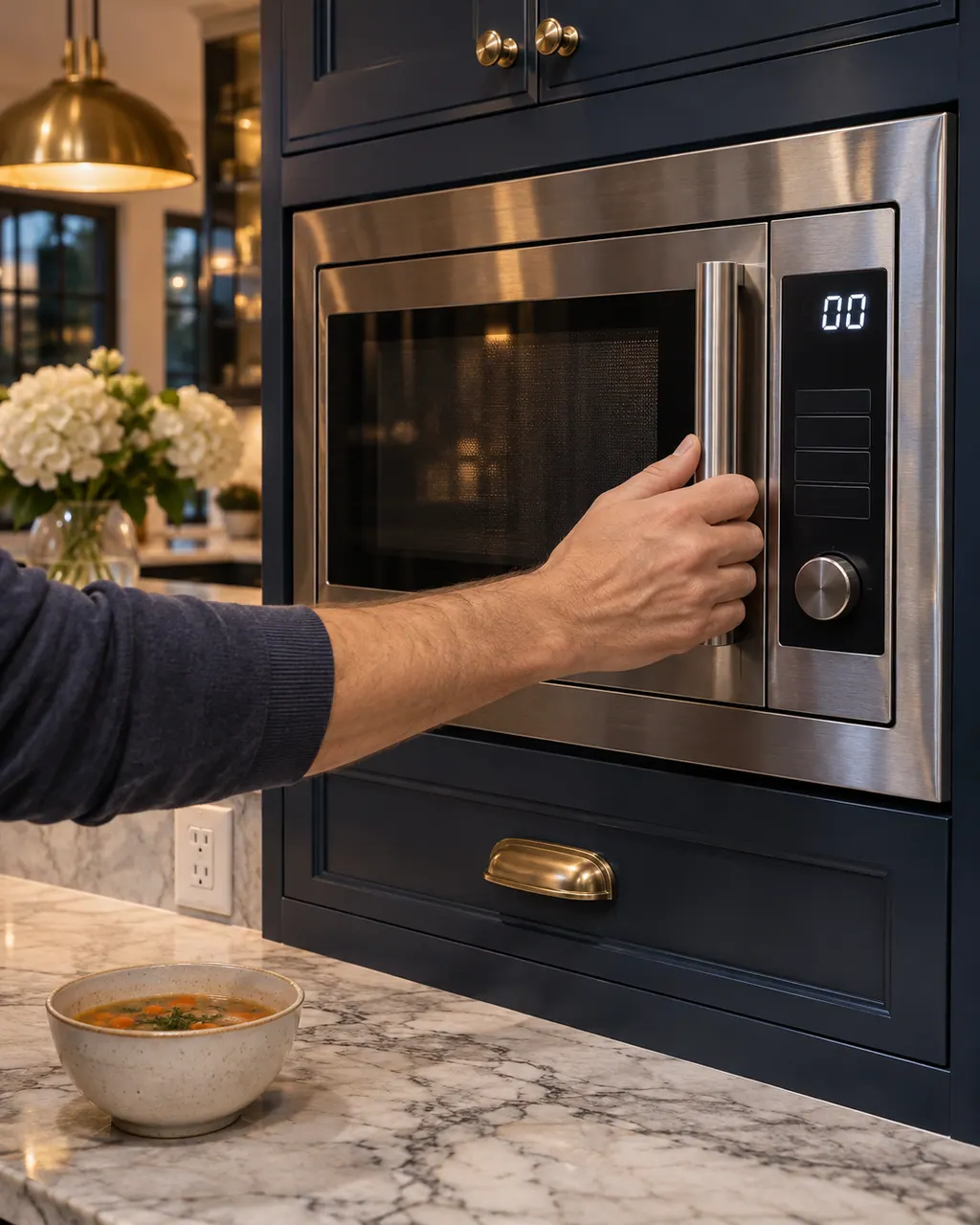
Owner care, within the model instructions.
Turn the appliance off and pull the plug before doing any check yourself. Look out for standing water and sharp edges. Never handle a wet plug, remove a service panel or step beyond what your model's guide permits an owner.
- 1
Hold the 5 key
Keep the 5 key down for three seconds. LOCK ON or LOCK OFF appears.
- 2
Unlock before you cook
The troubleshooting table says touch controls that will not operate mean Panel Lock is on.
- 3
Lock it while cleaning
Lock the panel before you wipe, so the drawer stays put while you clean. Unlock when you finish.
- 4
Reset after a power cut
The lock clears whenever power is interrupted, so set it again once power returns.
Cleaning or replacement?
Leave internal testing to a technician.
Keys stay dead although LOCK OFF is showing.
Drawer ignores the Open and Close keys with the lock off.
Arrange a diagnosticSee the neighboring components.
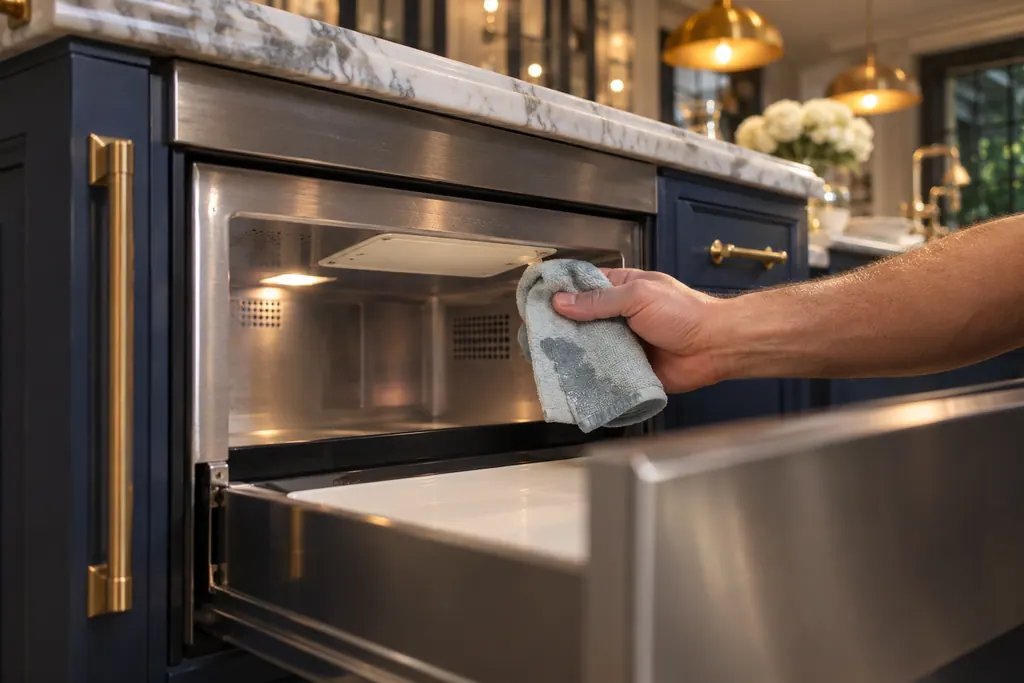
Microwave waveguide cover
Inside the top of a Thermador MicroDrawer microwave sits a waveguide cover made of mica, which needs special care. Wipe spatters off in place with a soft damp cloth straight away, since a crust of splashes can overheat, smoke or even ignite. Never take the cover out.
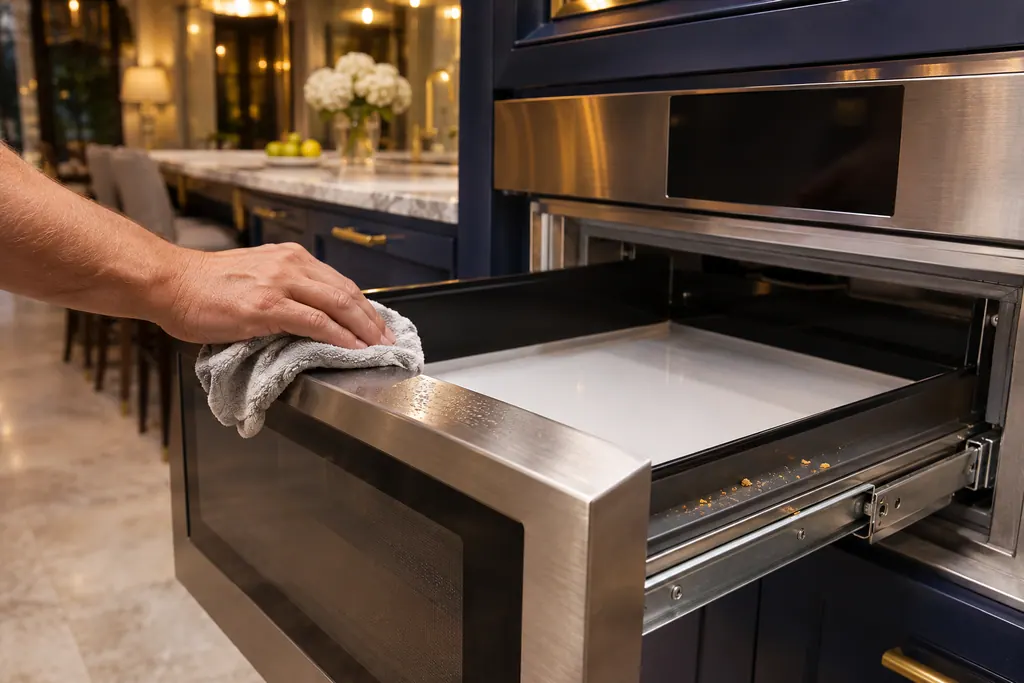
Microwave drawer seals and guides
A Thermador MicroDrawer microwave closes against sealing surfaces and rides on drawer guides. Wipe the sealing surfaces with a damp cloth plus mild soap, and clear crumbs from the guides so the drawer runs smoothly. Never run it with a bent drawer or damaged seals.
Sources and model boundaries.
These documents back up the Microwave panel lock guidance. Choose the manual written for your model.
- Use and Care Guide, Built-in MicroDrawer Microwave Oven MD24BS MD30BS
Match your model to the guide it shipped with. See how we research these pages.
How do I turn the lock on?
Press and keep the 5 key down for three seconds; LOCK ON then appears.
Why will the touch controls not respond?
The troubleshooting table gives Panel Lock being on as the cause, and sends you to the unlock steps.
Does the lock stay after a power cut?
No. An interruption of the electrical supply cancels it.
Can I push the drawer by hand?
Use the Open or Close key. The guide says not to push or pull the drawer by hand except in an emergency.
Thermador messages, symptoms, parts, repair visits
Move from the message to your next step.
LOCK ON
LOCK ON on a Thermador MicroDrawer means the controls and the automatic door mechanism are locked. Touch the number 5 and hold for 3 seconds to unlock; the display then shows LOCK OFF.
Thermador microwave won’t start
When a Thermador built-in microwave’s display works but the oven will not run, the guide asks you to confirm the door is shut with nothing caught in the seal, the door is undamaged and demo mode is off. A fully dead display points to the breaker, fuse or plug.
Microwave repair
Book a diagnostic made for your exact model and performed at the appliance itself.
Find your metro
Where the offices are, and what to tell us about getting in.