What it means
F0 means MoveMode® is not activated on a Thermador induction cooktop. Touch any button to acknowledge it; you can keep cooking as normal without MoveMode®.
Thermador cooktop F0 / Modes and limits
F0 means MoveMode® is not activated on a Thermador induction cooktop. Touch any button to acknowledge it; you can keep cooking as normal without MoveMode®.
Also appears as F0
F0 means MoveMode® is not activated on a Thermador induction cooktop. Touch any button to acknowledge it; you can keep cooking as normal without MoveMode®.
This confirms the display.
F0 returns every time you cook.
Your Thermador steps, stored on this device only
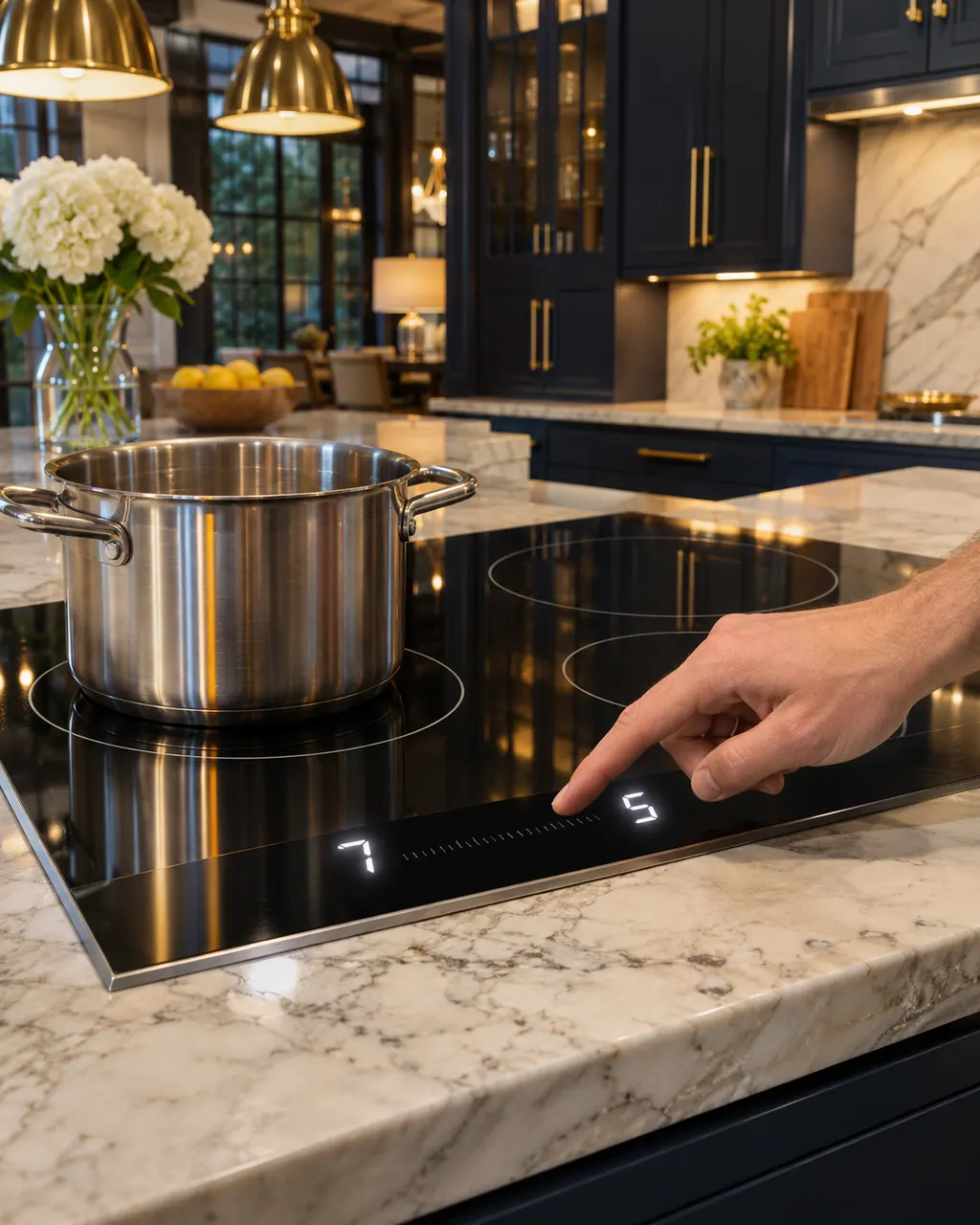
This confirms the display.

Cooking continues without MoveMode®.

If you wanted MoveMode®, activate it per the manual.
If F0 returns every time you cook, book a visit.
Give us your model number and the checks you already made, then start your request below.
Book a visit
A simplified drawing, since the layout shifts from one model to the next. Tap any outlined part for its photo and the check that goes with it.
A cooktop function; F0 says it is not on.
Read the supporting manualF9 concerns the extended Flex Zone; F0 concerns MoveMode®.
Read the supporting manualNo; the Thermador manual says you may continue cooking.
Read the supporting manualMoveMode® moves the power level or temperature setting from one cooking zone to another. You lift the cookware and set it on a different area, and the setting follows it. The Freedom guide calls this the transfer function.
Read the supporting manualThe guide's troubleshooting row for the transfer function gives one cause: the original cookware was removed and a different size of cookware was put in its place. The steps are to touch any touch key to acknowledge the code, then set the original item back down to test the transfer.
Read the supporting manualManufacturer document
Thermador / BSH Home Appliances (thermador.com/us support page)
Undated web page; fetched 12.11.2026 / entry "F0"
Manufacturer document
BSH Home Appliances Corporation (Thermador US manual PDF, media3.bsh-group.com)
PDF created 25.09.2026; file tag _H (no printed edition date read) / PDF p18, p32
Source: the Thermador induction cooktop error-code page, entry F0. The Freedom induction cooktop guide describes MoveMode® and the matching troubleshooting row.
Not for a single occurrence. F0 only says MoveMode® is not activated, and the Thermador manual lets you carry on cooking.
The Thermador manual says MoveMode® is not activated. It moves a power or temperature setting between zones, and F0 appears when that function is not on.
Not according to the Thermador manual. You can keep cooking as normal without MoveMode® after touching any button to acknowledge the message.
Mention it when you book. If F0 returns every time you cook, tell us the model and whether you were trying to use MoveMode®.
The guide names a size change as the cause: the original cookware was removed and a differently sized item took its place. Put the original pan back to test the transfer, or carry on cooking without it.
Thermador messages, symptoms, parts, repair visits
F9 means the extended Flex Zone on a Thermador induction cooktop does not switch on. Touch any button to confirm the message and keep cooking on the other zones.
When one Thermador burner will not light while the rest do, the support page points to the burner cap: it is out of alignment, and its tabs must sit in the notches on the burner base. The cooktop guide adds a 4-second rule and clean, dry igniter ports. Gas odor means shut the unit off and book a visit.
Book a diagnostic made for your exact model and performed at the appliance itself.
Where the offices are, and what to tell us about getting in.