Start from the symptom
Thermador wine column wine reserve not cooling.
A Thermador glass door wine reserve that is not cooling may simply be switched off: if the display reads OFF, hold the ON/OFF button for 3 seconds. Otherwise the guide names heavy door use, covered vents, a warm room and a damaged gasket. Go through those, and call us if bottles stay warm.
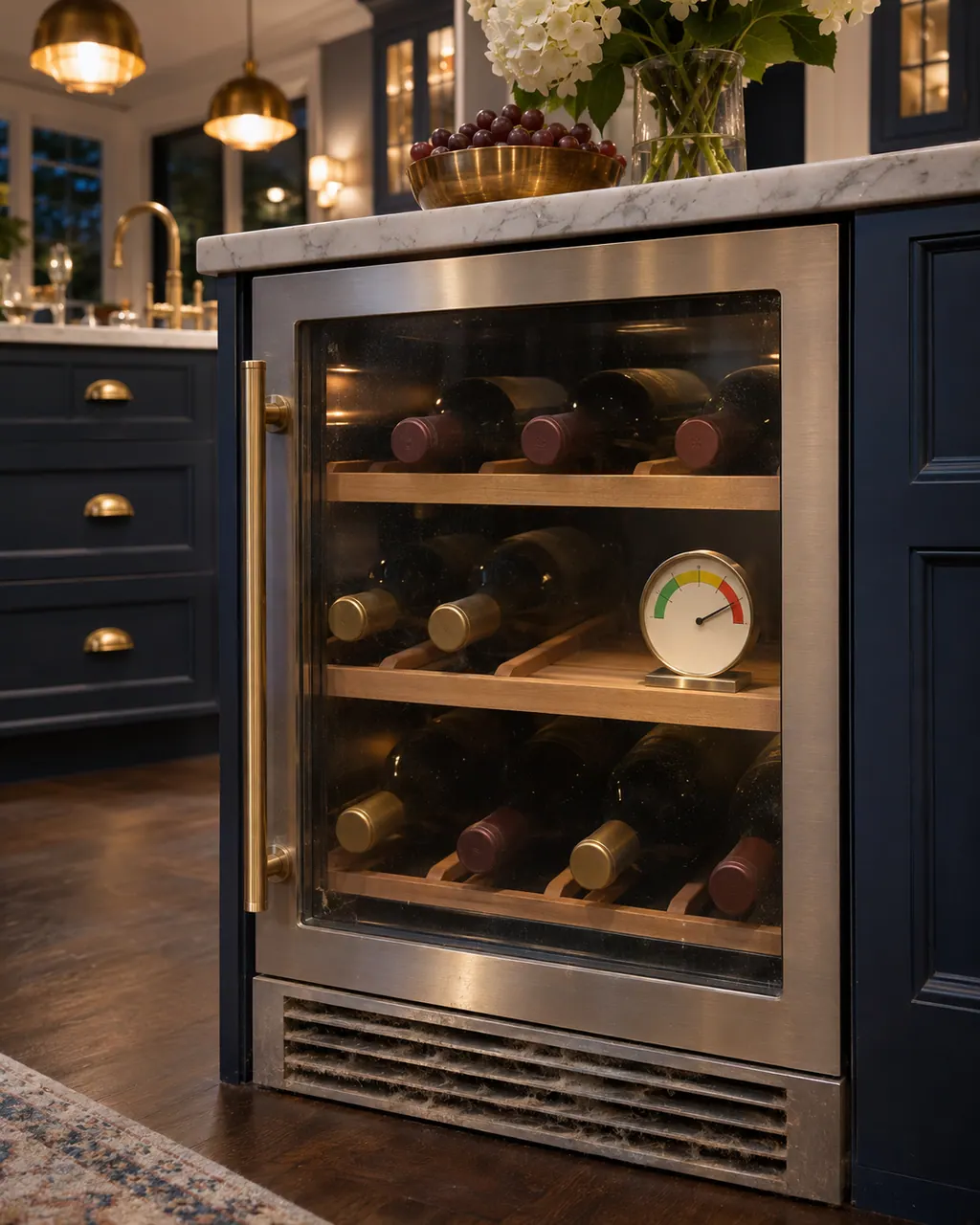
Start with safe observations.
Turn the appliance off and pull the plug before doing any check yourself. Look out for standing water and sharp edges. Never handle a wet plug, remove a service panel or step beyond what your model's guide permits an owner.
- 1
Display says OFF
Hold the ON/OFF button for 3 seconds to switch the unit on.
- 2
Outage and breaker
The guide first asks about a power outage, a blown household fuse or tripped breaker, and whether the unit is connected properly.
- 3
Door openings
Do not open the door more than needed. Frequent opening is a listed cause.
- 4
Vents at the base
Remove obstacles at the ventilation openings at the base of the unit and in the interior.
- 5
Room and sun
Keep the unit out of direct sunlight and away from heat sources. A hot room makes the compressor run more.
- 6
Gasket
Inspect the door gasket. If it is damaged, cold air escapes and the compressor runs more than normal.
Systems a technician may investigate.
These parts relate to the symptom, though what you noticed cannot show that any single one has failed.
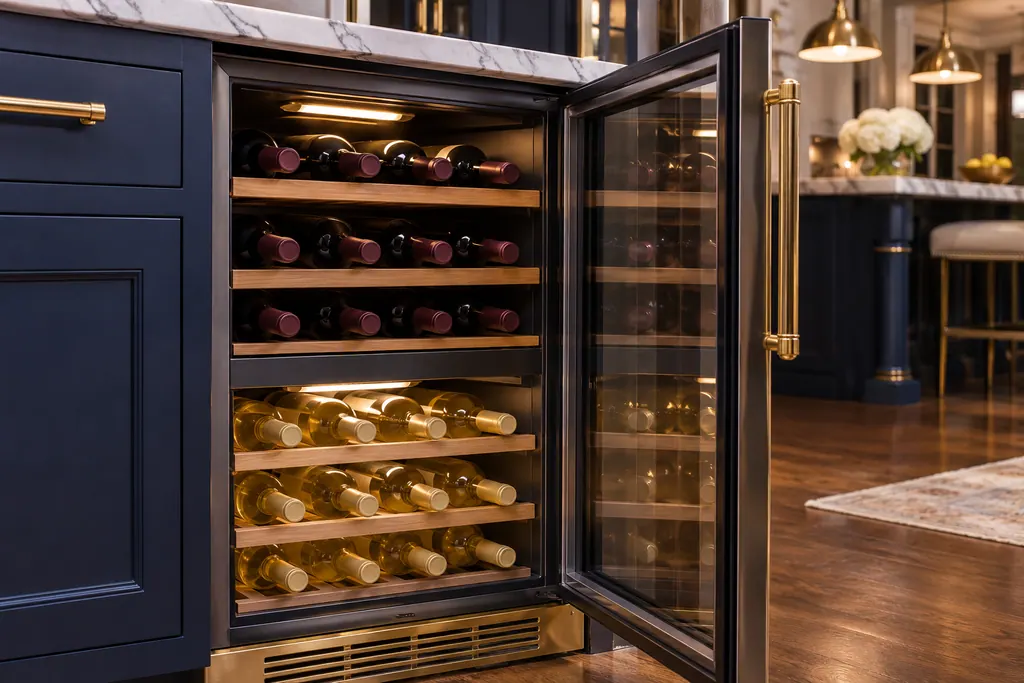
If the display adds a code.
Modes
OFF on the display of a Thermador under-counter wine cooler means the unit is switched off and is not cooling. Press and hold the ON/OFF button for 3 seconds to switch it on.
Alarms
HI on a Thermador under-counter wine cooler means the temperature inside is too high. Wait for the contents to cool or remove warm bottles, then press the alarm button once.
Look after it the way this appliance's own guide describes.
When observation becomes a service request.
Leave internal testing to a technician.
The unit is on, vents are clear and the gasket is sound, but bottles are warm.
The compressor never stops after the warm stock cooled.
The gasket is torn.
HI keeps coming back after you press alarm.
Arrange a diagnosticSources and model boundaries.
These documents back up the Thermador wine reserve not cooling guidance. Choose the manual written for your model.
- Use & Care Guide, Glass Door Wine Reserve T24UW925LS T24UW925RS T24UW915LS T24UW915RS T24UW905LP T24UW905RP
Match your model to the guide it shipped with. See how we research these pages.
Why is the compressor running all the time?
The guide lists covered vents, a large or warm load, a hot environment and a gasket that is not sealing. It runs until the product cools.
How do I turn the unit back on?
If the display reads OFF, press and hold the ON/OFF button for 3 seconds.
What if bottles are too cold instead?
The guide says to raise the temperature, and to rearrange bottles so nothing blocks the interior ventilation holes.
The LED will not light. Is that a failure?
Not always. The guide says Sabbath mode keeps it off; disengage Sabbath mode first.
Thermador messages, symptoms, parts, repair visits
Move from the message to your next step.
OFF
OFF on the display of a Thermador under-counter wine cooler means the unit is switched off and is not cooling. Press and hold the ON/OFF button for 3 seconds to switch it on.
Thermador wine reserve not cooling
A Thermador glass door wine reserve that is not cooling may simply be switched off: if the display reads OFF, hold the ON/OFF button for 3 seconds. Otherwise the guide names heavy door use, covered vents, a warm room and a damaged gasket. Go through those, and call us if bottles stay warm.
Wine reserve temperature zones
A Thermador glass door wine reserve is split in two: a top compartment and a bottom compartment, each set separately. The guide starts the upper at 46 degrees F and the lower at 58, with ranges of 40 to 54 and 40 to 64. The left buttons change the upper zone and the right buttons the lower.
Wine column repair
Book a diagnostic made for your exact model and performed at the appliance itself.
Find your metro
Where the offices are, and what to tell us about getting in.