Inside the appliance
Wine reserve temperature zones. In plain English.
A Thermador glass door wine reserve is split in two: a top compartment and a bottom compartment, each set separately. The guide starts the upper at 46 degrees F and the lower at 58, with ranges of 40 to 54 and 40 to 64. The left buttons change the upper zone and the right buttons the lower.
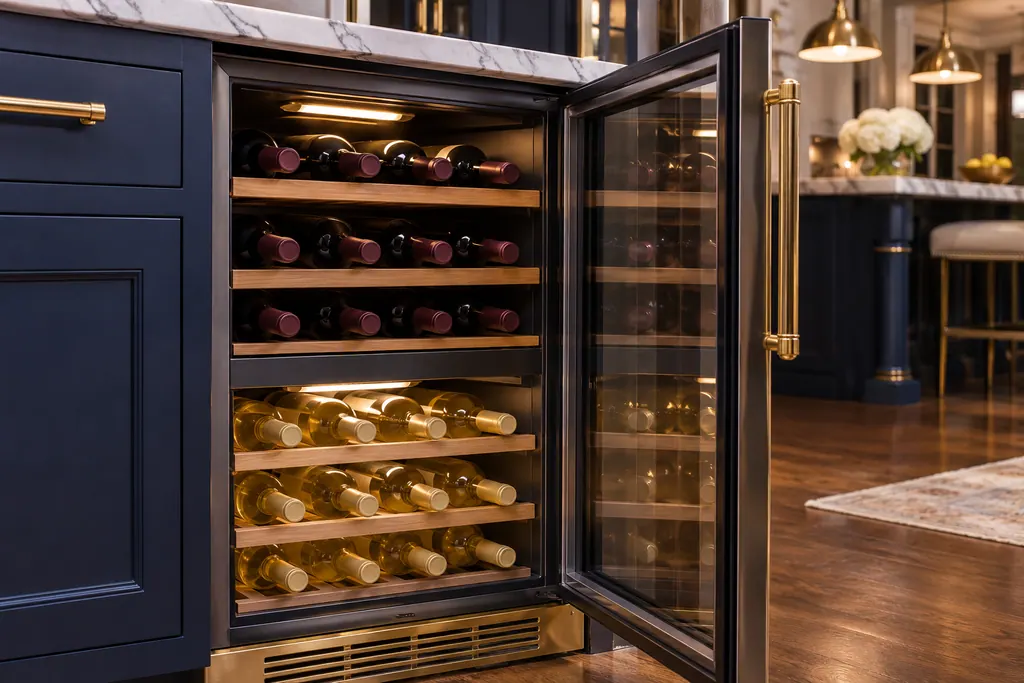
Where it fits.
Wine reserve temperature zones in the appliance
Two compartments inside the cabinet, set from the touch panel with left and right selection buttons.
The picture stands for a type of component. Which replacement suits your model is a separate question.
What shifts when this system needs a look.
Wine reserve temperature zones concerns may show up next to a drop in performance or a message that keeps returning. Testing comes before any verdict on the component.
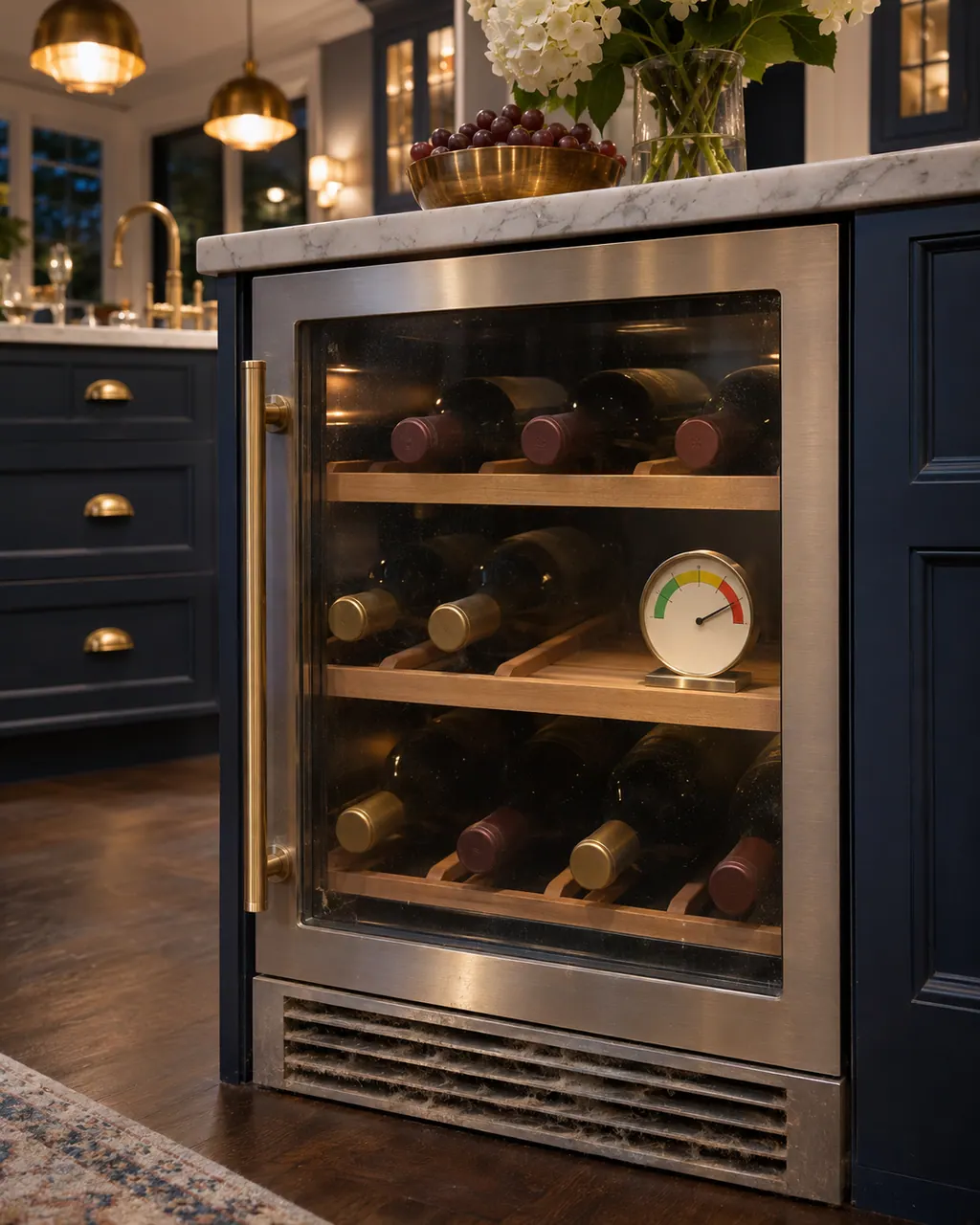
Thermador wine reserve not cooling
A Thermador glass door wine reserve that is not cooling may simply be switched off: if the display reads OFF, hold the ON/OFF button for 3 seconds. Otherwise the guide names heavy door use, covered vents, a warm room and a damaged gasket. Go through those, and call us if bottles stay warm.
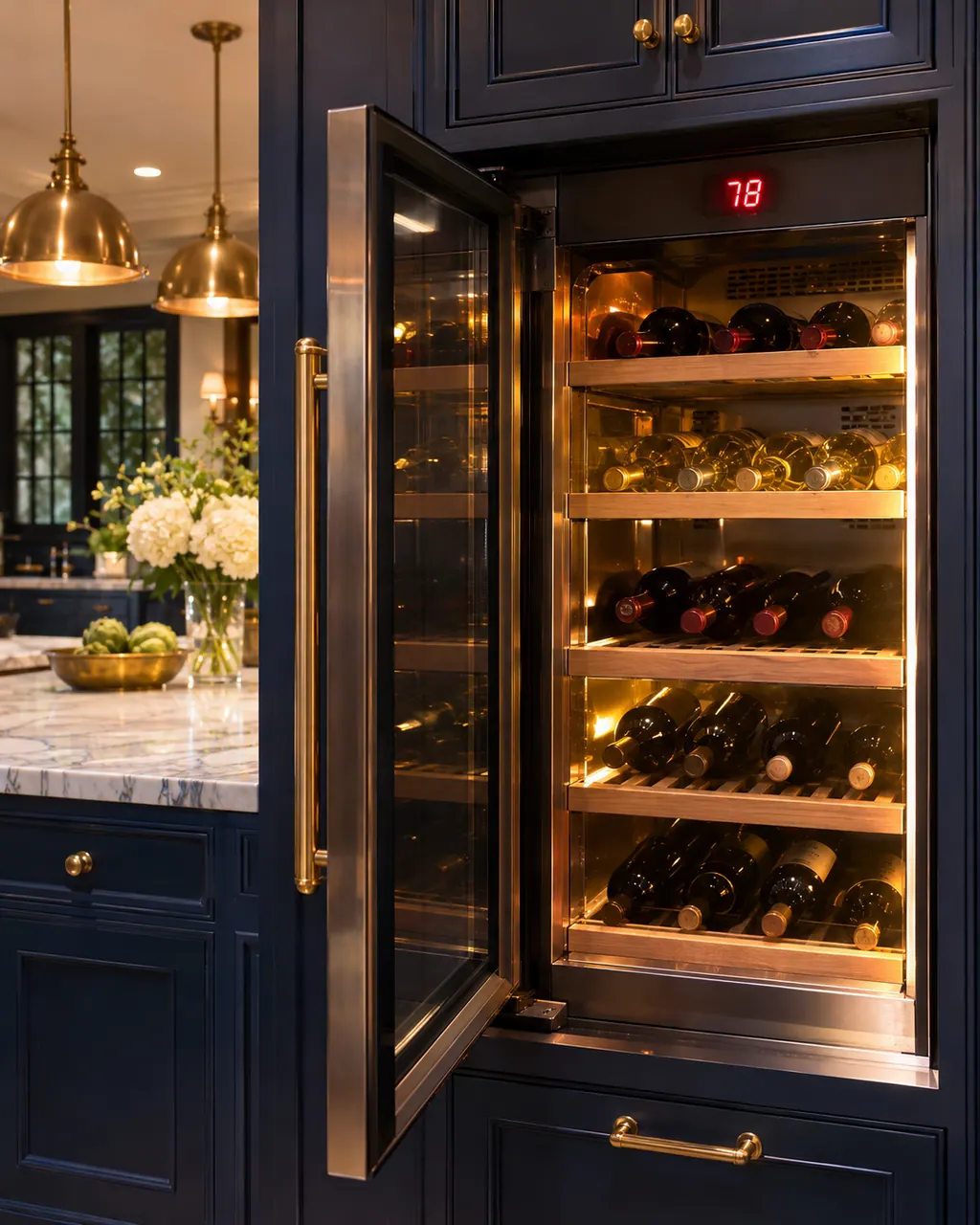
Thermador wine reserve HI alarm
HI on the display of a Thermador wine reserve means the high temperature alarm has triggered. The guide gives four causes: frequent door opening, covered vents, a large load of warm bottles and a hot room or bad gasket. Fix the cause, then press alarm once to silence it.
Owner care, within the model instructions.
Turn the appliance off and pull the plug before doing any check yourself. Look out for standing water and sharp edges. Never handle a wet plug, remove a service panel or step beyond what your model's guide permits an owner.
- 1
Use the right side of the panel
The left selection buttons change the upper compartment, the right ones the lower. Each press moves one degree.
- 2
Stay inside each range
Upper 40 to 54 degrees F, lower 40 to 64. The suggested starting points are 46 and 58.
- 3
Match the wine
The guide's table matches wine types to serving temperatures, since serving temperature matters for taste.
- 4
Allow the display to settle
After a change or a big reload, give the compartments time to reach the setting before judging them.
Cleaning or replacement?
Leave internal testing to a technician.
HI shows on the display after bottles have settled and the vents are clear.
One compartment never reaches its setting while the other does.
Arrange a diagnostic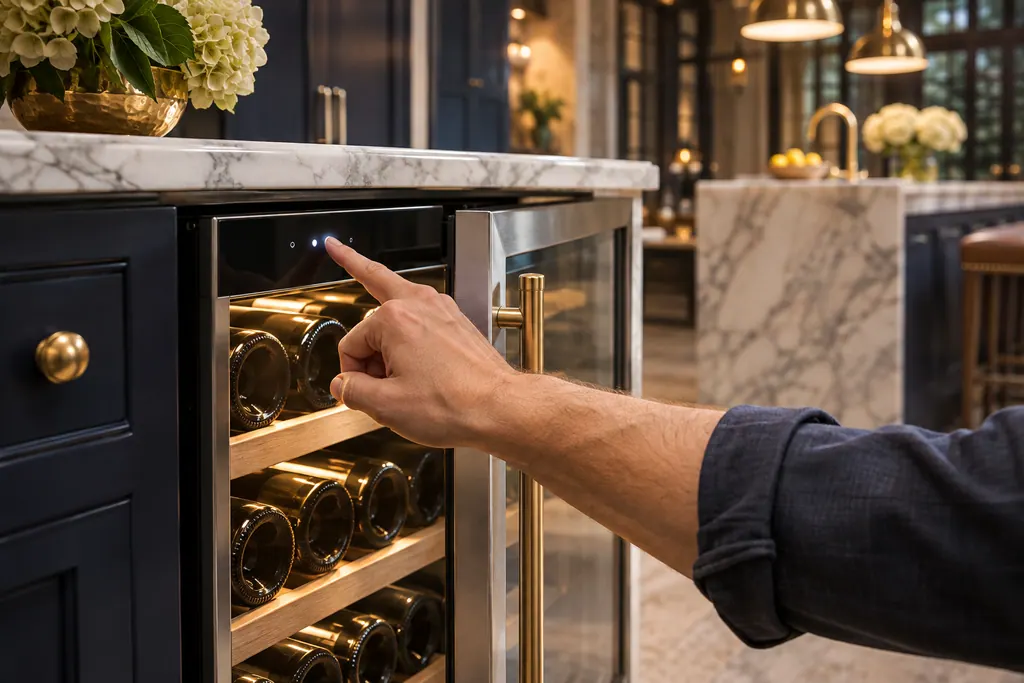
Sources and model boundaries.
These documents back up the Wine reserve temperature zones guidance. Choose the manual written for your model.
- Use & Care Guide, Glass Door Wine Reserve T24UW925LS T24UW925RS
Match your model to the guide it shipped with. See how we research these pages.
What are the default temperatures?
The guide sets 46 degrees F for the upper compartment and 58 for the lower.
What range can each zone use?
The upper zone runs 40 to 54 degrees F and the lower zone 40 to 64.
How do I change only the lower zone?
Use the right-side temperature selection buttons. The left-side buttons change the upper compartment.
Can I show Celsius?
Yes. The guide says the display can show degrees C or F, and F is the default.
Thermador messages, symptoms, parts, repair visits
Move from the message to your next step.
HI
HI on a Thermador under-counter wine cooler means the temperature inside is too high. Wait for the contents to cool or remove warm bottles, then press the alarm button once.
Thermador wine reserve not cooling
A Thermador glass door wine reserve that is not cooling may simply be switched off: if the display reads OFF, hold the ON/OFF button for 3 seconds. Otherwise the guide names heavy door use, covered vents, a warm room and a damaged gasket. Go through those, and call us if bottles stay warm.
Wine column repair
Book a diagnostic made for your exact model and performed at the appliance itself.
Find your metro
Where the offices are, and what to tell us about getting in.