What it means
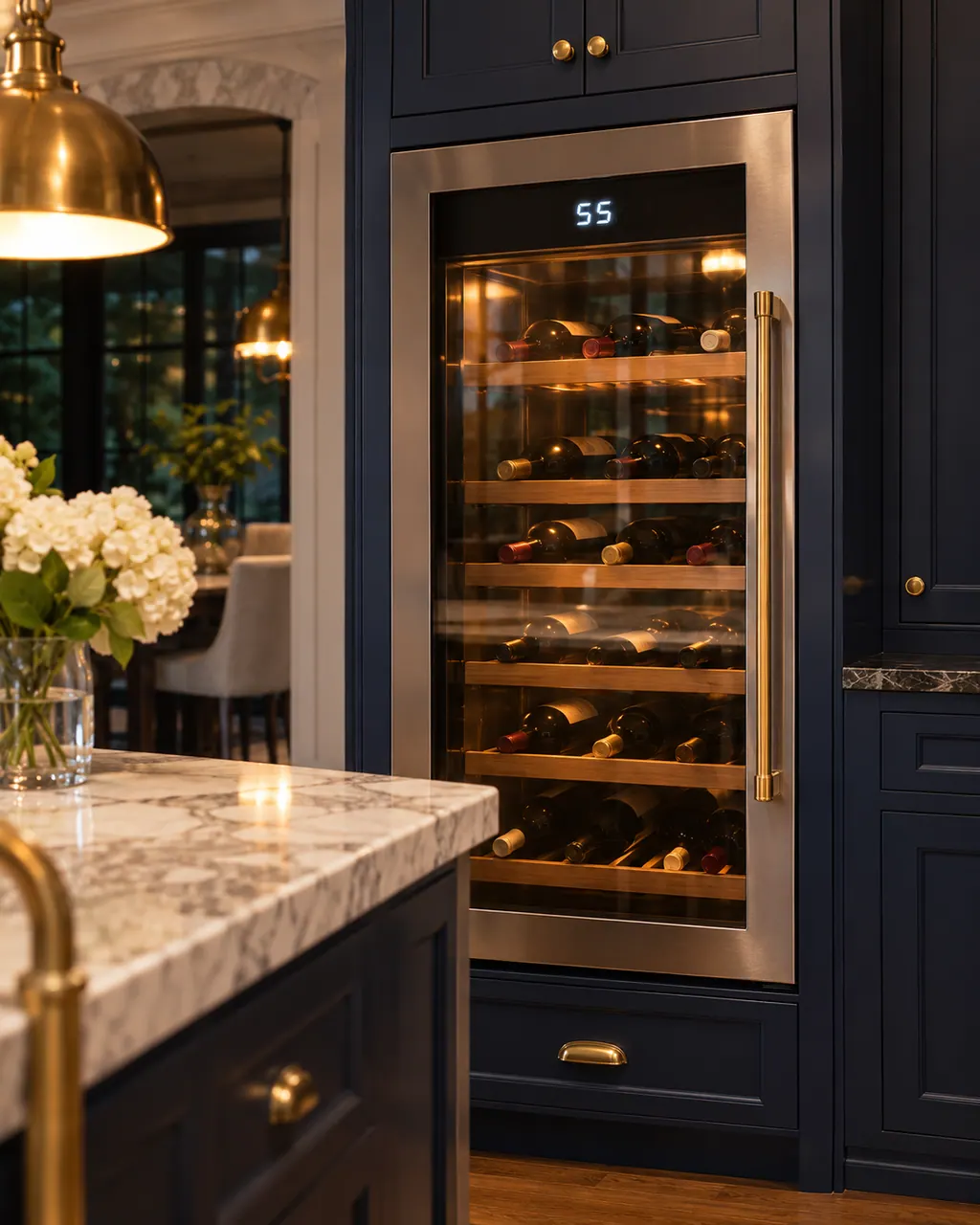
LOCK lit on a Thermador wine cooler means the control lock is on and the buttons are blocked. Press and hold LOCK for 3 seconds until the light goes off.
Thermador wine column LOCK / Modes
LOCK lit on a Thermador wine cooler means the control lock is on and the buttons are blocked. Press and hold LOCK for 3 seconds until the light goes off.
Also appears as LOCK
LOCK lit on a Thermador wine cooler means the control lock is on and the buttons are blocked. Press and hold LOCK for 3 seconds until the light goes off.
Press it for 3 seconds.
The buttons stay blocked.
Your Thermador steps, stored on this device only
Press it for 3 seconds.
It goes out when unlocked.
Check the controls respond.
If the buttons stay blocked, book a visit.
Give us your model number and the checks you already made, then start your request below.
Book a visitBlocks the buttons so settings are not changed by accident.
Read the supporting manualNo.
Read the supporting manualOFF means the unit is switched off and not cooling.
Read the supporting manualThe guide says the LOCK LED lights and all buttons are blocked. To release it, hold LOCK for 3 seconds or until the LOCK LED goes off. The control strip also carries ON/OFF, ALARM, SABBATH, LIGHT, the two temperature buttons and the degrees button, so none of those respond while LOCK is lit.
Read the supporting manualManufacturer document
BSH Home Appliances Corporation (Thermador US manual PDF, media3.bsh-group.com)
PDF created 18.01.2022; file tag _B (no printed edition date read) / PDF p7
Source: the use and care guide for the Thermador glass door wine reserve T24UW925LS and relatives, p. 7.
No. LOCK blocks the buttons so settings are not changed by accident, but the unit keeps cooling.
Hold LOCK for 3 seconds, the same hold that releases it. The LOCK light shows when the lock is on.
The lock may be on. When the LOCK light is lit, all buttons are blocked, including ON/OFF, ALARM, SABBATH, LIGHT and the temperature buttons.
Book a visit if the buttons stay blocked after you hold LOCK for 3 seconds and the light does not go off.
No. The guide says all buttons are blocked, which includes the temperature buttons. Hold LOCK for 3 seconds to release it first.
Thermador messages, symptoms, parts, repair visits
OFF on the display of a Thermador under-counter wine cooler means the unit is switched off and is not cooling. Press and hold the ON/OFF button for 3 seconds to switch it on.
A Thermador glass door wine reserve that is not cooling may simply be switched off: if the display reads OFF, hold the ON/OFF button for 3 seconds. Otherwise the guide names heavy door use, covered vents, a warm room and a damaged gasket. Go through those, and call us if bottles stay warm.
Book a diagnostic made for your exact model and performed at the appliance itself.
Where the offices are, and what to tell us about getting in.