What it means
Demo mode on a Thermador wine column keeps the display and lighting on while the unit does not cool. Switch demo mode off in the Settings menu and cooling resumes.
Thermador wine column Demo mode / Modes
Demo mode on a Thermador wine column keeps the display and lighting on while the unit does not cool. Switch demo mode off in the Settings menu and cooling resumes.
Also appears as Demo mode
Demo mode on a Thermador wine column keeps the display and lighting on while the unit does not cool. Switch demo mode off in the Settings menu and cooling resumes.
Press the button that opens the Settings menu.
The column fails to cool even then.
Your Thermador steps, stored on this device only
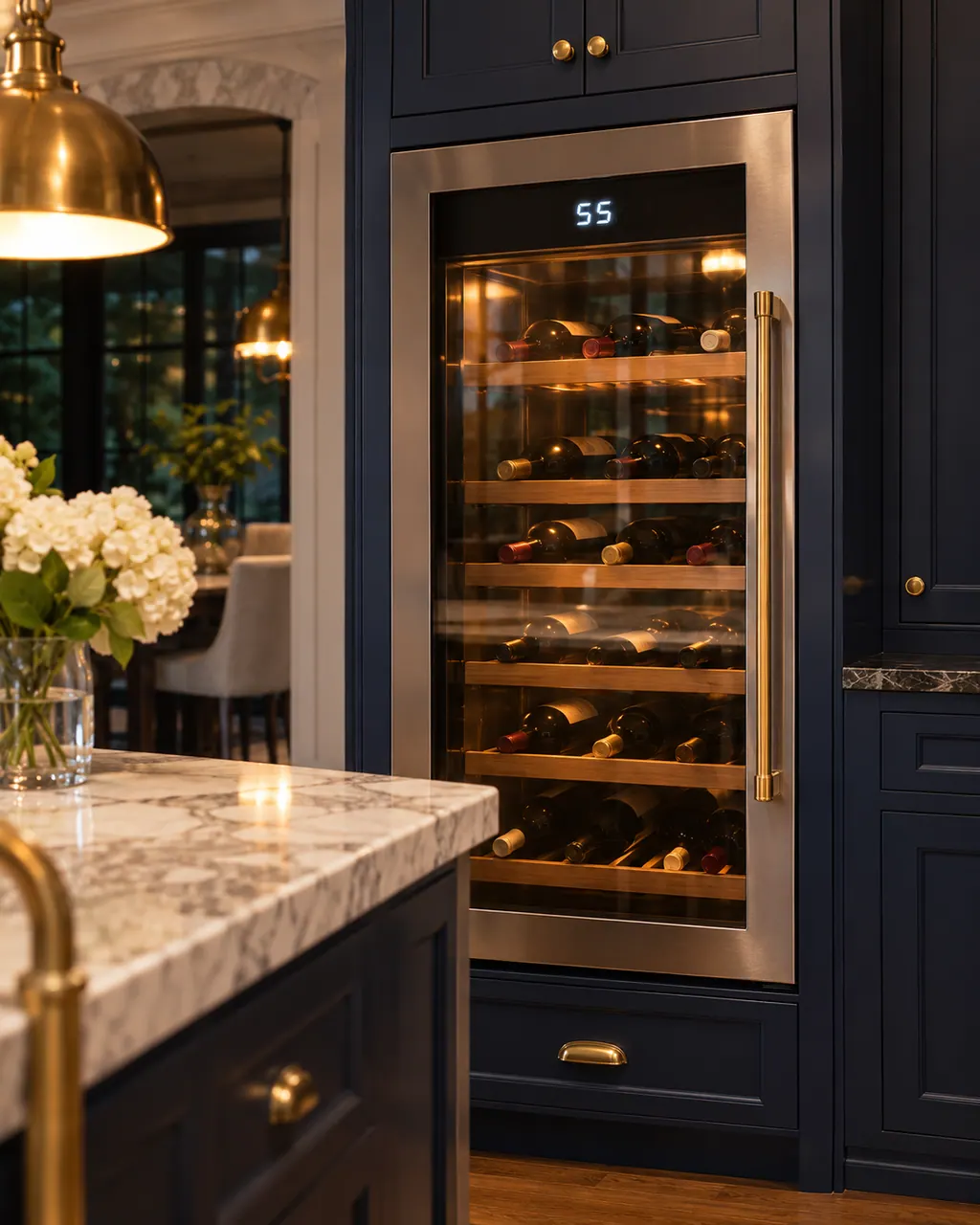
Press the button that opens the Settings menu.
The guide lists it in the menu.
Turn demo mode off.
If the column sat warm, check storage temperature.
Give us your model number and the checks you already made, then start your request below.
Book a visitDemo mode is one cause the guide lists.
Read the supporting manualNo. Cooling is simply off.
Read the supporting manualThrough the Settings menu.
Read the supporting manualPress the settings button, move to Appliance settings, confirm, then move to Demo mode, press the confirm button, choose On or Off and confirm again. The guide says the setting is then saved, and the exit button leaves the menu.
Read the supporting manualManufacturer document
BSH Home Appliances Corporation (Thermador US manual PDF, media3.bsh-group.com)
PDF created 13.10.2020; file tag _D (no printed edition date read) / PDF p20
Source: the use and care guide for the Thermador wine storage units T18IW905SP and T24IW905SP, p. 20.
A short warm spell is unlikely to matter, but the guide gives no figures.
The use and care guide does not say how demo mode got switched on. Switch it off in the Settings menu.
The self-test is a separate menu item and not part of demo mode. Turning demo mode off is what restores cooling.
If the column does not cool after demo mode is off.
The guide says not to store any food items in demo mode because the appliance remains at room temperature. Move anything that needs cooling elsewhere until demo mode is off and cooling restarts.
Thermador messages, symptoms, parts, repair visits
The Freedom wine columns from Thermador have a self-test that displays any problem your service can rectify. Open the Settings menu, choose Self-test and start it.
A Thermador glass door wine reserve that is not cooling may simply be switched off: if the display reads OFF, hold the ON/OFF button for 3 seconds. Otherwise the guide names heavy door use, covered vents, a warm room and a damaged gasket. Go through those, and call us if bottles stay warm.
Book a diagnostic made for your exact model and performed at the appliance itself.
Where the offices are, and what to tell us about getting in.